EN
4
CALL USER
_ _ 2
CALL CANC
MARIO ROSSI
CODE: 002
SCROLL CALL
Self-testing
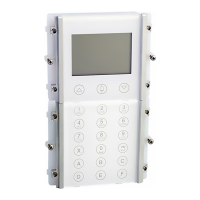
On power-up the device carries out a diagnostic test of
the connections to check the correct communication and
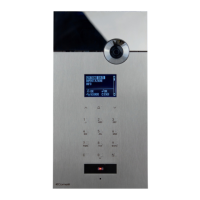
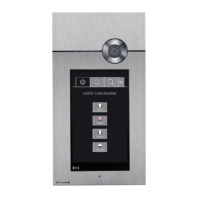
confi guration of the porter module Art. 1622, Art. 4680, Art.
4680C.
The message PLEASE WAIT indicates self-testing in
progress. On completion of self-testing, press the
key
to put the module in standby.
The word OK should appear next to the menu items with
the name SIMPLEBUS or SIMPLEBUS TOP at the bottom
of the screen depending on the confi guration of the porter
module and the directory module.
If the following message appears:
- FAILED check correct serial connection between directory
module and porter module Art. 1622, Art. 4680, Art. 4680C.
- ERROR check that the directory module and porter
module Art. 1622, Art. 4680, Art. 4680C are both confi gured
to the same system (SIMPLEBUS or SIMPLEBUS TOP)
(see "5. Setting call management" page 13).
INITIALIZING OK
NAMES STORED OK
PASSWORD OK
SPEAK. SERIAL OK
SIMPLEBUS
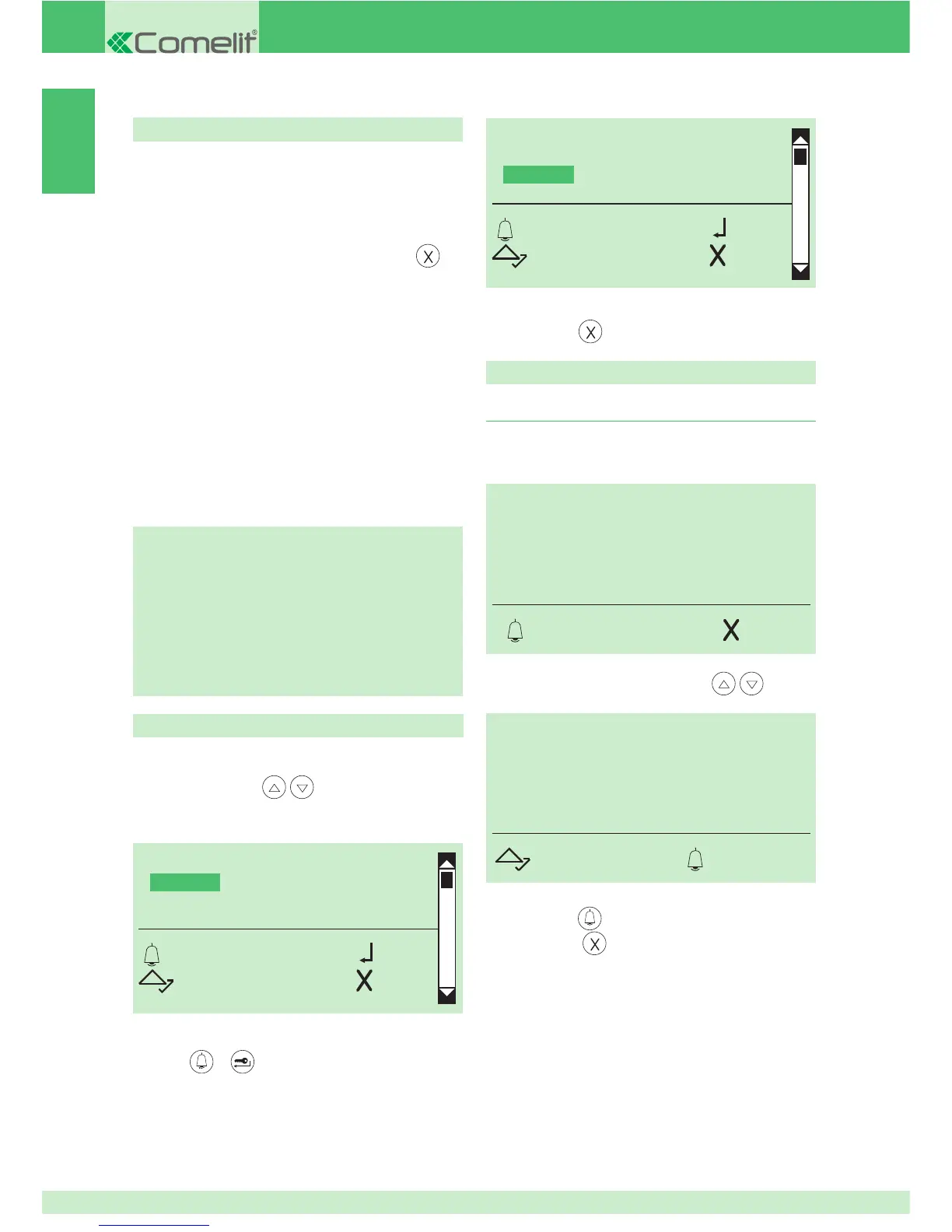
1. Calling a user
} standby mode
1A. enter the user code (e.g. 2)
1B. or scroll through the directory using
Use
Setting the language
2. to call, press
3. to exit, press
SELECT LANGUAGE
*ITALIANO
ENGLISH
FRANCAIS
OK OK
SCROLL ESC
2. press or to confi rm
1. to display the language that you want to select, scroll
through the list using
DEFAULT= Italiano
SELECT LANGUAGE
ITALIANO
*ENGLISH
FRANCAIS
OK OK
SCROLL ESC
» * indicates language selected
3. to exit, press


 To Next Page