EN
26
5C. Enabling/disabling the call codes booster
This function is disabled by default.
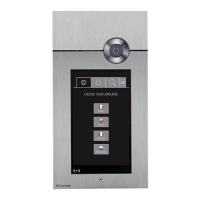
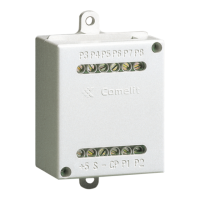
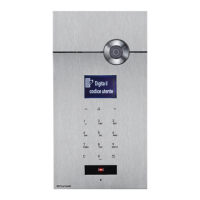
Allows control of over 70 internal units connected to porter
module Art. 1622, Art. 4680, Art. 4680C.
1. access programming mode, see page 5
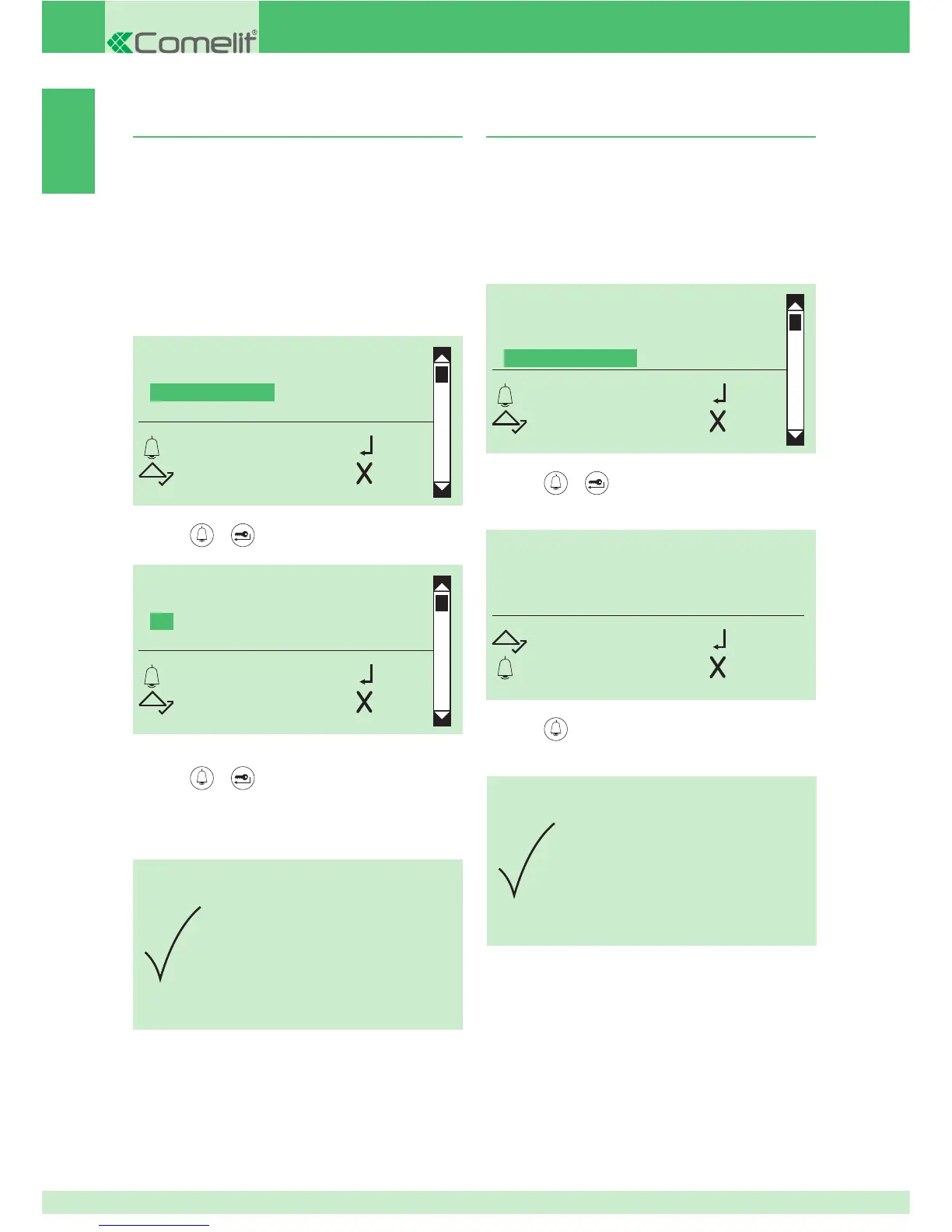
2. select the menu items:
Settings ⇒ System parameters ⇒ Speaker parameters
⇒ Advanced options ⇒ Call ⇒ Codes booster
TRIPLE CALL
CONFIRMATION TONE
CODES BOOSTER
ANSWER WAIT TIME
OK OK
SCROLL ESC
CODES BOOSTER
YES
*NO
OK OK
SCROLL ESC
PARAMETER
CHANGED
5D. Setting the call answer wait time
1. access programming mode, see page 5
2. select the menu items:
Settings ⇒ System parameters ⇒ Speaker parameters
⇒ Advanced options ⇒ Call ⇒ Answer wait time
TRIPLE CALL
CONFIRMATION TONE
CODES BOOSTER
ANSWER WAIT TIME
OK OK
SCROLL ESC
VALUE IN SECS
10
SCROLL OK
ESC ESC
3. press
or to confi rm
4. enter the value using the alphanumerical keypad
PARAMETER
CHANGED
5. press
to confi rm
» confi rmation tone
3. press
or to confi rm
4. select YES to enable the function, NO to disable it
5. press or to confi rm
» * indicates active selection
» confi rmation tone


 To Next Page