EN
14
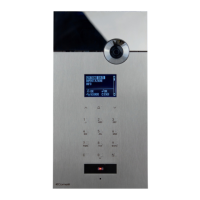
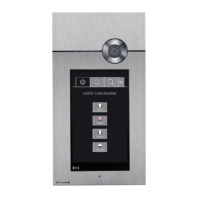
1622
4680
4680C
IMMOTEC STANDARD
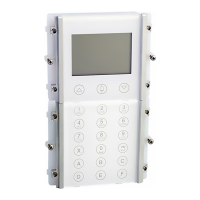
Digital module Art. 3360 can be used in conjunction with the
Simplekey module Art. SK9001, Art. SK9020 by connecting
the two products via RS485 (see diagram on page 35).
In this confi guration, the use of Simplekey access keys
(badges) automatically allows entry of the corresponding
code/name (new key) or updating of the name only (if the
code already exists) in the directory of digital module Art.
3360. Since a single user code (apartment) can have up
to 2 access keys associated with it under different names,
during a numerical code call from the digital module the fi rst
name of the 2 in alphabetical order will be displayed.
N.B.: Names cannot be entered and modifi ed manually.
Badge acquisition only takes place when digital mode is in
standby.
IMMOTEC INDIRECT
Digital module Art. 3360 can be used in conjunction with the
Simplekey module Art. SK9001, Art. SK9020 by connecting
the two products via RS485 (see diagram on page 35).
In this confi guration the use of access keys allows automatic
updating of the Simplekey access key (badge) name only,
as it appears in the directory of digital module Art. 3360. The
Immotec indirect codes and corresponding names can only
be entered from a PC using software Art. 1249B. Since a
single user code (apartment) can have up to 2 access keys
associated with it under different names, during a numerical
code call from the digital module the fi rst name of the 2 in
alphabetical order will be displayed.
N.B.: Names cannot be entered and modifi ed manually.
Badge acquisition only takes place when digital mode is in
standby.
7. press
or to confi rm
» * indicates the type of system selected
» confi rmation tone
8. to display the call mode, scroll through the list using
3. access programming mode, see page 5
4. select the menu items:
Settings ⇒ Call management
CALL MANAGEMENT
*SIMPLEBUS
SIMPLEBUS TOP
OK OK
SCROLL ESC
CAUTION: to modify the type of system and the call mode
it is necessary to erase the entire directory, see page 8.
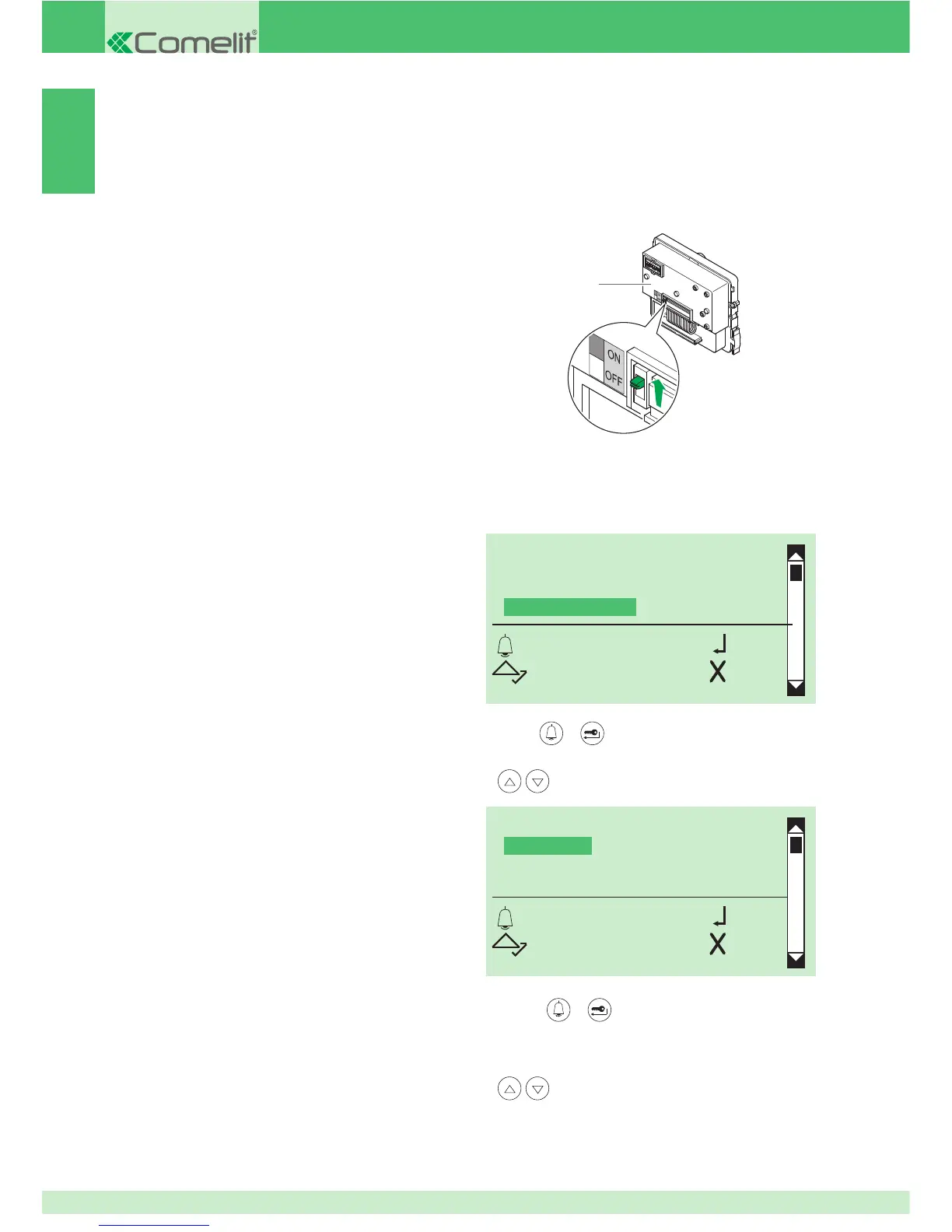
1. set the selector on porter module Art. 1622, Art. 4680,
Art. 4680C to ON, see Fig.
2. connect the porter module to the terminal block
5.
press
or to confi rm
6. to display the type of system, scroll through the list using
SYSTEM PARAMETERS
SELECT LANGUAGE
SECOND LANGUAGE
CALL MANAGEMENT
OK OK
SCROLL ESC


 To Next Page