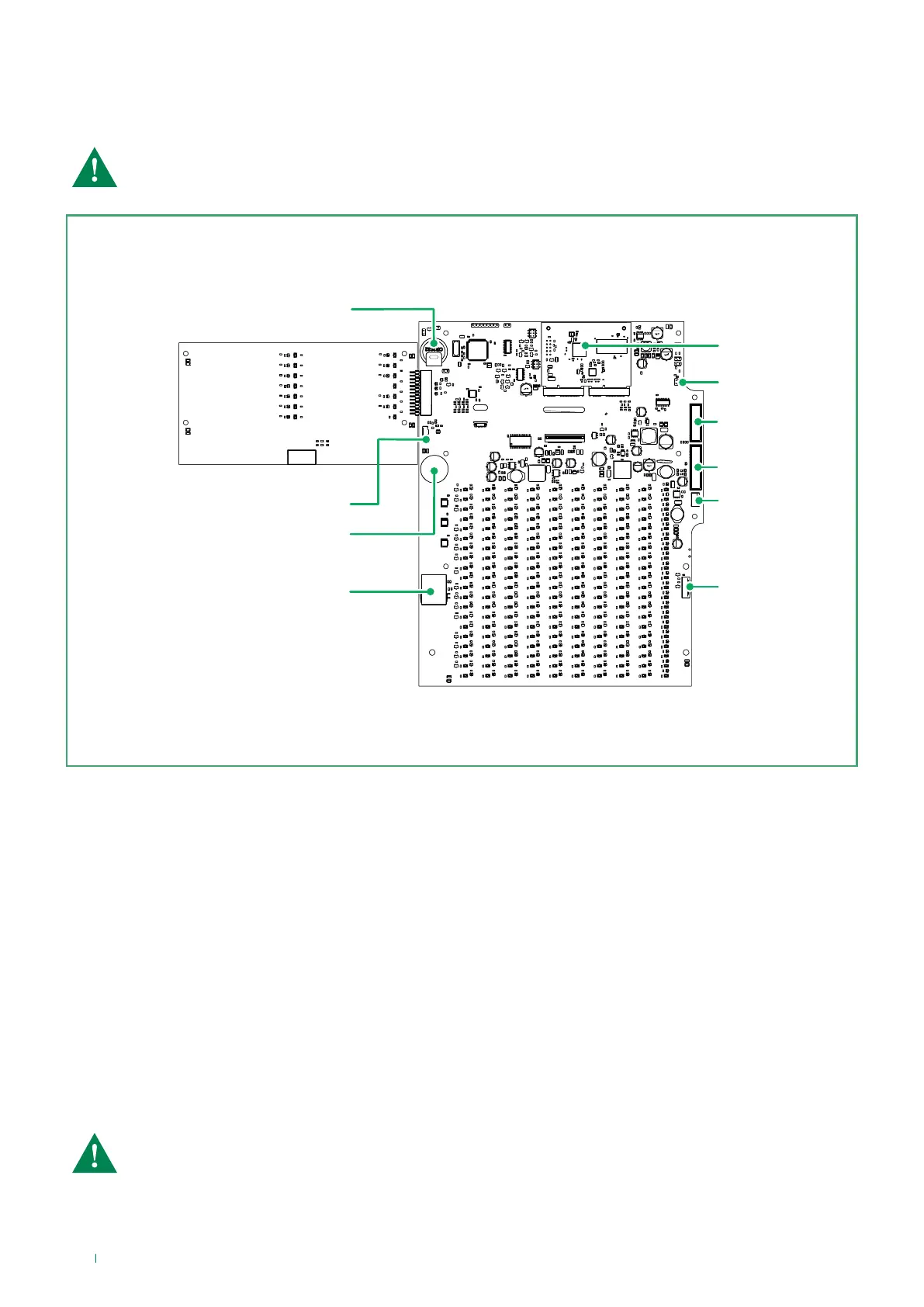
3.3 Description of the motherboard elements
The motherboard is located on the inside of the front door of panel 41CPE118; the uPC control module, which monitors the
panel functions and procedures, is mounted on it.
CAUTION: adjustments and changes to the motherboard must ONLY be implemented by authorised
personnel!
1
2
3
4
5
6
7
8
9
10
Motherboard elements:
1. LAN - RJ45 port for network connection
2. USB - Micro USB connector for programming via panel firmware updating software
3. uPC - Control module
4. Restore Defaults* – Jumper for restoring the panel to its factory values
5. Ajax – AJAX LAN connector
6. Connector for box 41CPE104
7. JPOUT1 - Flat cable for interface module connection
8. JPIN1 - Flat cable for output module / loop expansion connection
9. Buzzer
10. Backup battery
*CAUTION: if JPRESET is closed, every time the panel comes on, it will be set to its factory values; all
programming saved on the panel will be lost!
10



 To Next Page