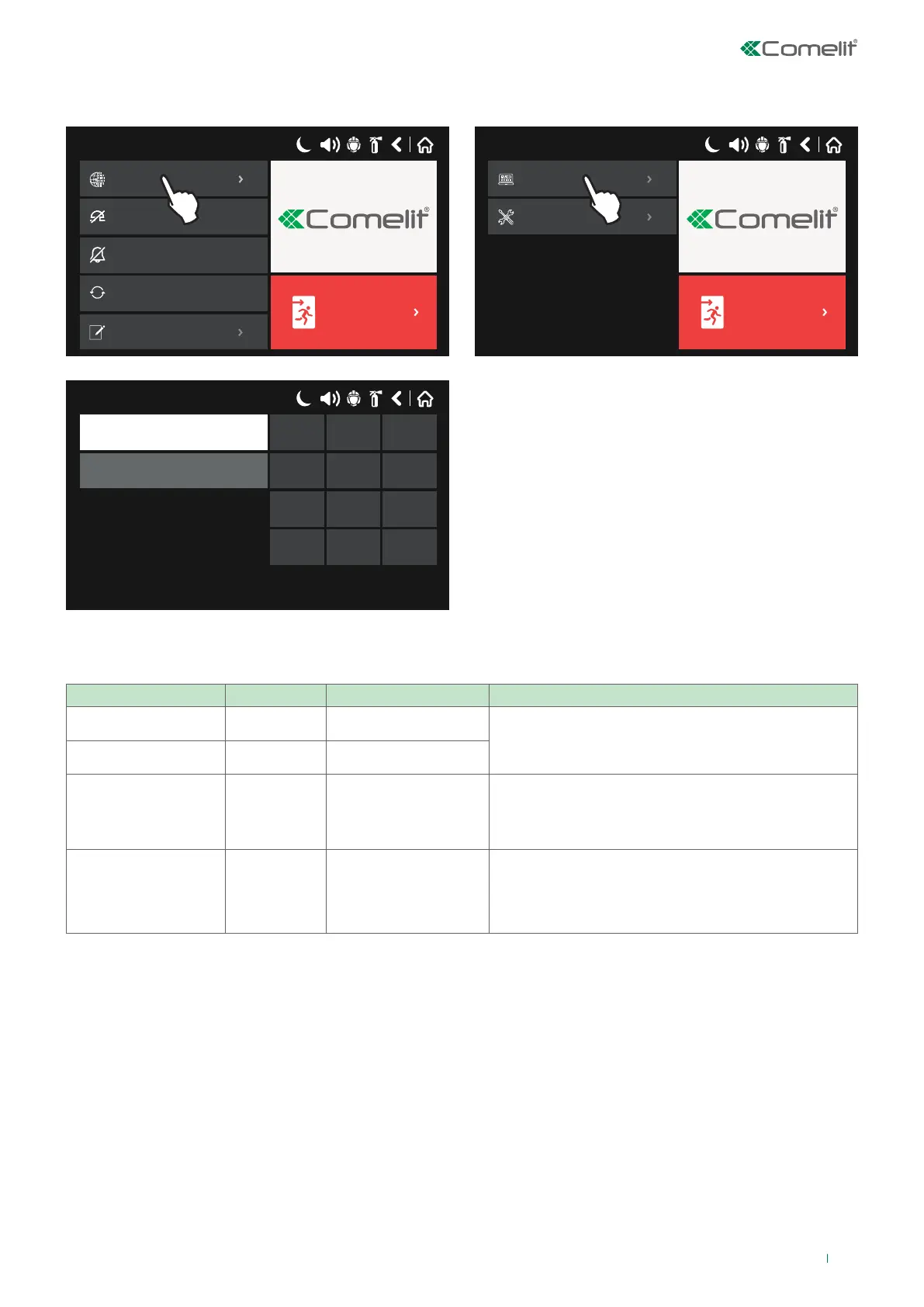
4.1 ACCESS CODES
On entering the Programming and Maintenance menu, the panel will request a valid access code.
17/06/2020 14:06
EVACUATE
Silence Buzzer
Delay Override
System
Silence Buzzer
System
Silence Buzzer
Silence Alarm
Reset
Silence Buzzer
View Log
17/06/2020 14:06
EVACUATE
Silence Buzzer
System
Maintenance
Programming
17/06/2020 14:06
Access Code
1 2 3
4 5 6
7 8 9
0 OK
The panel has 4 default access codes, 3 of which are dedicated to Installer / User access modes, which have dierent access
rights and functions, as listed below:
CODE NUMBER CODE ACCESS LEVEL FUNCTIONS
1 0000 1 Only the Silence Buzzer and Delay Override buttons are
active. Access to the Programming and Maintenance
menus is not permitted.
2 1111 1
3 2222 2
The System, Delay Override, Silence Buzzer, Silence
Alarm, RESET and Evacuate buttons are active.
Access is only enabled for a limited number of functions
in the Maintenance menu.
4 3333 3
The System, Delay Override, Silence Buzzer, Silence
Alarm, RESET and Evacuate buttons are active.
Access to all Programming and Maintenance menu
functions is enabled.
The sequence of digits entered is confirmed by pressing OK.
All access codes can be shown and edited in the “Access Codes” submenu from the “Panel” menu.
23



 To Next Page