5.4 Day Mode
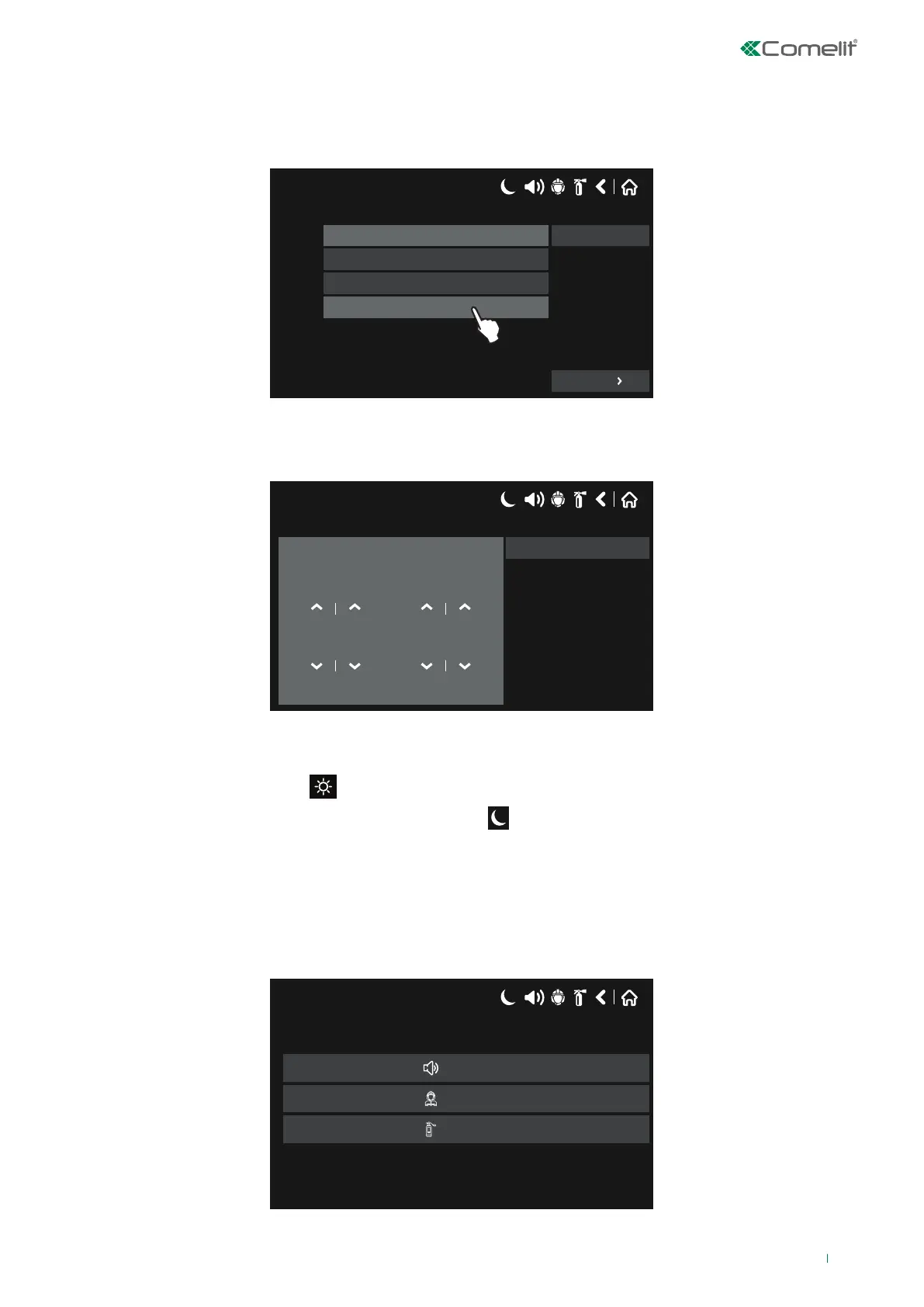
Press “Day Mode” on the Maintenance Menu to set the daytime schedule for detector operation.
Day Mode can be Enabled (ON), Disabled (OFF) or on a Time Schedule:
17/06/2020 14:06
ON
OFF
Mode
Time Schedule
SAVE
More
In this mode the detectors use the alarm level that has been programmed as Day Mode. Usually this is a much lower sensitivity
level. This reduces the risk of false alarms caused by dust, cigarette smoke, etc. In Night Mode the sensitivity of the detectors
is higher.
17/06/2020 14:06
Sun Mon Tue Wed Thu Fri Sat
Time ON Time OFF
07
00
:
16
00
:
Save
In Time Schedule mode, the start time (the time at which Day Mode is enabled) and end time (the time at which Night Mode is
enabled) must be entered. Times are set for every day of the week. The 41CPE118 panel starts in Night Mode by default.
Day Mode is represented with the icon in the “System Status” field on the panel.
If Night Mode is set, the icon shown by the panel will be as follows:
17/06/2020 14:06
Sun Mon Tue Wed Thu Fri Sat
Time ON Time OFF
07 00
:
16 00
:
Save
.
Save any changes made by pressing SAVE.
5.5 Setting Output Delays
Select the “Output Delay” from the Maintenance Menu to access the submenu used to enable / disable panel delays.
17/06/2020 14:06
Sounder Delay
Fire Br. Delay
Fire Pr. Delay
75



 To Next Page