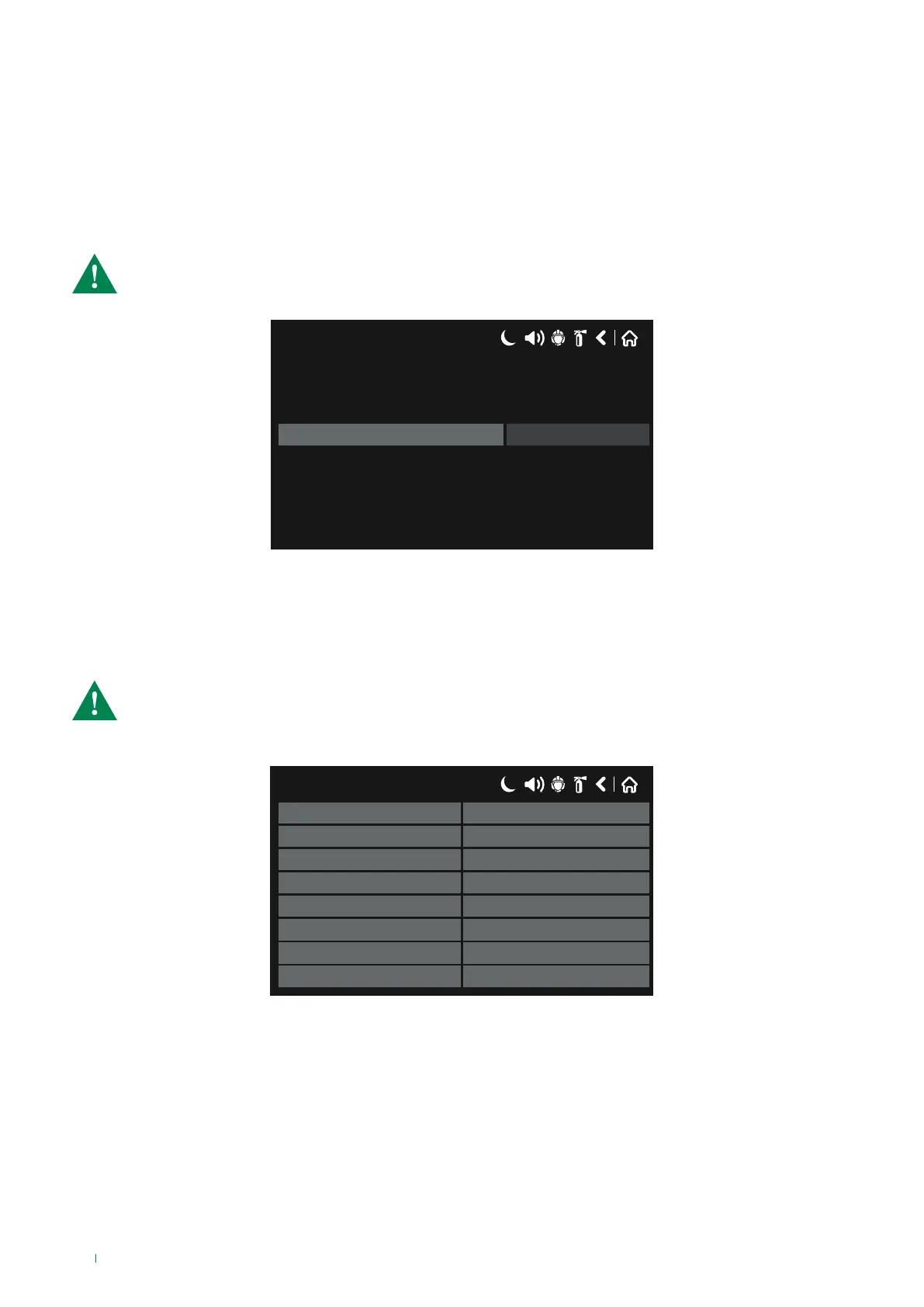
• Power Safe Backlight:
This menu can be used to enable or disable the “Power Safe Backlight” energy saving mode, by enabling the option “LCD
Power Down Mode”.
When the “LCD Power Down Mode” is enabled, the display backlighting is disabled automatically after 60 seconds of inactivity
(the user does not touch the screen).
After editing, save the changes.
CAUTION: to comply with standard EN54-2, “LCD Power Down Mode” must be disabled!
17/06/2020 14:06
Enabled
LCD Power Down Mode
5.11 View enabled Isolators
This menu can be used to view the enabled isolators for the addressed devices in each panel Loop.
To access the menu, select the following in sequence: SYSTEM - MAINTENANCE – VIEW ISOLATOR ACTIVE.
The addresses of devices with enabled isolators are shown in the “Address” field for their respective Loops.
CAUTION: every Comelit addressed Loop has a built-in isolator, except mini module 41IOM010.
The isolator of a device can be enabled in the event of a short-circuit in the device or in its input or output
Loop line.
17/06/2020 14:06
Loop 1 Address
Loop 2 Address
Loop 3 Address
Loop 4 Address
Loop 5 Address
Loop 6 Address
Loop 7 Address
Loop 8 Address
84



 To Next Page