4.7.9 Printer
Here the installer can choose the model of thermal printer connected to the fire panel.
The following models are available: 41PRN100, KAFKA, DATECS. In addition to the printer model, the same menu can be used
to set ESPA 4.4.4 output communication protocol from the RS232 port, if no printer is connected to it.
The parameters for port RS232 when ESPA 4.4.4 protocol is selected are as follows:
• Baud rate - 9600
• Parity bit - none
• Stop bit - 1
• Check - none
Select the desire model and then press “Save”.
4.7.10 Company Logo
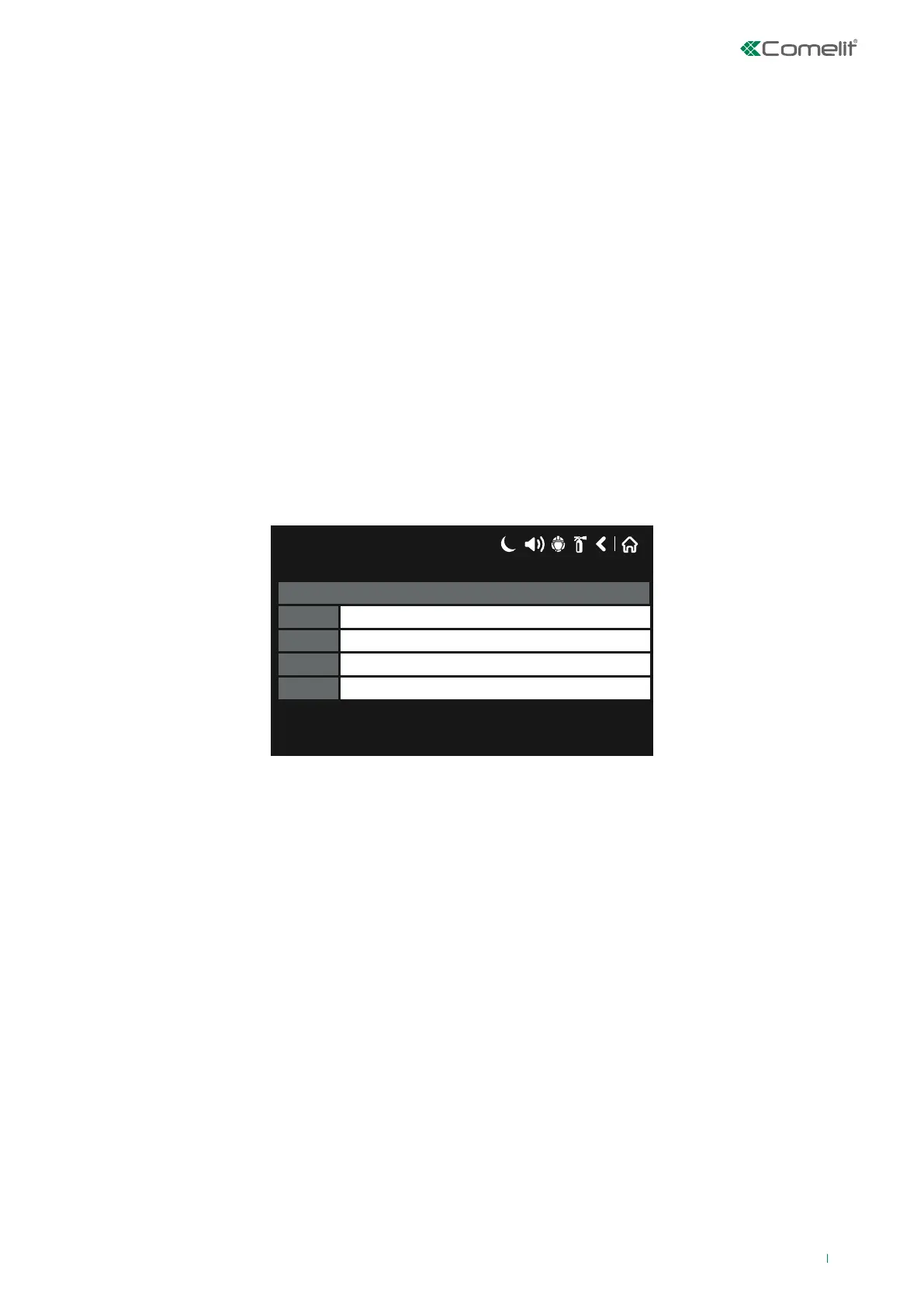
This menu can be used to enter some additional information, displayed on 4 dierent rows.
Press the active field next to the row number to enter the text (40 characters max.), then press “Save”.
The information entered is presented in the middle of the screen, as a screensaver, when the panel enters standby mode.
17/06/2020 14:06
Row 4
Row 3
Row 2
Row 1
Company Logo
4.8 Restore Default
In this menu the installer can restore the factory settings for the entire system configuration.
The panel asks for user confirmation before resetting the parameters.
4.9 Save
This button saves panel periphery devices or devices installed on the Loop on a mass scale.
73



 To Next Page