5. Maintenance
5.1 Maintenance Menu
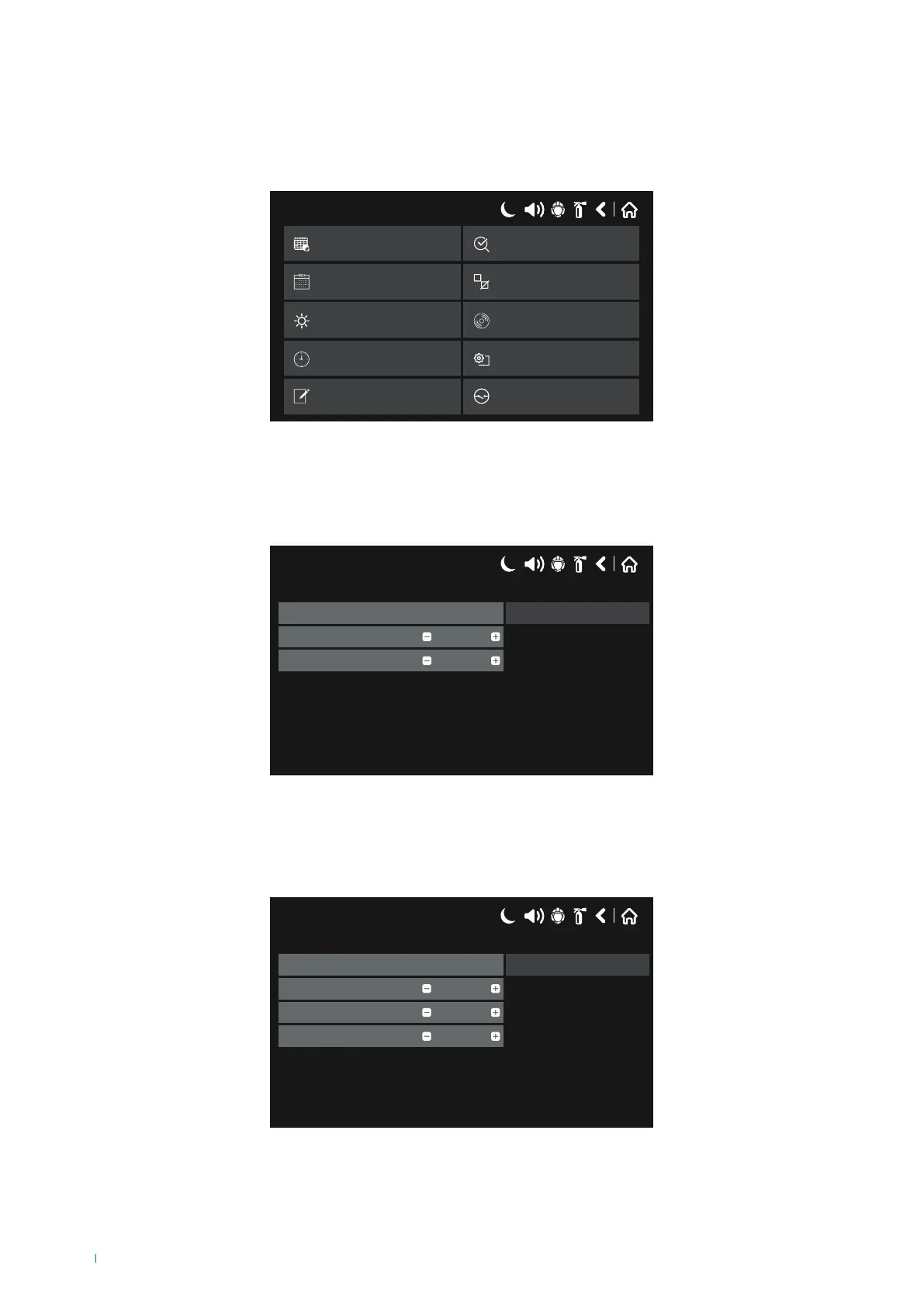
To access the maintenance menu screen, select the following in sequence:
SYSTEM - MAINTENANCE
Silence Alarm
Reset
17/06/2020 14:06
System
Output Delay
View Log
Date
Day Mode
Time
Disable
Test
Silence Alarm
Reset
Delay Override
Display
View Insulator Active
Software Rev.
5.2 Entering the time
Press “Time” on the Maintenance Menu to set the current time.
Use the + & - buttons to change the parameters, or enter them directly by pressing the number field.
Press “Save” to confirm the changes.
17/06/2020 14:06
Min
Hour
Set Time
06
Save
14
5.3 Entering the date
Press “Date” on the Maintenance Menu to set the current date.
Use the + & - buttons to change the parameters, or enter them directly by pressing the number field.
Press “Save” to confirm the changes.
17/06/2020 14:06
Month
Year
Set Date
Jul
Save
2020
Day 27
74



 To Next Page