5.7.2 Indication Test
This test allows the installer to make sure the LED indications on the front panel and the audible signals from the internal
buzzer are working properly.
The test ends automatically 6 seconds after it was started.
5.7.3 Device Test
Service menu.
5.7.4 Sounder Output Test
This function allows the installer to enable the monitored output for the connection of sounders (SND) on panel 41CPE118.
To start the test, press ON.
The SND output will be enabled and the TEST LED will come on and remain lit steadily. Te end the test, press OFF.
5.8 Disablements
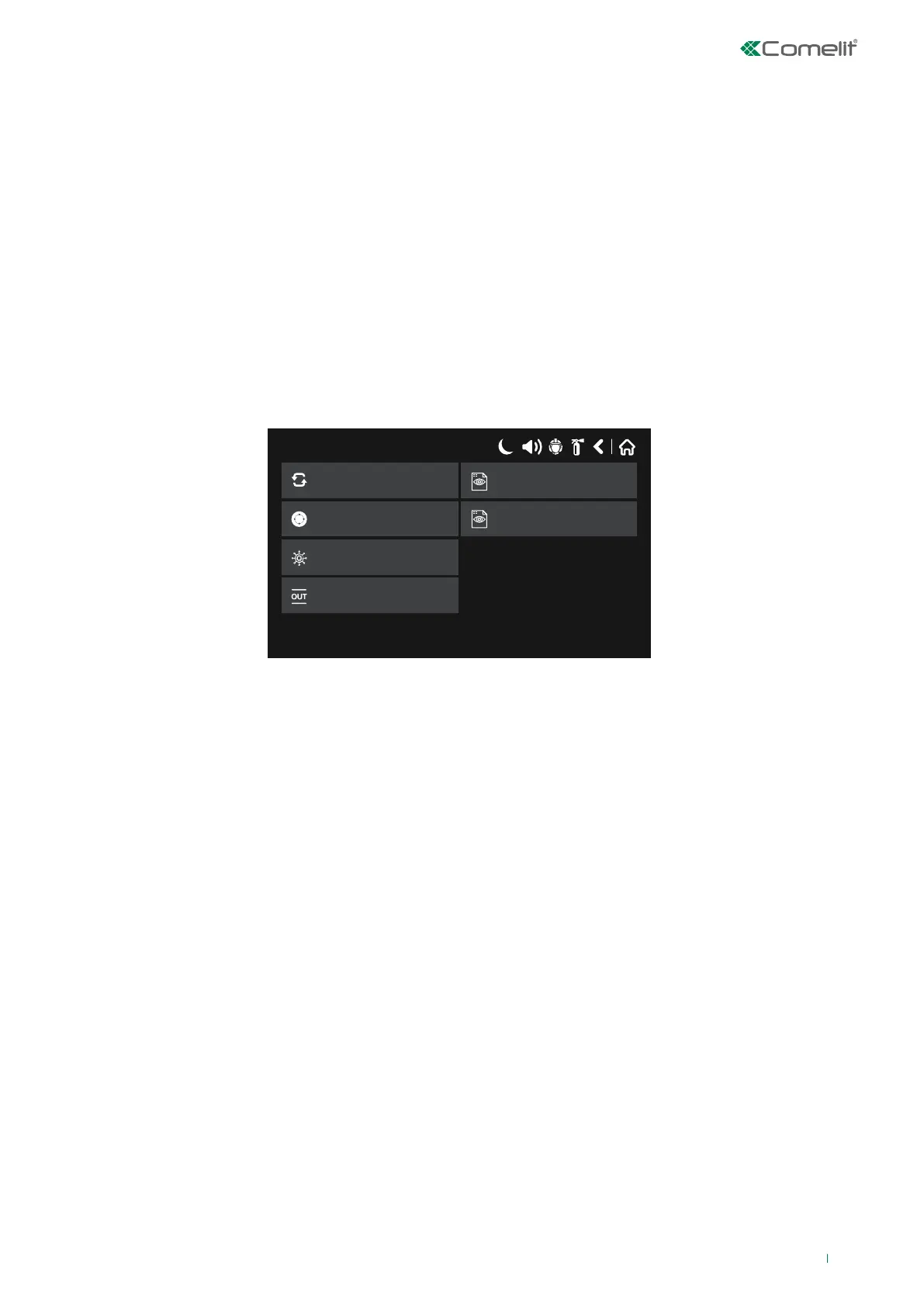
The installer can use this menu to enable / disable fire detection panel loop devices, zones and outputs. The menu screen and
possible options are shown below.
Silence Alarm
17/06/2020 14:06
System
Outputs
Zones
Zone Devices
Loop Devices
<<
<<
View
View
• Loop Devices: button used to show / disable loop devices
• Zones: button used to show / disable system zones
• Zone Devices: button used to show loop devices linked to the zones
• Outputs: button used to disable the panel monitored outputs
• View: button used to show the status of loop devices
• View: button used to show the status of the zones
79



 To Next Page