MENU DESCRIPTION
ACCESS LEVEL
1 2 3
Control panel
Main screen
Silence buzzer Deactivation of buzzer √ √ √
Silence alarm Deactivation of sounder √ √
Force delay
Deactivation of all delays enabled for the outputs, except Fire
Protection
√ √ √
RESET Reset all active statuses - √ √
Evacuate Activation of evacuate signal - √ √
Alarms 000 View system alarms √ √ √
Faults View system faults √ √ √
Advanced View warnings √ √ √
MENU Main screen √ √ √
Login Screen for entering the access code √ √ √
System
Programming
Devices Device programming - - √
Zones Zone programming - - √
Inputs Input programming - - √
Outputs Output programming - - √
Panel Panel programming - - √
Factory settings Restore factory settings - - √
Save Save configuration - - √
Maintenance
Time Set time - - √
Date Set date - - √
Day Program daytime operating mode - - √
Output delay Program output delays - - √
View log View event log - - √
Tests Perform a test - √ √
Disable Introduce disabling - √ √
Software version View software version - - √
Coordinates Display calibration - - √
Isolators enabled Check enabled isolators built into devices - - √
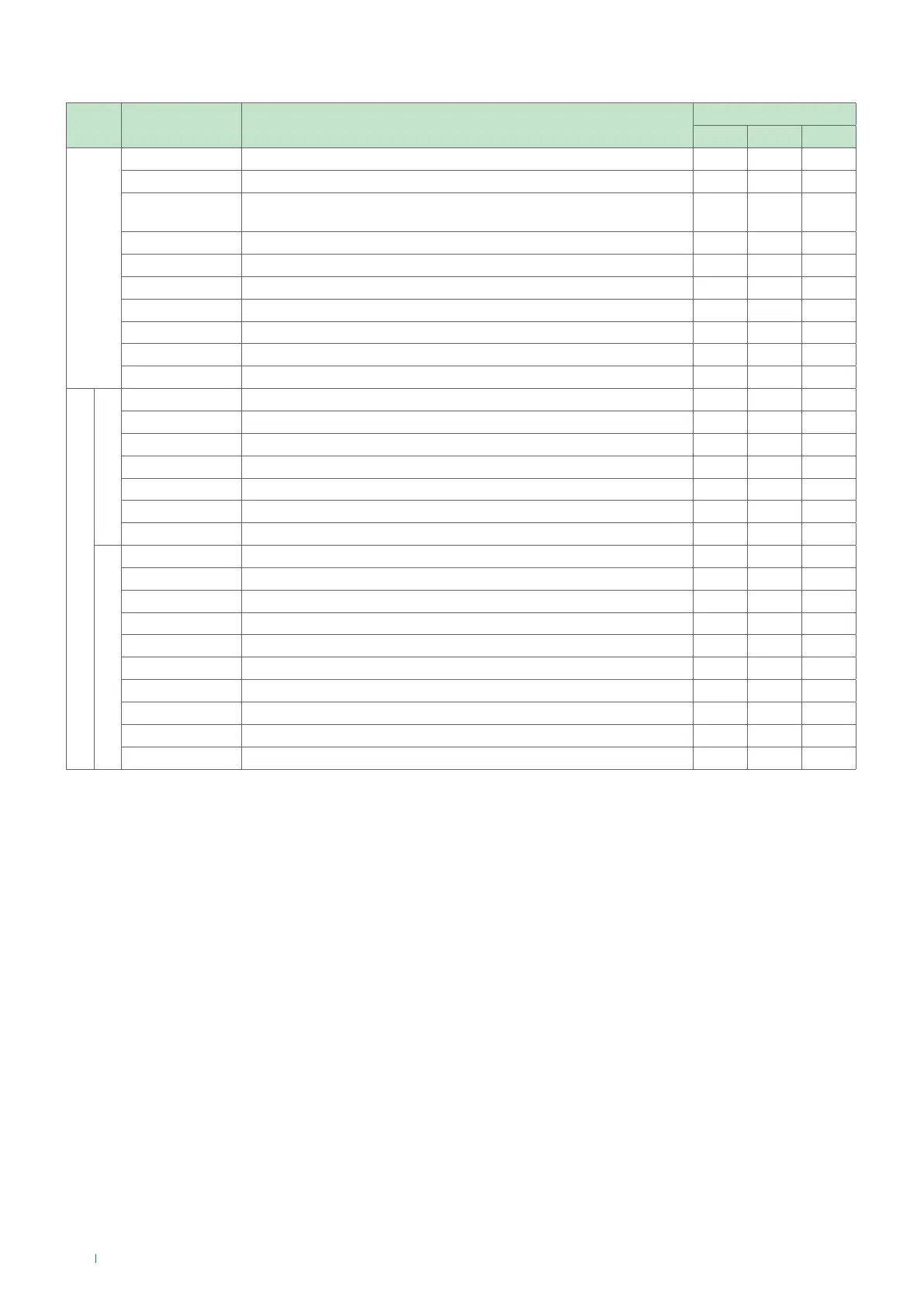
There are various panel operating restrictions in the dierent access levels, as listed in the table below:
24



 To Next Page