17/06/2020 14:06
41IOM022
Address
Loop Number
Device Zone
3
2
1
EnabledNewDevice State
More
Remove
OFF
Name
Save
17/06/2020 14:06
InputChannel 1
Name
InputChannel 2
Name
OutputChannel 3
Name
OutputChannel 4
Name
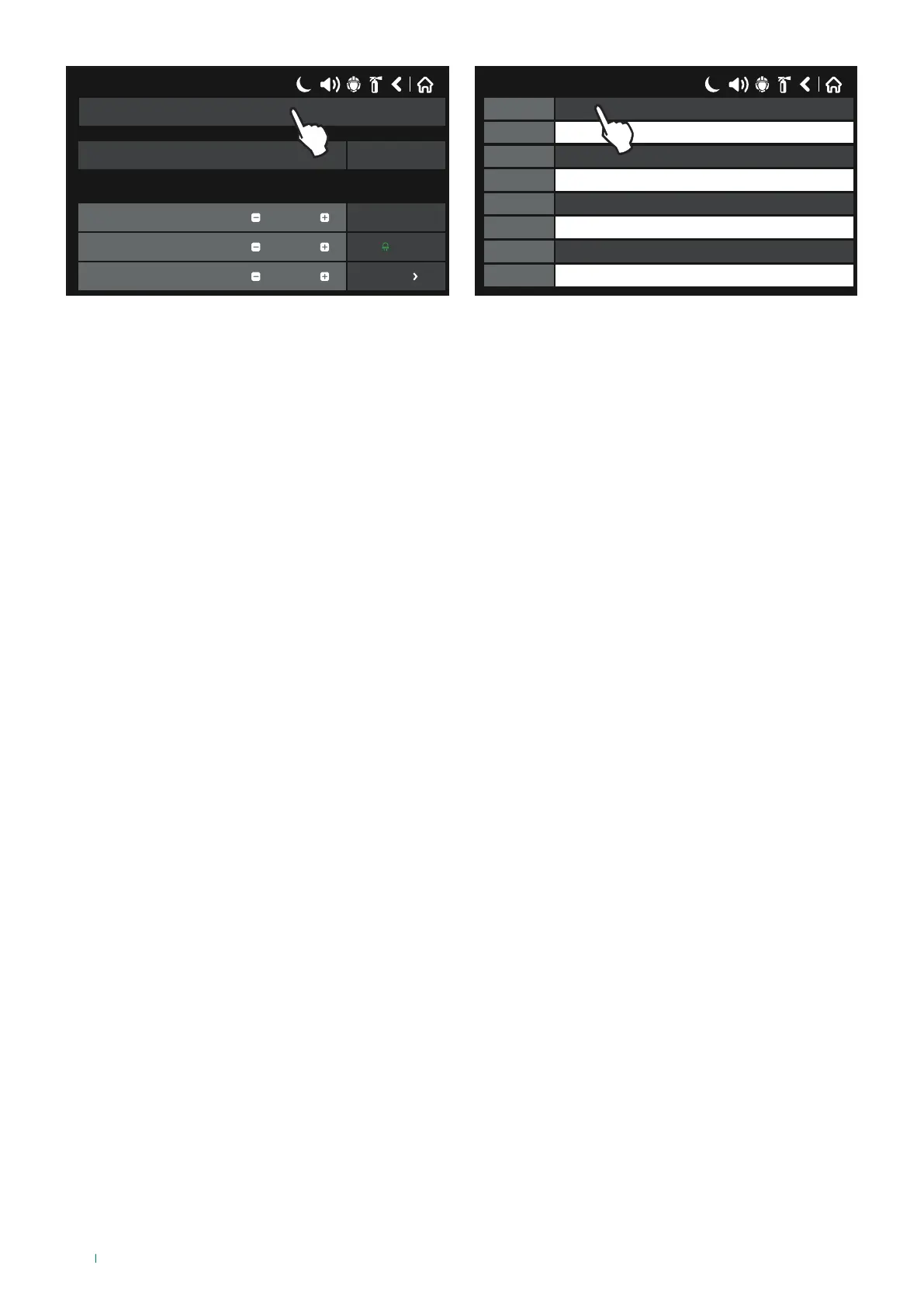
To enter the input or output activation type, press the button alongside the Channel with the corresponding number and select
one of the options. A name of up to 40 characters can be assigned to each channel in the editable bar next to the “Name”
label”.
INPUT CHANNEL rapid programming:
• Input: no “rapid activation” is associated with the input and it can be used in fire panel programming logics (virtual inputs /
outputs);
• Alarm*: if activated, the module functions as a fire detector and generates a “FIRE ALARM” event to the panel;
• Evacuate*: if activated, it generates an “EVACUATE” event to the panel;
• GAS Alarm: if activated, the module generates an indication (Gas alarm) on the panel display, useful for interfacing
between conventional gas detectors;
• Technical Alarm: if activated, the module generates an indication (Technical alarm warning) on the panel display.
* Does not conform to EN54-2
OUTPUT CHANNEL rapid programming:
• Output: no “rapid activation” is associated with the output and it can be used in fire panel programming logics (virtual
inputs / outputs);
• Alarm: if a Common fire alarm event occurs the output is enabled.
• Evacuate: if an Evacuate alarm event occurs the output is enabled.
• Reset: in the event of a Reset action the output is enabled for a pre-set time.
• Sounders Mode: if a Loop sounder activation event occurs the output is enabled.
To save any new parameters, press “Save” on the main device screen.
38



 To Next Page