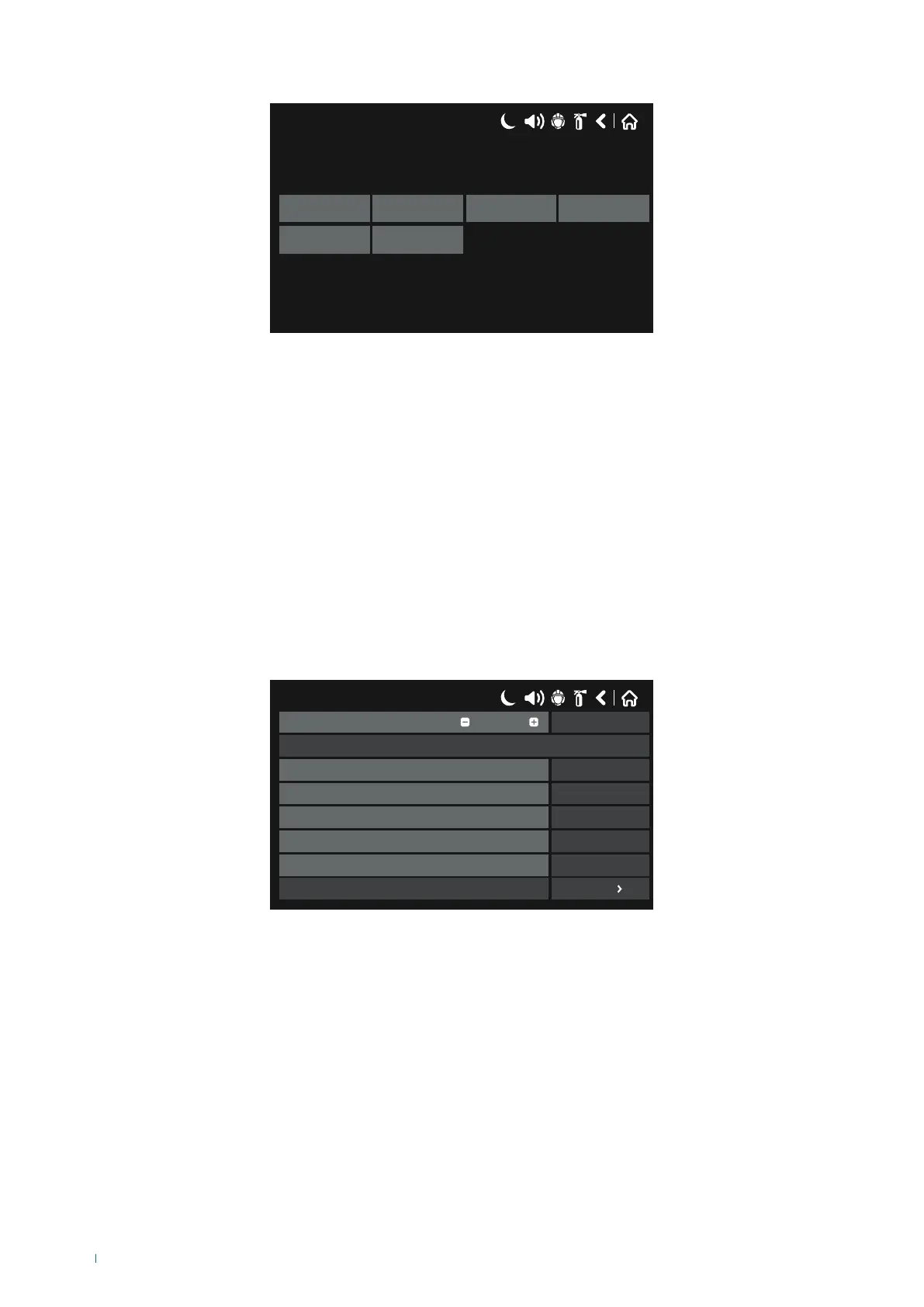
Press “NONE” to access the submenu used to select the output type.
17/06/2020 14:06
NONE
Periphery Loop Network
Action Event
Description of the available Output types:
◊ NONE: the output is not used.
◊ PERIPHERY: select this option when the output to be activated is a periphery device relay built into the panel.
◊ LOOP: select this option when the output to be activated belongs to an output module (modules 41IOM004, 41IOM022,
41IOM122, 41IOM000, 41IOM000/240).
◊ NETWORK: select this option when the output should be activated by an event / device belonging to another panel
connected to its network (RS485 / LAN).
◊ ACTION: select this option when the output should be activated by an “action” that has taken place.
◊ EVENT: select this option when the output should be activated by a “general event”.
Description of the Outputs menu buttons:
Once the desired output type has been selected, you need to set the parameters relating to that specific output; the general
screen with parameters common to all outputs is shown below:
17/06/2020 14:06
SAVEOutput Number
Name
UnlatchedBehaviour
NORMALOutput polarity
0Delay
CONTINUOUSOutput pulse type
LoopType
1
More
Edit Outputs Map
• Output Number: use the + & - buttons or enter the number directly to select an output between 1 and 250. The screen
content may vary depending on the settings for the selected output Type. All outputs are pre-set to NONE by default.
• Name: field used to enter a name or description for the output being programmed.
• Behaviour: field used to enter the output behaviour type:
◊ Auto Reset – the output status remains enabled until the event that generated it is disabled
◊ Manual Reset – the output is only disabled after a Reset event
• Polarity: field used to enter the output polarity:
◊ Normal – the output is Enabled when the result of the logic function is TRUE
◊ Inverted – the output is Enabled when the result of the logic function is FALSE
• Output Delay: a delay can be set for output enabling, between 0-600 seconds.
60



 To Next Page