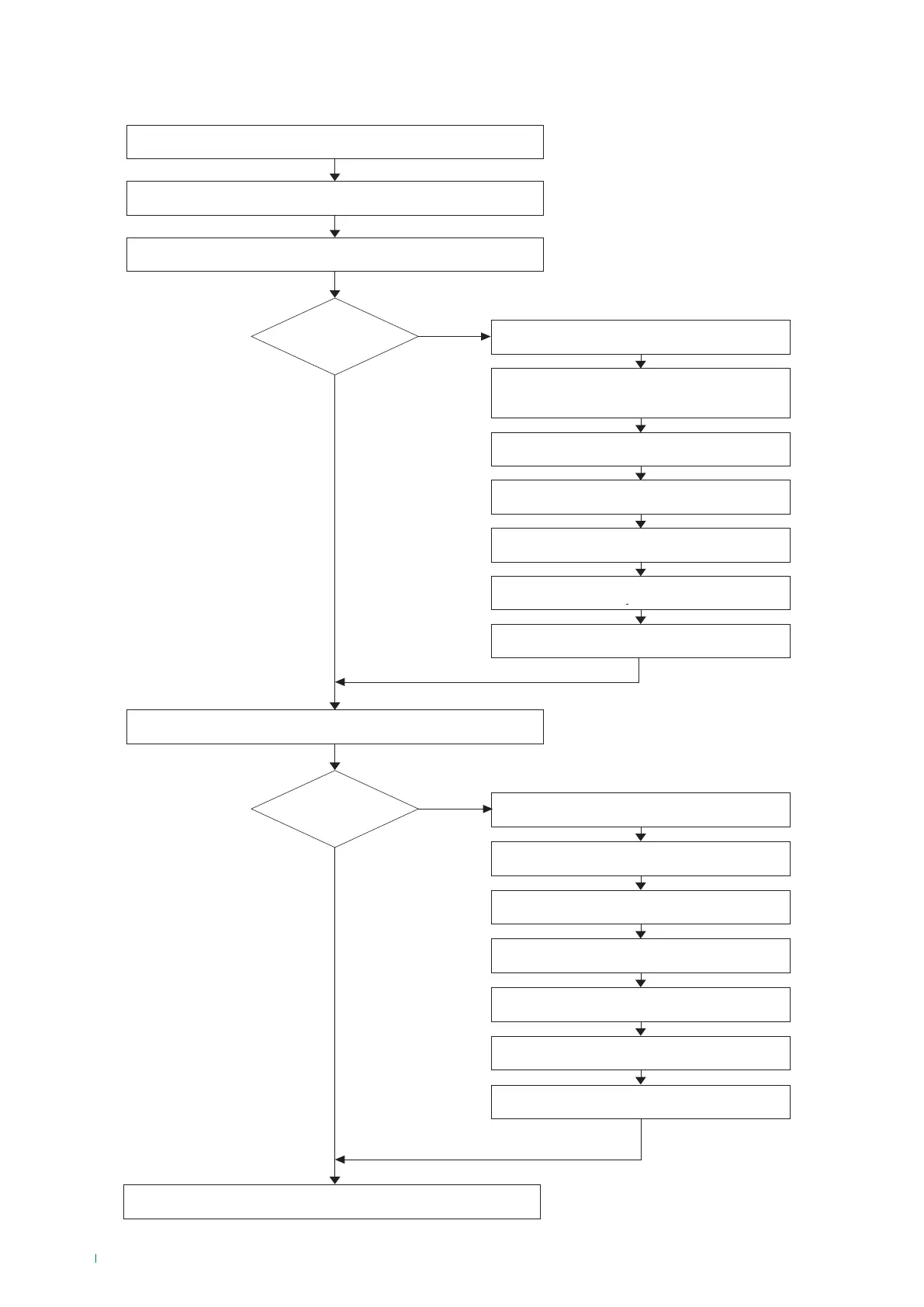
The panel is in normal operating mode and follows
the status of the devices
New loop devices found in the system
configuration
New periphery devices found in the system
configuration
Message on screen
“New Periphery Devices Found”
Message on screen
“New Loop Devices Found”
Press ACCESS.
Enter the access code for level 3.
Press APPLY
to save the new periphery devices.
Press APPLY
to save the new loop devices.
Are there
new periphery
devices?
Are there
new loop periphery
devices?
NO
NO
YES
YES
Press SYSTEM.
Press SYSTEM.
Press MENU.
Press PROGRAMMING.
Press PROGRAMMING.
Press DEVICES.
Press DEVICES.
Press
PERIPHERY DEVICES.
Press LOOP DEVICES.
Loading system parameters - 5-6 sec.
First system start-up - Power ON



 To Next Page