You can repeat the command
GOTO
110 to get the
sa
me display.
Now
the procedure for running the program
is
as
follows:
1.
In immediate mode enter the assignment
C$="y"
where y
is
any dis-
play character.
2.
Enter the command
GOTO
110.
There are only
two
steps in running the program.
but
the procedure
is
still a
bit
awkward. You
must
type in a line {the assignment statementl. and if
Vou
enter
RUN
instead of
GOTO
vou have
to
start ail over. A much better
way
would
be
to
have the program fetch the display character while
it
is
running. You can do
this
with
the
GET
statement.
The
GET
statement assigns a single character entered from the keyboard to
the specified string variable.
When
PET
BASIC begins execution of the
GET
statement.
it
sets the string
variable (in our case
C$)
to
nul!.
that
is.
C$="".
As soon
as
a key
is
pressed at the
keyboard. it assigns the character to the string variable. Since the program runs
much faster than vou can press a
key.
vou add
an
IF
statement to check
that
a key
has
been pressed before the program continues.
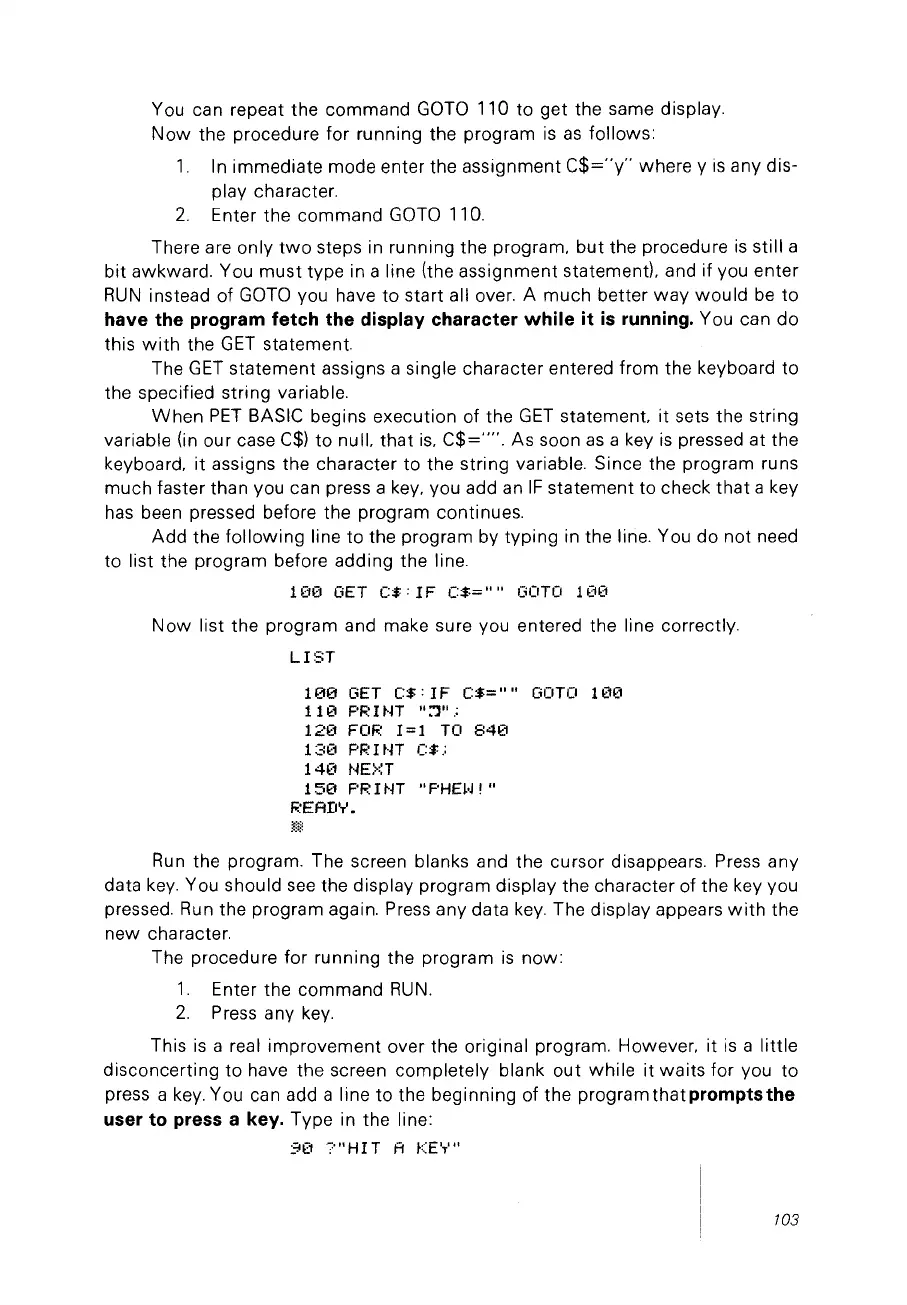
Add
the
following
line
to
the program by typing in the line. You do not need
to list the program before adding the line.
1(10
GET
C$:
1F
C$=""
130TO 1
(10
Now
list the program and make sure
Vou
entered the line correctly.
LIST
100
GET
C$:
IF
C$=""
GOTO
11210
11
121
F'R 1
NT
"::']".;
120
FOR
1=1
TO
840
13121
F'F.:
1
tH
C$.:
140
NE>::T
1
50
F'R 1
~n
"F'HHJ!"
F~EArIY.
}Ê=Ê=
Run
the program. The screen blanks and the cursor disappears. Press any
data
key.
You should
see
the display program display the character of the key
Vou
pressed.
Run
the program again. Press any data
key.
The display appears
with
the
new character.
The procedure for running the program
is
now:
1.
Enter the command
RUN.
2.
Press any
key.
This
is
a real improvement over the original program. However. it
is
a little
disconcerting
to
have the screen completely blank out
while
it
waits
for vou to
press a
key.
You can add a line
to
the beginning of the
programthatpromptsthe
user to press a key. Type in the line:
91":1
"?"HIT
A
KE'T'"
/03



 To Next Page