REEXECUTING IN IMMEDIATE MODE
When the one-line program described above completes executing in im-
mediate mode,
PET
BASIC displays the READY message and leaves the cursor at
the beginning of the
bottom
display line.
An
important
feature of
PET
BASIC
is
that
anything
displayed on
the
sereen is
"live."
Vou ean
edit
any
line
on
the
sereen. and vou ean
reexeeute
any
immediate
mode
statements
that
are
still
on
the
display
sereen.
Use
CURSOR
UP
(shift of Cursor
Up/Down
key)
or, more conveniently,
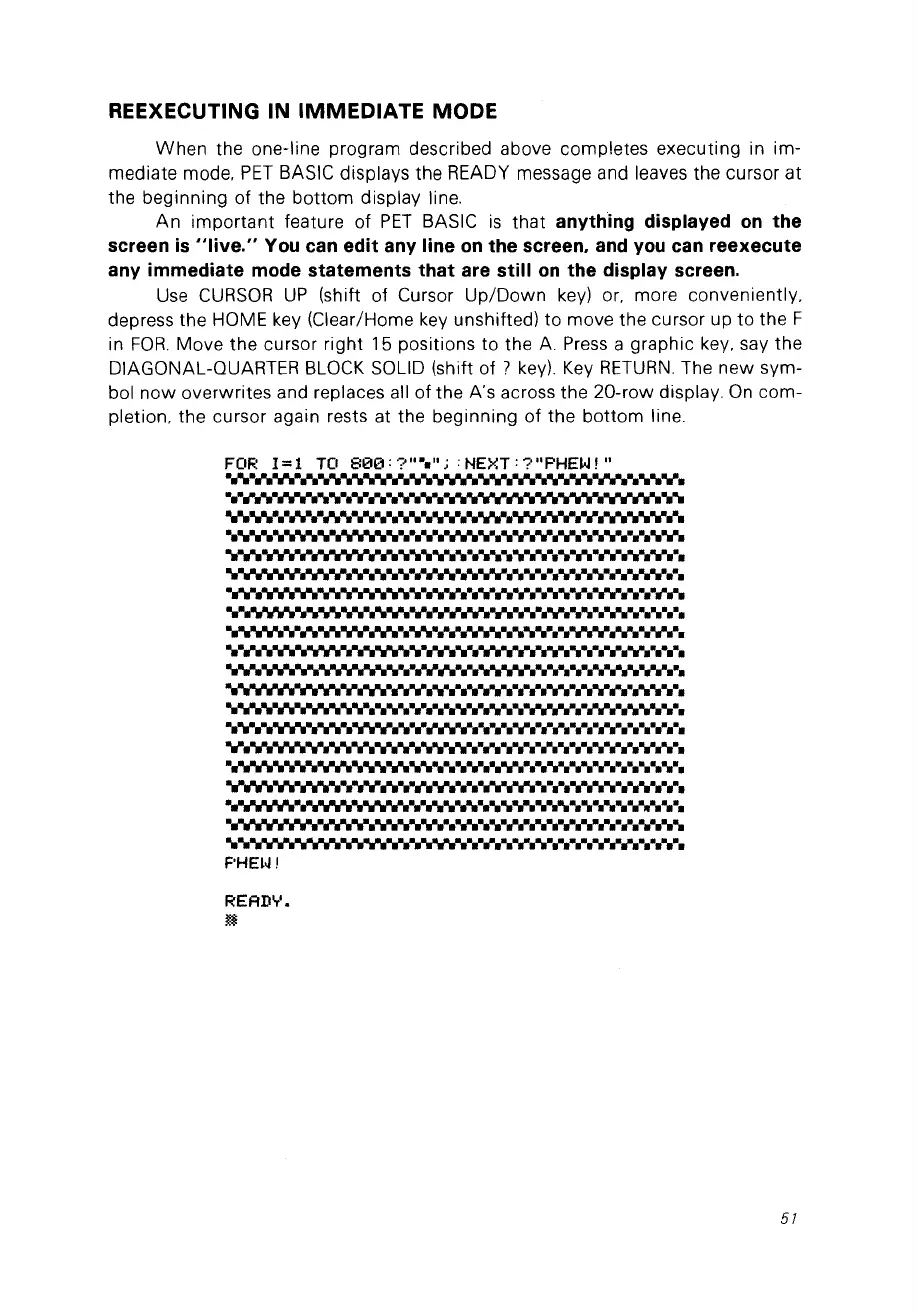
depress the HOME key (Clear/Home key unshifted) to move the cursor up
to
the F
in
FOR.
Move the cursor right 15 positions to the
A.
Press
a graphie key. say the
DIAGONAL-QUARTER BLaCK
SaUD
(shift of ?
key).
Key
RETURN.
The new sym-
bol
now
overwrites and replaces ail of the A's across the 20-row display.
On
com-
pletion. the cursor again rests at the beginning
of
the
bottom
line.
FOR
1=1
TO
800:?"~";
:NEXT:?"PHEW!"
................
~
v.-.~
"rI'.
·••
·.V
v.-.·.·...
·rl'.·.·
· ·
·•·
·
....
....
-.v.~
v.-.
"rI'.-...v
.-.v.-."rI'
...
·.v.-.
..
v.-."rI'.·.·.·.·
•••••••
·."rI'
"rI'N
•
....
v.-. .-.v.-. .
..• •..N • ·.v.v
"rI'.·."rI'.·
• •
••
v.-.
"rI'
...
.................................................................................
..........
"rI'
.
..•...
v.-.·.·.·.·.·.· v.-.
..
•
"rI'
·N
•••
••••••
v.-.v.-.
•••••••
•
·.·N
•
•••••
• ••
....................
"rI'
.-.v .
v.-.·.· • • •
·."rI'
·N.·
••
..
"rI'
...
·.·N
v.v
·..
.-...v.·.·.·."rI'.·
•••••
...
•••••••••••
•
................................................................................
................................................................................
......................-.v .
..............-.v.-. .
•••••••••
i'
••
rI'
"h
..
..
•••••••••
•••
"rI'
•
·N
•
•••
••
F'HEI.J
,
READ'T'.
~
57



 To Next Page