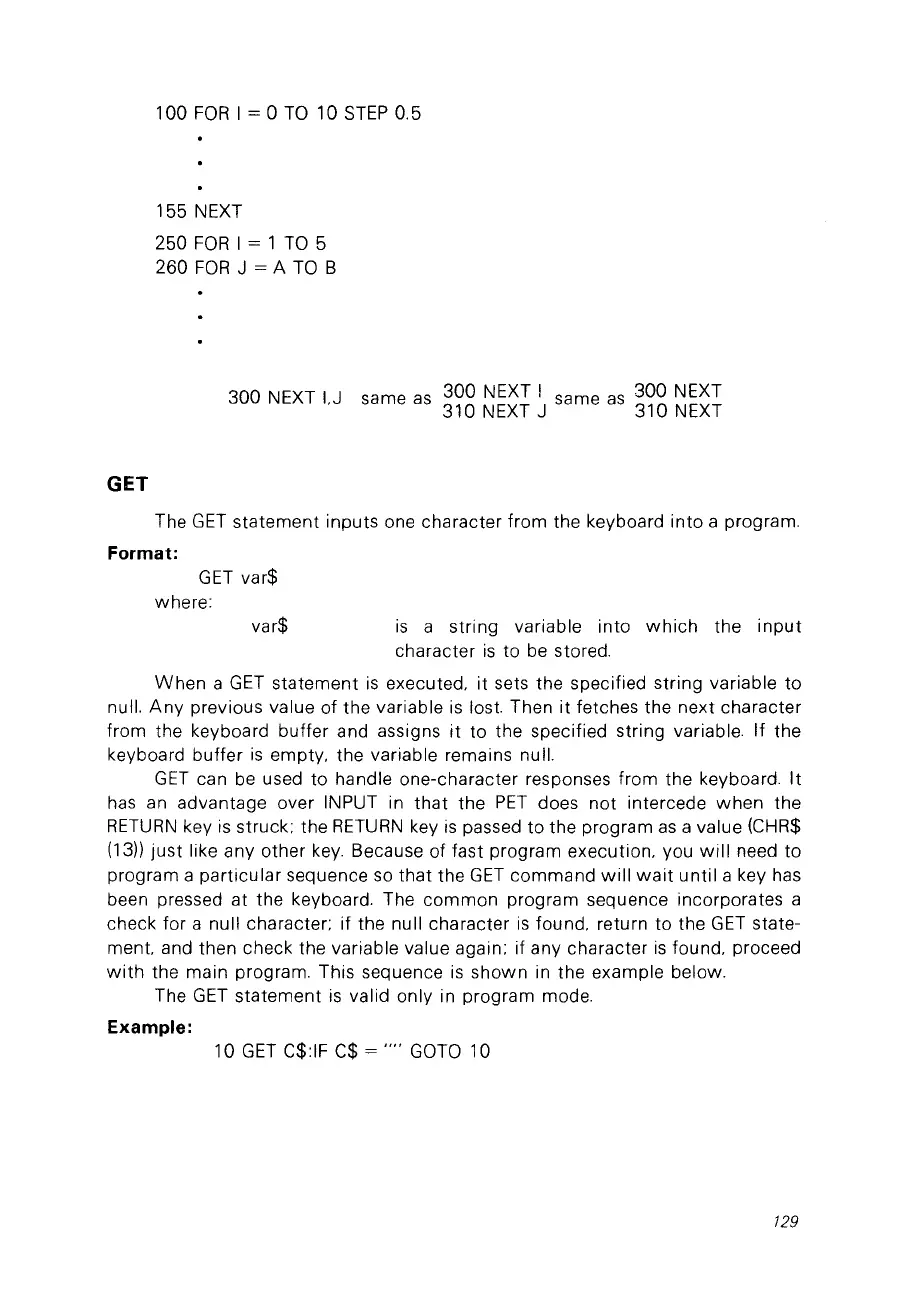
var$
100
FOR
1= 0
Ta
10
STEP
0.5
155
NEXT
250
FOR
1 = 1
Ta
5
260
FOR
J = A
Ta
B
300 NEXT
I.J
same
as
300 NEXT 1 same
as
300 NEXT
310 NEXT J 310 NEXT
GET
The
GET
statement
inputs one character from the keyboard
into
a program.
Format:
GET
var$
where:
is
a string variable into
which
the
input
character
is
to
be
stored.
When
a
GET
statement
is
executed.
it
sets the specified string variable
to
nul!.
Any
previous value
of
the variable
is
lost. Then
it
fetches the next character
from the keyboard butter and assigns
it
to the specified string variable. If the
keyboard butter
is
empty. the variable remains nul!.
GET
can
be
used to handle one-character responses from the keyboard.
It
has
an
advantage over INPUT in
that
the
PET
does
not
intercede
when
the
RETURN
key
is
struck; the
RETURN
key
is
passed to the program
as
a value (CHR$
(13))
just
like any other
key.
Because
of
fast program execution, vou
will
need to
program a
particular
sequence
so
that
the
GET
command
will
wait
until
a key has
been pressed
at
the keyboard. The
common
program sequence incorporates a
check for a nul! character; if the null character
is
found. return
to
the
GET
state-
ment. and then check the variable value aga in; if any character
is
found. proceed
with
the main program. This sequence
is
shown
in
the example below.
The
GET
statement
is
valid only in program mode.
Example:
10
GET
C$:IF C$ =
""
GOTO
10
129



 To Next Page