SAVE
the SAVE
command
writes
a copy
of
the
current
program from
memory
to
the console tape
unit
or other device if specified.
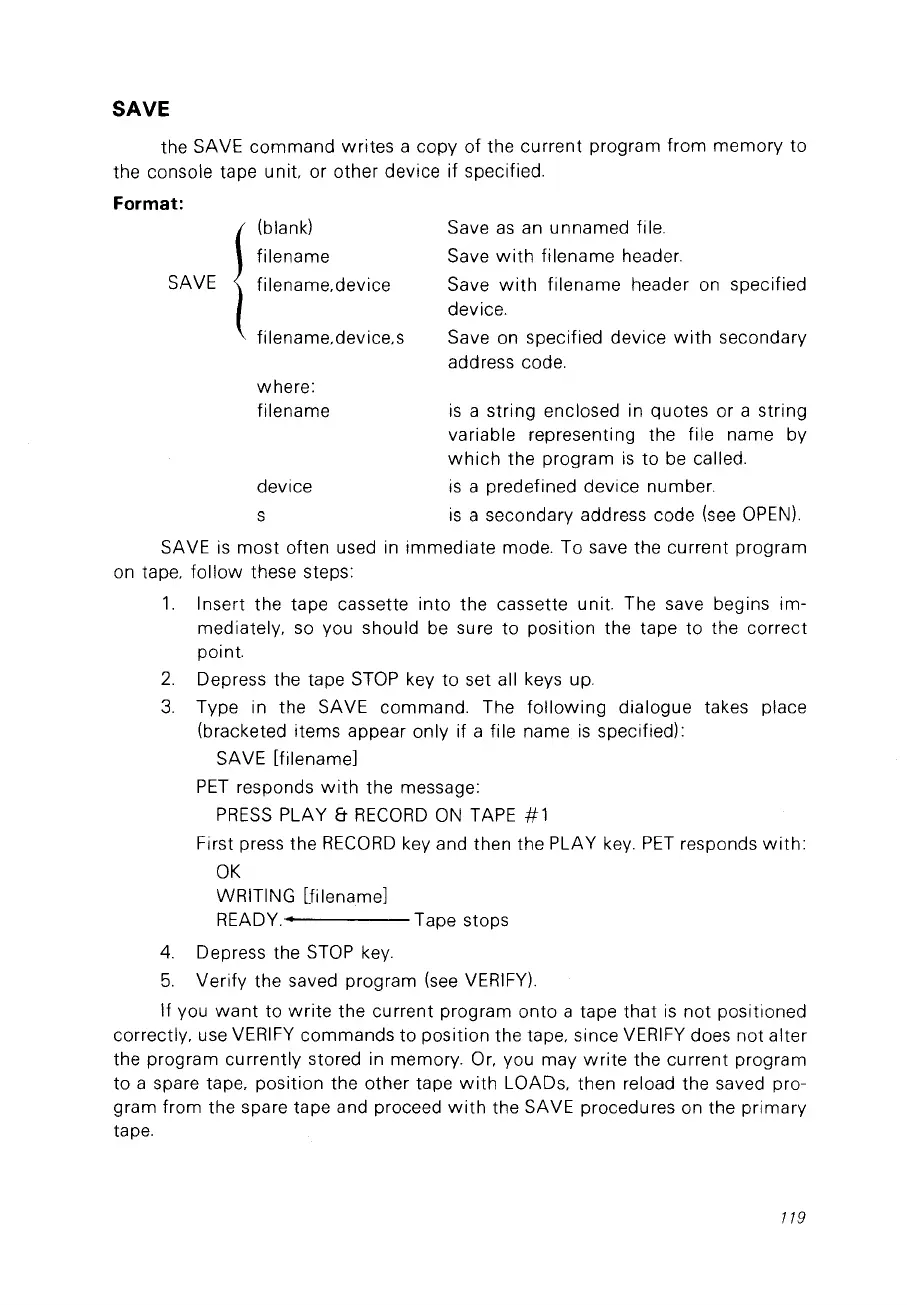
Format:
fi
lename.device.s
(blank)
filename
filename.device
SAVE
1
where:
filename
device
s
Save
as
an
unnamed file.
Save
with
filename header.
Save
with
filename header
on
specified
device.
Save on specified device
with
secondary
address code.
is
a string enclosed in quotes or a string
variable representing the file
na
me by
which
the program
is
to be called.
is
a predefined device number.
is
a secondary address code
(see
OPEN).
SAVE
is
most
often used
in
immediate mode. To save the current program
on
tape.
follow
these steps:
1.
Insert the tape cassette
into
the cassette unit. The save begins im-
mediately.
so
vou should be sure to position the tape to the correct
point.
2.
Depress the tape
STOP
key to set ail keys up.
3.
Type in the SAVE commando The
following
dialogue takes place
(bracketed items appear only if a file name
is
specified):
SAVE [filename]
PET
responds
with
the message:
PRESS
PLAY &
RECORD
ON
TAPE # 1
First press the
RECORD
key and then the PLAY
key.
PET
responds
with:
OK
WRITING lfilename]
READY.· Tape stops
4.
Depress the
STOP
key.
5.
Verify the saved program
(see
VERIFY).
If vou
want
to
write
the current program
onto
a tape
that
is
not
positioned
correctly. use
VERIFY
commands to position the tape. since
VERIFY
does
not
alter
the program currently stored in memory.
Or.
vou may
write
the current program
to a spare tape. position the other tape
with
LOADs. then reload the saved pro-
gram from the spare tape and proceed
with
the SAVE procedures on the primary
tape.
119



 To Next Page