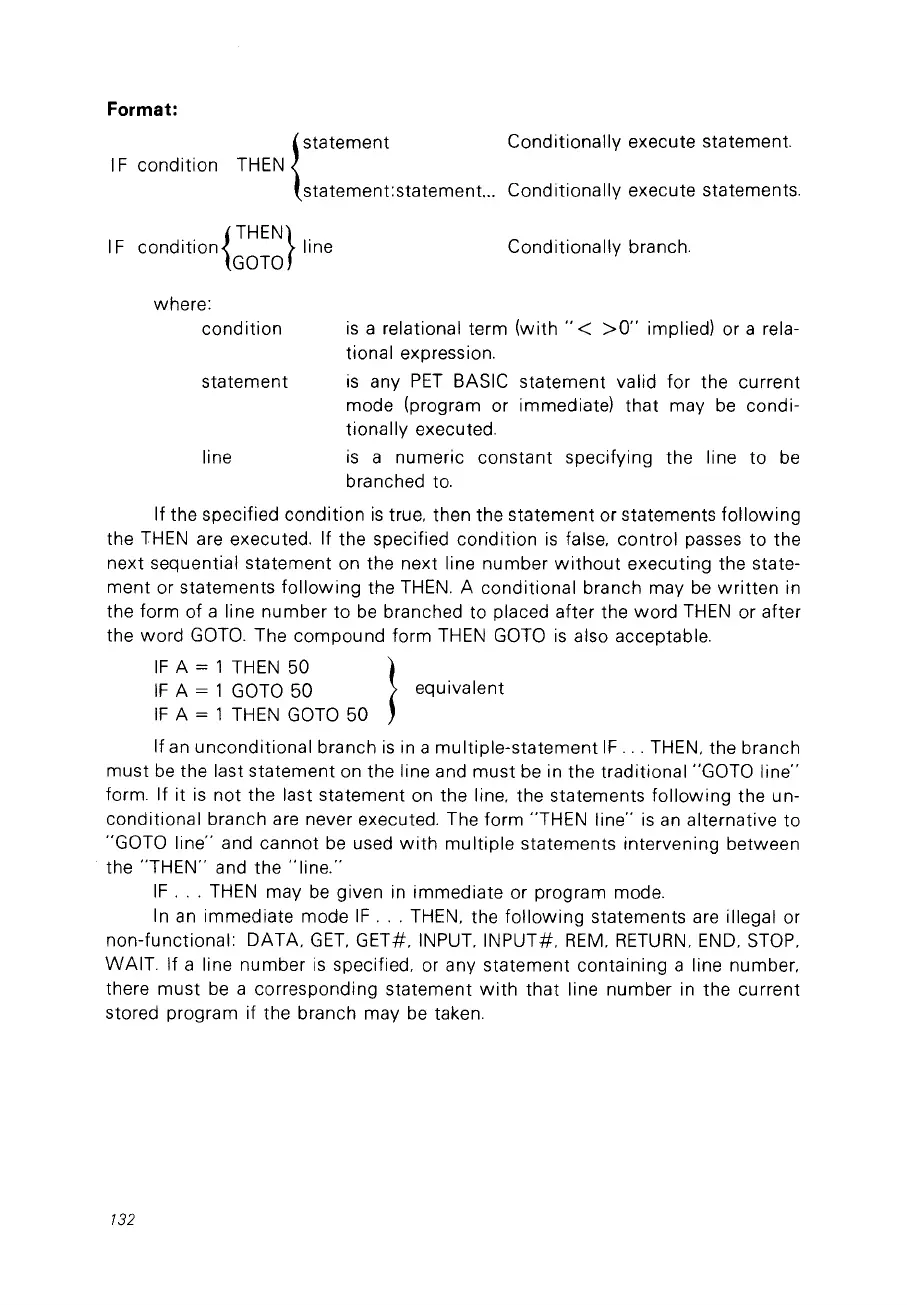
Format:
1F condition
{
statement
THEN
statement:statement.
..
Conditionally execute statement.
Conditionally execute statements.
1F
condition{THEN}
line
GOTO
Conditionally branch.
line
statement
where:
condition
is
a relational term (with
"<
>0"
implied) or a rela-
tional expression.
is
any
PET
BASIC statement valid for the current
mode (program or immediate) that may
be
condi-
tionally executed.
is
a numeric constant specifying the line to
be
branched
to.
If the specified condition
is
true, then the statement or statements
following
the
THEN
are executed. If the specified condition
is
false, control passes to the
next sequential statement on the next line number
without
executing the state-
ment
or statements
following
the
THEN.
A conditional branch may
be
written
in
the form of a line number to
be
branched to placed after the
word
THEN
or after
the
word
GOTO.
The compound form
THEN
GOTO
is
also acceptable.
IF
A = 1
THEN
50 }
IF
A = 1
GOTO
50 equivalent
IF
A = 1
THEN
GOTO
50
If
an
unconditional branch
is
in
a multiple-statement
IF
...
THEN, the branch
must
be
the last statement on the line and
must
be
in the traditional "GOTO line"
form. If it
is
not the last statement on the line, the statements
following
the un-
conditional branch are never executed. The form "THEN line"
is
an
alternative
to
"GOTO line" and cannot
be
used
with
multiple
statements intervening between
the
"THEN"
and the
'ïine."
IF
...
THEN
may
be
given
in
immediate or program mode.
ln
an
immediate mode
IF
...
THEN, the
following
statements are illegal or
non-functional: DATA,
GET,
GET#, INPUT, INPUT#,
REM,
RETURN,
END,
STOP,
WAIT. If a line number
is
specified, or any statement containing a line number,
there must
be
a corresponding statement
with
that line number
in
the current
stored program if the branch may
be
taken.
132



 To Next Page