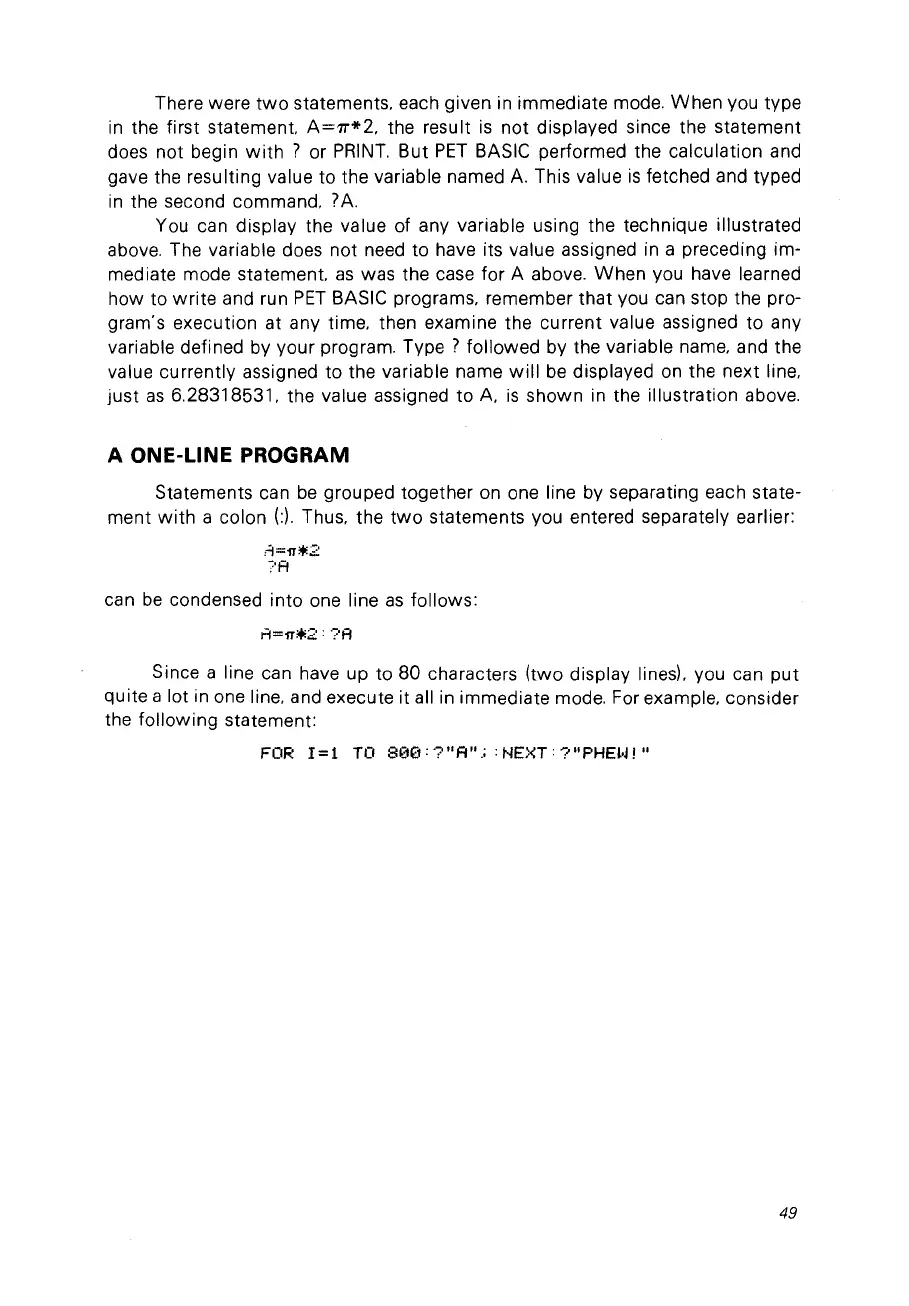
There were
two
statements, each given in immediate mode.
When
vou type
in
the first
statement
A=rr*2,
the result
is
not
displayed since the statement
does not begin
with
? or
PRINT.
But
PET
BASIC performed the calculation and
gave the
resu
Iting value to the variable named
A.
This value
is
fetched and typed
in
the second commando
?A.
You can display the value of any variable using the technique illustrated
above. The variable does not need to have its value assigned in a preceding im-
mediate mode
statement
as
was the case for A above.
When
vou have learned
how to
write
and run
PET
BASIC programs, remember that
Vou
can stop the pro-
gram's execution at any time, then examine the current value assigned to any
variable defined by your program.
Type?
followed by the variable name, and the
value currently assigned to the variable name
will
be
displayed
on
the next line,
just
as
6.28318531. the value assigned to
A.
is
shown in the illustration above.
A ONE-UNE
PROGRAM
Statements can
be
grouped together on one line by separating each state-
ment
with
a colon
(:).
Thus. the
two
statements vou entered separately earlier:
can
be
condensed into one line
as
follows:
Since a line can have up to 80 characters (two display
linesl. vou can
put
quite a lot in one line, and execute it ail in immediate mode. For example, consider
the following statement:
FOR
1=1
TO
800:?"A";
:NEXT:?"PHEW!"
49



 To Next Page