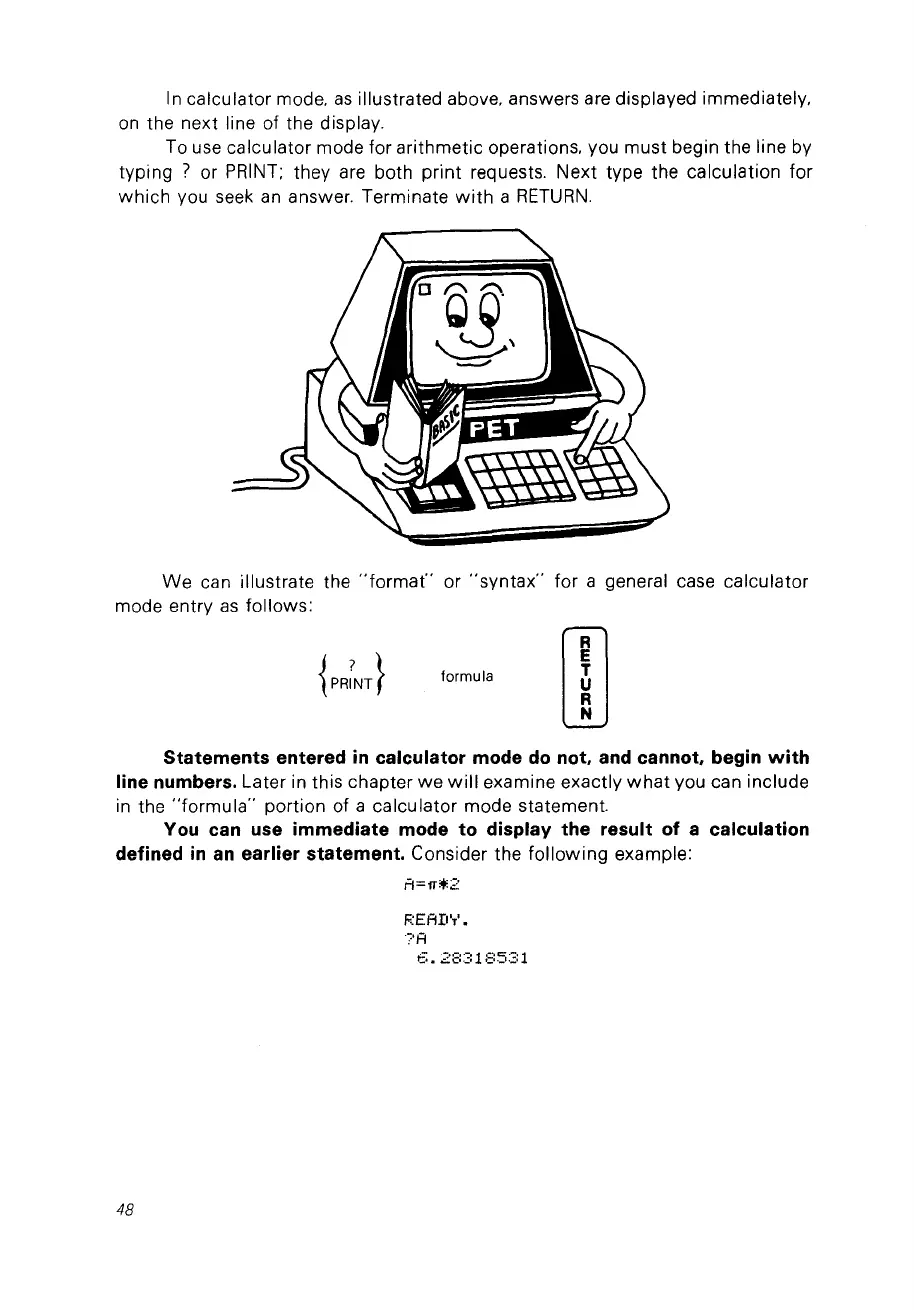
ln calculator mode.
as
illustrated above. answers are displayed immediately,
on
the next line of the display.
Ta use calculator mode for arithmetic operations. vou must begin the line by
typing
? or
PRINT;
they are bath print requests. Next type the calculation for
which
vou seek
an
answer. Terminate
with
a
RETURN.
We
can illustrate the
"format"
or
"syntax"
for a general case calculator
mode entry
as
follows:
formula
rn
Statements entered
in
calculator mode
do
not, and cannat, begin
with
line numbers. Later in this chapter
we
will
examine exactly
what
vou can include
in
the
"formula"
portion of a calculator mode statement.
You can use immediate mode to display the result of a calculation
defined
in
an
earlier statement. Consider the
following
example:
Fl=rr;+:2
F:EAD'T'.
?A
6.28318531
48



 To Next Page