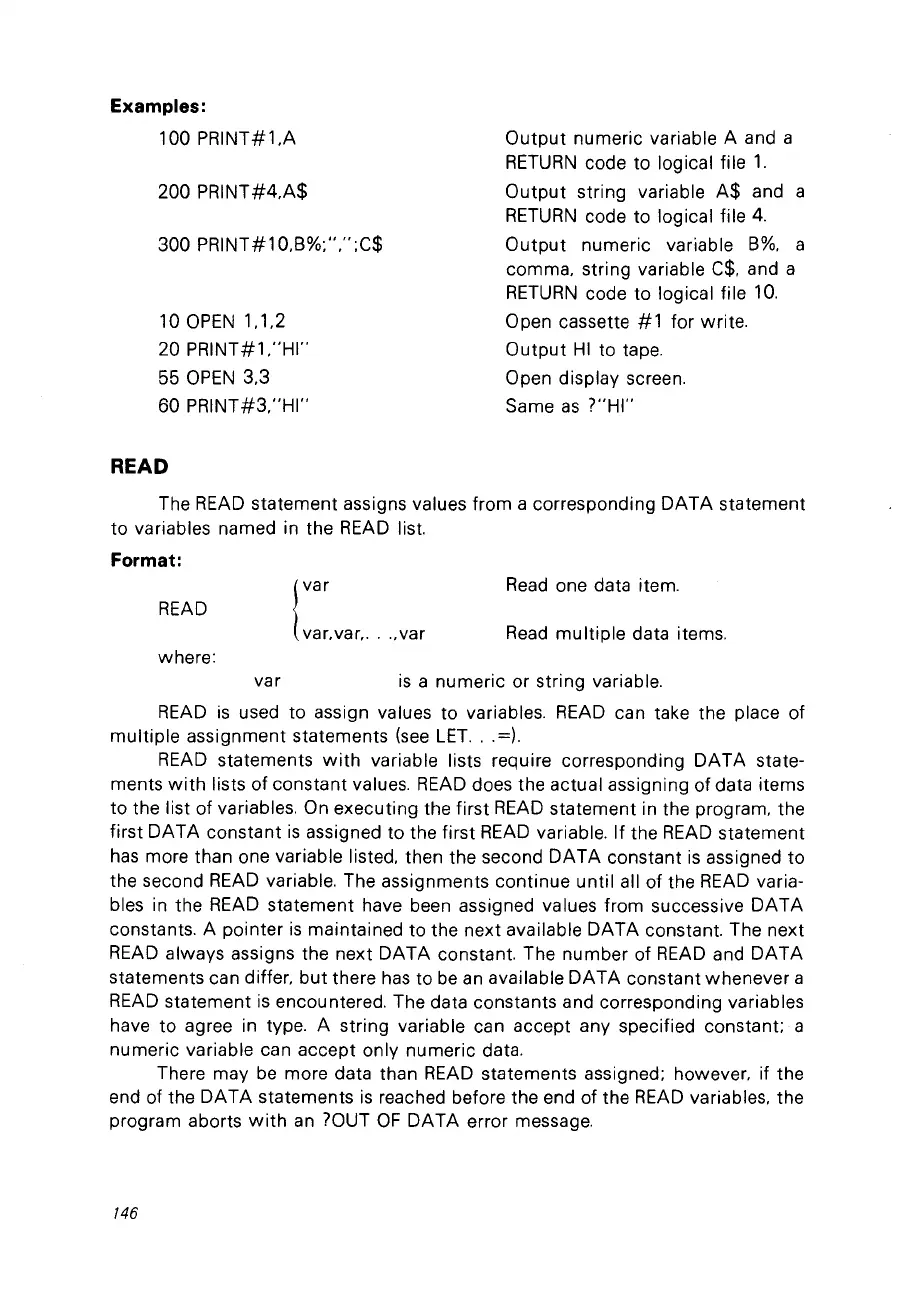
Examples:
100 PRINT#1,A
200 PRINT#4,A$
300 PRINT#10.B%;",";C$
10
OPEN
1.1
,2
20
PRINT#1,"HI"
55
OPEN
3,3
60
PRINT#3,"HI"
READ
Output
numeric variable A and a
RETURN
code to logical file
1.
Output
string variable
A$
and a
RETURN
code to logical file
4.
Output
numeric variable
B%.
a
comma, string variable
C$.
and a
RETURN
code to logical file
10.
Open cassette
#1
for write.
Output
HI
to tape.
Open display screen.
Same
as
?"HI"
The
READ
statement assigns values from a corresponding DATA statement
to variables named in the
READ
list.
Format:
READ
where:
I
var
var, var,
...
,var
Read
one data item.
Read
multiple data items.
var
is
a numeric or string variable.
READ
is
used to assign values to variables.
READ
can take the place of
multiple assignment statements
(see
LET.
..
=).
READ
statements
with
variable lists require corresponding DATA state-
ments
with
lists of constant values.
READ
does the actual assigning of data items
to the list of variables. On executing the first
READ
statement in the pragram, the
first DATA constant
is
assigned to the first
READ
variable. If the
READ
statement
has
more than one variable listed. then the second
DATA
constant
is
assigned to
the second
READ
variable. The assignments continue until ail of the
READ
varia-
bles in the
READ
statement have been assigned values fram successive DATA
constants. A pointer
is
maintained to the next available DATA constant. The next
READ
always assigns the next DATA constant. The number of
READ
and DATA
statements can differ,
but
there
has
to
be
an
available DATA constant whenever a
READ
statement
is
encountered. The data constants and corresponding variables
have to agree in type. A string variable can accept any specified constant; a
numeric variable can accept only numeric data.
There may
be
more data than
READ
statements assigned; however, if the
end of the DATA statements
is
reached before the end of the
READ
variables. the
program aborts
with
an ?OUT
OF
DATA error message.
146



 To Next Page