BASIC STATEMENTS
CLOSE
The
CLOSE
statement closes a logical file.
Format:
CLOSE
file
where:
file
is
the logical file number
that
was given
when
the file was opened.
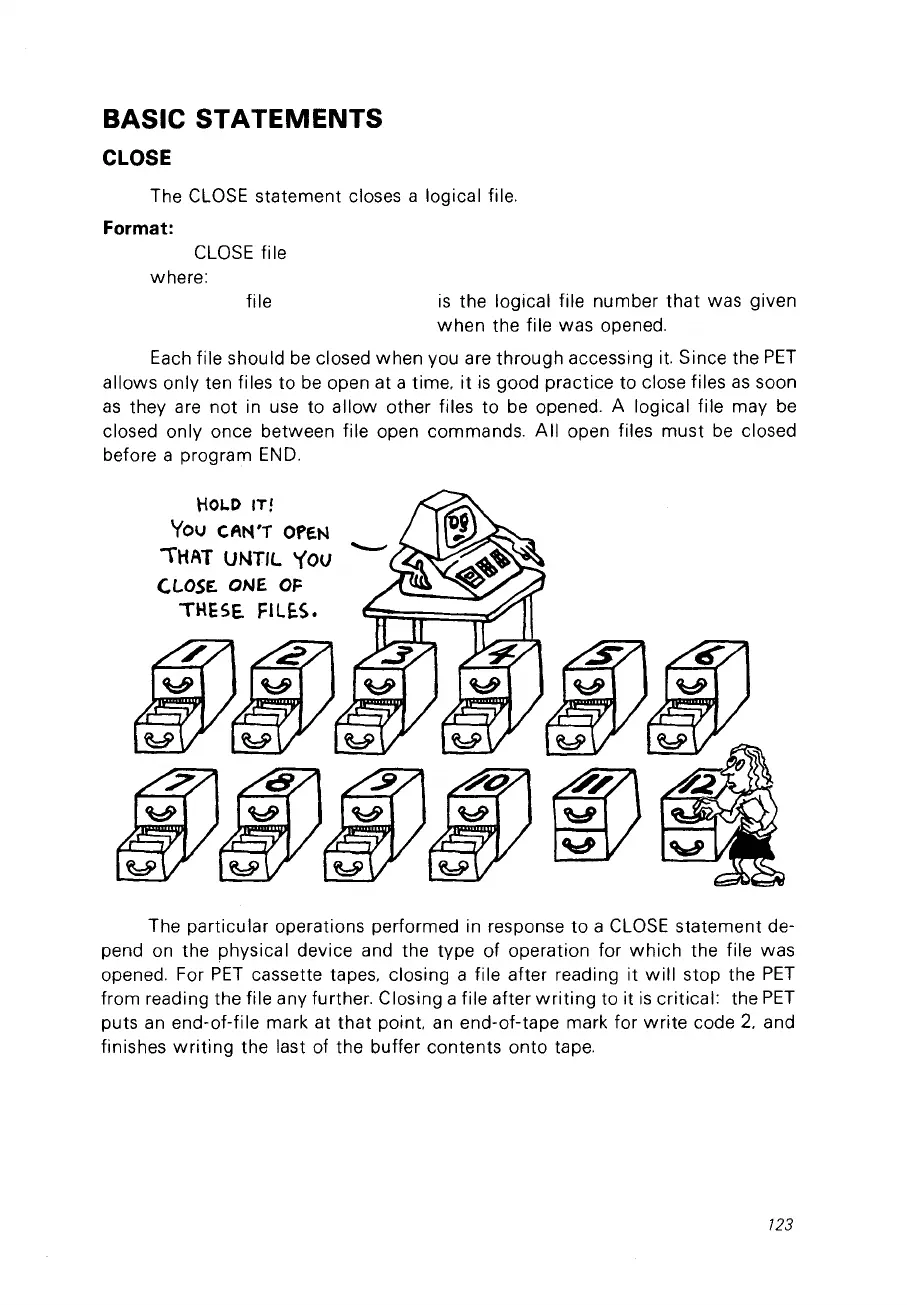
Each file should
be
ciosed when
Vou
are through accessing it. Since the
PET
allows only ten files to
be
open at a time.
it
is
good practice to close files
as
soon
as
they are
not
in use to allow other files
to
be
opened. A logical file may
be
closed only once between file open commands.
Ail
open files
must
be
closed
before a program
END.
tiOLD
ITI
You
CA""T
OPEN
"THAT
UNTIL
Yov
Cl.OSE.
ONE OF
THESE.
F1L~S.
The particular operations performed in response
to
a
CLOSE
statement de-
pend on the physical device and the type of operation for
which
the file was
opened. For
PET
cassette tapes. closing a file after reading it
will
stop the
PET
from reading the file any further. Closing a file after
writing
to it
is
critical: the
PET
puts
an
end-of-file mark at
that
point.
an
end-of-tape mark for
write
code
2.
and
finishes
writing
the last of the buffer contents onto tape.
723



 To Next Page