LOAD!
FILE
NAMES
Another
different and
important
use
of
PET
alphabetic and numeric charac-
ters
is
in
the creation
of
file names.
Since information cannot
be
held forever in the PETs
read/write
memory,
Vou
must store
this
information elsewhere - usually on cassettes, although alter-
natives, such
as
diskettes, are
now
available. Cassettes and diskettes both have
magnetic surfaces on
which
information
is
stored magnetically. Information may
consist
of
programs or data used by programs.
In
either case the cassette or disk-
ette
is
the magnetic equivalent
of
a filing cabinet. and the program or data
is
therefore referred to
as
a file. A program or data file
is,
physically, a piece
of
mag-
netic surface on
which
the program or data has been stored. You do not need
to
know
how
or where your program or data
is
stored, because when vou need it.
vou ask for
it
by name.
When
you first record a file. you assign
it
a file name.
Subsequentiy you use the file name
to
identify the program
or
data.
so
that
the
PET
can read it back
into
read/write
memory.
When vou buy a pre-programmed tape, it usually has several programs
on
each side. Each program has a file
na
me. You can load the program
Vou
want
to
run by specifying the
na
me
of
the program
in
an
appropriate
PET
commando
For
example, suppose a tape has programs stored in this order:
GAMEl
HIHO
BURGLAR
You
want
to play HIHO. The LOAD command tells the
PET
to load a file from
cassette tape into the PETs
read/write
memory.
To
load HIHO into the PETs read/
write
memory, type
in
the command
LOAD "HIHO"
The
PET
will
find GAME 1 first; but continues searching for the program
with
the
na
me HIHO. It finds
it
on the second
try
and loads the program into
read/write
memory.
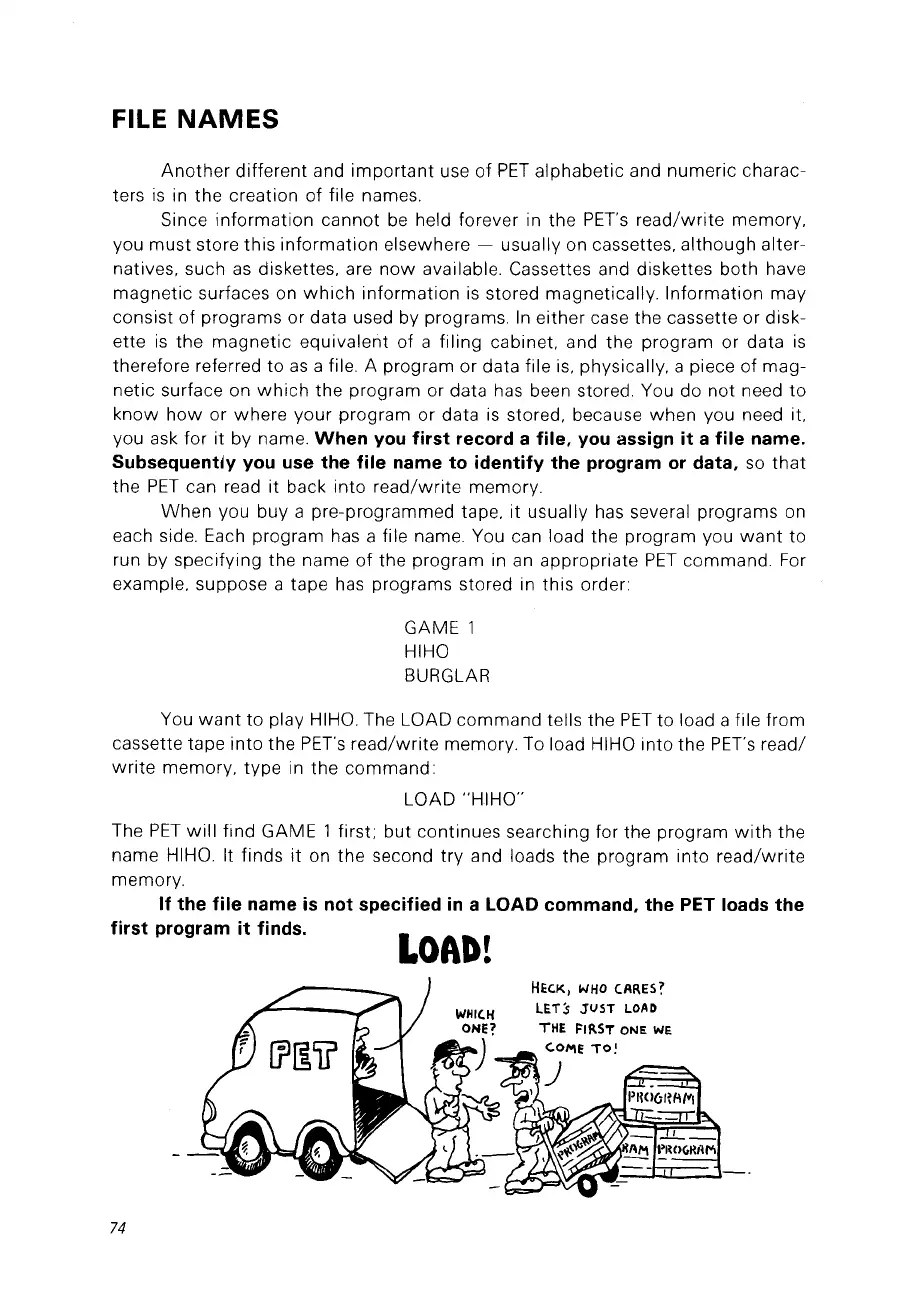
If the
file
name
is
not specified
in
a LOAD commando the PET loads the
first program
it
finds.
HEC.K,
WHO
(ARES?
LETs JUST
LOAD
THE
f>1fl.ST
ONE
WE
c:.O!'\E
TO!
74



 To Next Page