PROGRAMMING GRAPHies
Any graphies sketehed by you direetly onto the sereen
will
be
instantly lost
when you exeeute a NEW statement or turn the power off unless you first eonvert
the graphies into a program.
Vou ean eonvert any design sketehed onto the
sereen into a program simply
by
making eaeh line
on
the sereen a string
whieh
is
to be printed
as
part of a program.
After
you have sketehed the square, move the eursor ta the HOME position.
Do not press
CLEAR
or
RETURN.
If you press
CLEAR
you
will
lose your pieture
forever. If you press
RETURN,
"READY."
will
be
written
through the middle of the
square
as
shown below:
•
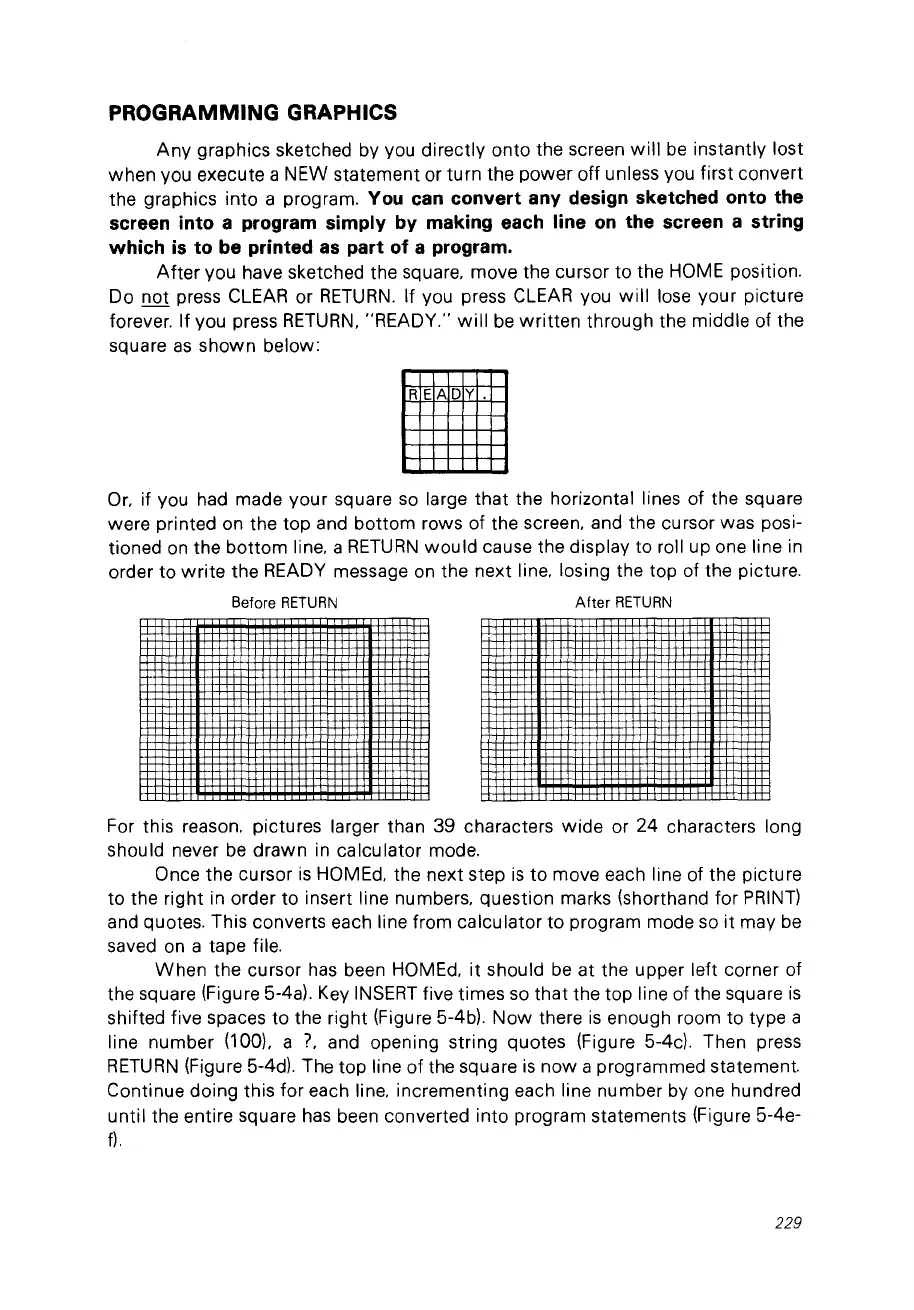
Or,
if you had made your square
so
large
that
the horizontal lines of the square
were printed on the top and bottom rows of the sereen, and the eursor was posi-
tioned
on
the bottom line, a
RETURN
would
cause the display to roll up one line in
order to
write
the READY message
on
the next line. losing the top of the pieture.
Before
RETURN
After
RETURN
For this reason, pietures larger than 39 eharaeters
wide
or 24 eharaeters long
should never
be
drawn in calculator mode.
Once the cursor
is
HOMEd, the next step
is
to move each line of the picture
to the right in order to insert line numbers, question marks (shorthand for
PRINT)
and quotes. This converts each line from calculator to program mode so
it
may
be
saved
on
a tape file.
When
the cursor has been HOMEd. it should
be
at the upper left corner of
the square (Figure 5-4a). Key
INSERT
five times so that the top line of the square
is
shifted five spaees ta the right (Figure 5-4b).
Now
there
is
enough room to type a
line number
(100), a
7,
and opening string quotes (Figure 5-4c). Then press
RETURN
(Figure
5-4&
The top line
of
the square
is
now
a programmed statement.
Continue doing this for each line. incrementing each line number by one hundred
until the entire square has been converted into program statements (Figure 5-4e-
f).
229



 To Next Page