OK
SEARCHING
[FOR
filename]
FOUND filename a
FOUND filename b
FOUND filename
...
where:
filename
is
a string enclosed in quotes or a string
variable representing the file name
that
was given when the program was
written
ante tape.
device
is
a preassigned device number.
s
is
a secondary address code
(see
OPEN).
Note that LOAD. SAVE. and
VERIFY
have the same parameters.
VERIFY
should always
be
used following a program SAVE to
see
if any er-
rors occurred when
writing
to the tape. Sy simulating the processes of a program
LOAD. it reads and compares the program
on
the tape to the program in memory
without
actually loading the program into memory. If an error
is
detected. the
PET
displays a screen message to warn the user.
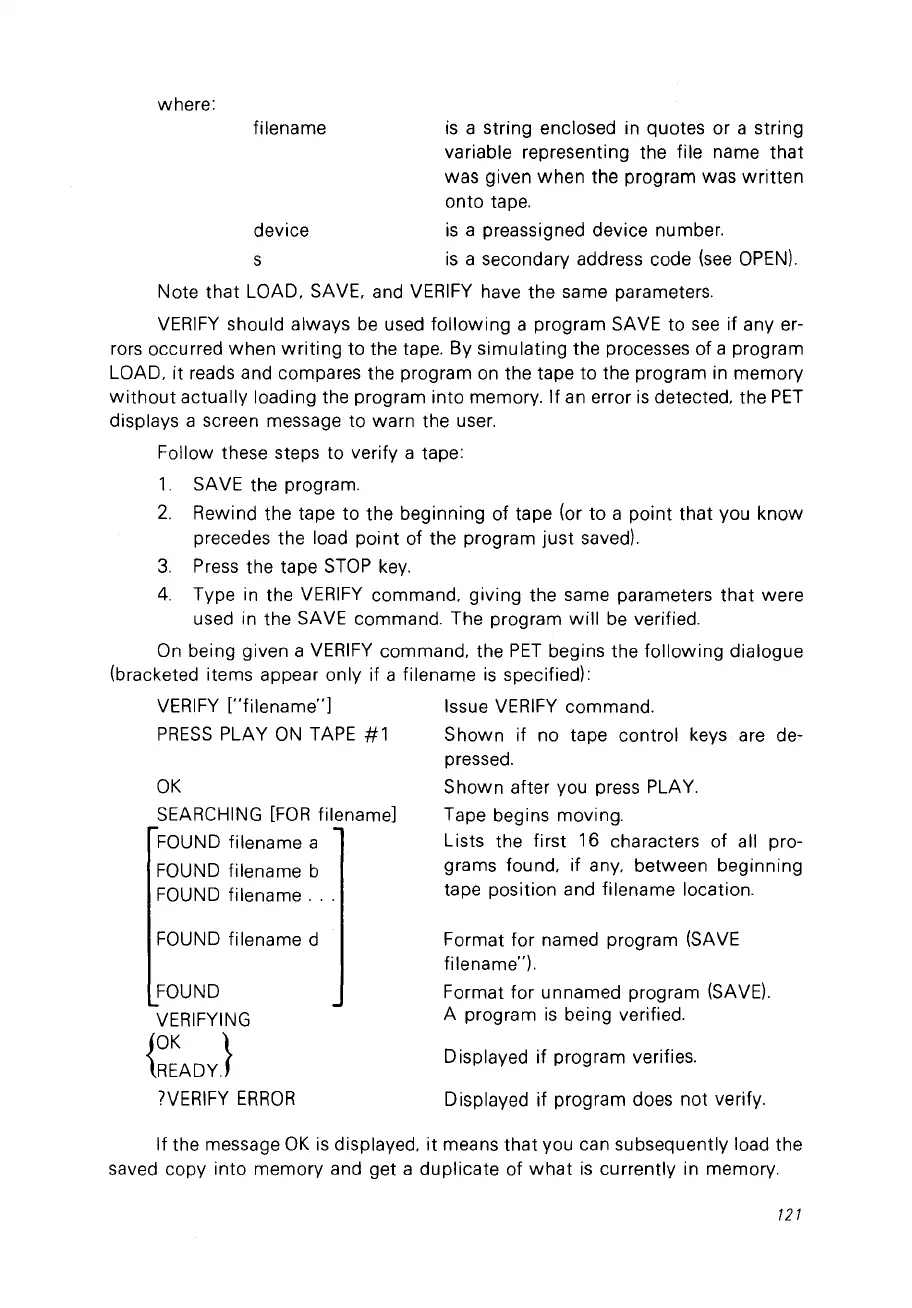
Follow these steps to verify a tape:
1.
SAVE the program.
2.
Rewind the tape to the beginning of tape (or to a point that vou know
precedes the load point of the program
just
savedl.
3.
Press the tape
STOP
key.
4.
Type
in
the
VERIFY
commando giving the same parameters that were
used in the SAVE commando The program
will
be
verified.
On
being given a
VERIFY
commando the
PET
begins the following dialogue
(bracketed items appear only if a filename
is
specified):
VERIFY
["filename"]
Issue
VERIFY
commando
PRESS
PLAY
ON
TAPE
#1
Shown if no tape control keys are de-
pressed.
Shown after vou press PLAY.
Tape begins moving.
Lists the first 16 characters of ail pro-
grams found. if any. between beginning
tape position and filename location.
FOUND filename d
FOUND
VERIFYING
{~:ADY}
?VERIFY
ERROR
Format for named program (SAVE
filename").
Format for unnamed program (SAVE).
A program
is
being verified.
Displayed if program verifies.
Displayed if program does not verify.
If the message
OK
is
displayed.
it
means that vou can subsequently load the
saved copy into memory and get a duplicate of
what
is
currently in memory.
121



 To Next Page