File
is
opened for
read.
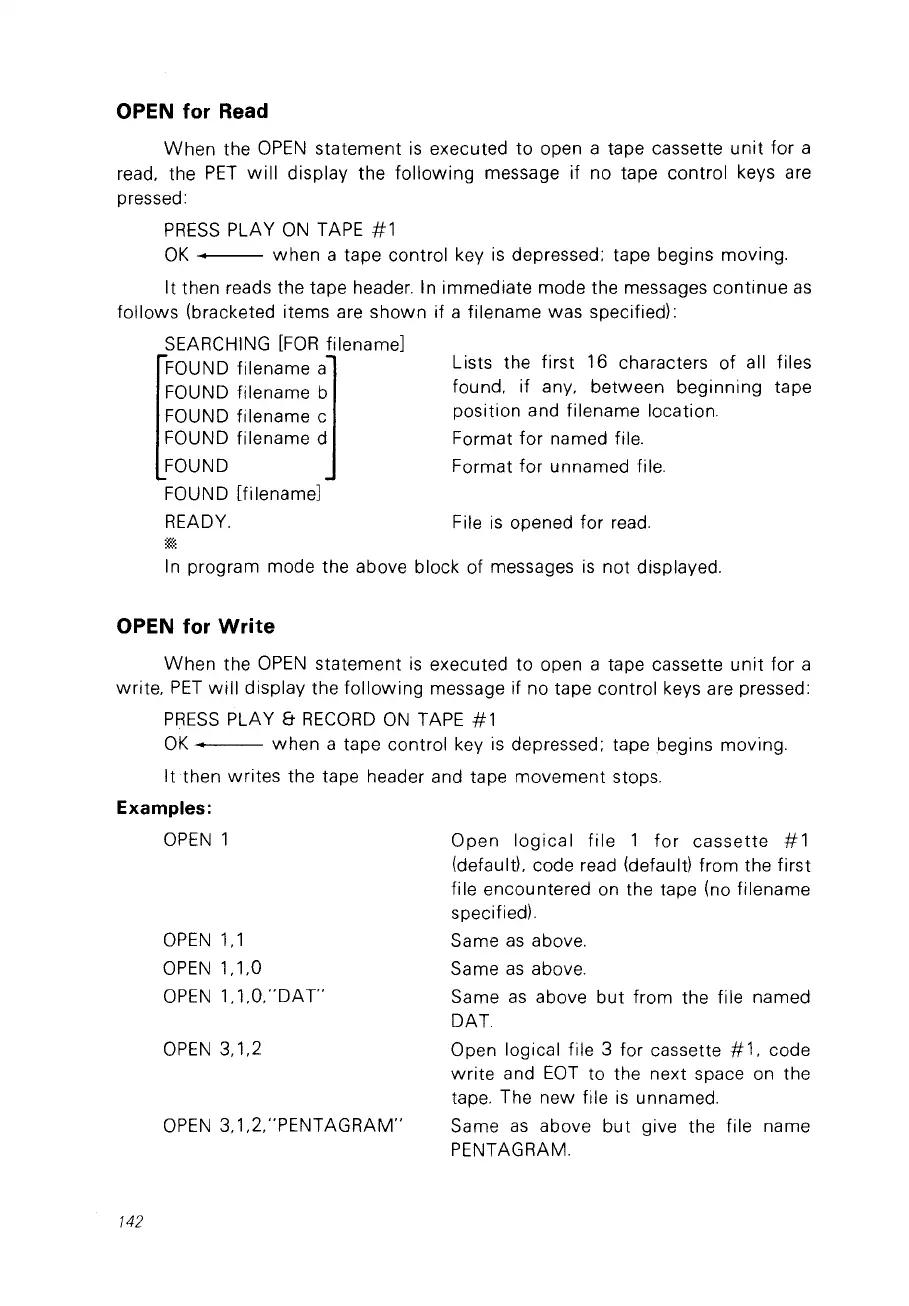
Lists the first 16 characters of ail files
found. if any. between beginning tape
position and filename location.
Format
for
named file.
Format for unnamed file.
OPEN for Read
When
the
OPEN
statement
is
executed
to
open a tape cassette
unit
for a
read. the
PET
will
display the following message if no tape control keys are
pressed:
PRESS
PLAY
ON
TAPE
#1
OK
1 when a tape control key
is
depressed: tape begins moving.
It then reads the tape header. In immediate mode the messages continue
as
follows (bracketed items are shown if a filename was specifiedl:
SEARCHING
[FOR
filename]
FOUND filename a
FOUND filename b
FOUND filename c
FOUND filename d
FOUND
FOUND [filename]
READY.
ln program mode the above block of messages
is
not displayed.
OPEN for
Write
When
the
OPEN
statement
is
executed to open a tape cassette
unit
for a
write.
PET
will
display the following message if no tape control keys are pressed:
PRESS
PLAY &
RECORD
ON
TAPE
#1
OK
• when a tape control key
is
depressed: tape begins moving.
Itthen
writes the tape header and tape movement stops.
Examples:
142
OPEN
1
OPEN
1.1
OPEN
1.1.0
OPEN
1.1.0."DA
r
OPEN
3.1.2
OPEN
3.1.2."PENTAGRAM"
Open
logical
file
1
for
cassette
#1
(default). code read (default) from the first
file encountered on the tape (no filename
specifiedl.
Same
as
above.
Same
as
above.
Same
as
above
but
from the file named
DAT.
Open logical file 3 for cassette #
1.
code
write
and
EOT
to the next space
on
the
tape. The new file
is
unnamed.
Same
as
above
but
give the file name
PENTAGRAM.



 To Next Page