ROLL
OVfR!
Without
this buffer. rapidly incoming keystrokes wou
Id
be
lost before printing -
and rollover
would
be
impossible.
The
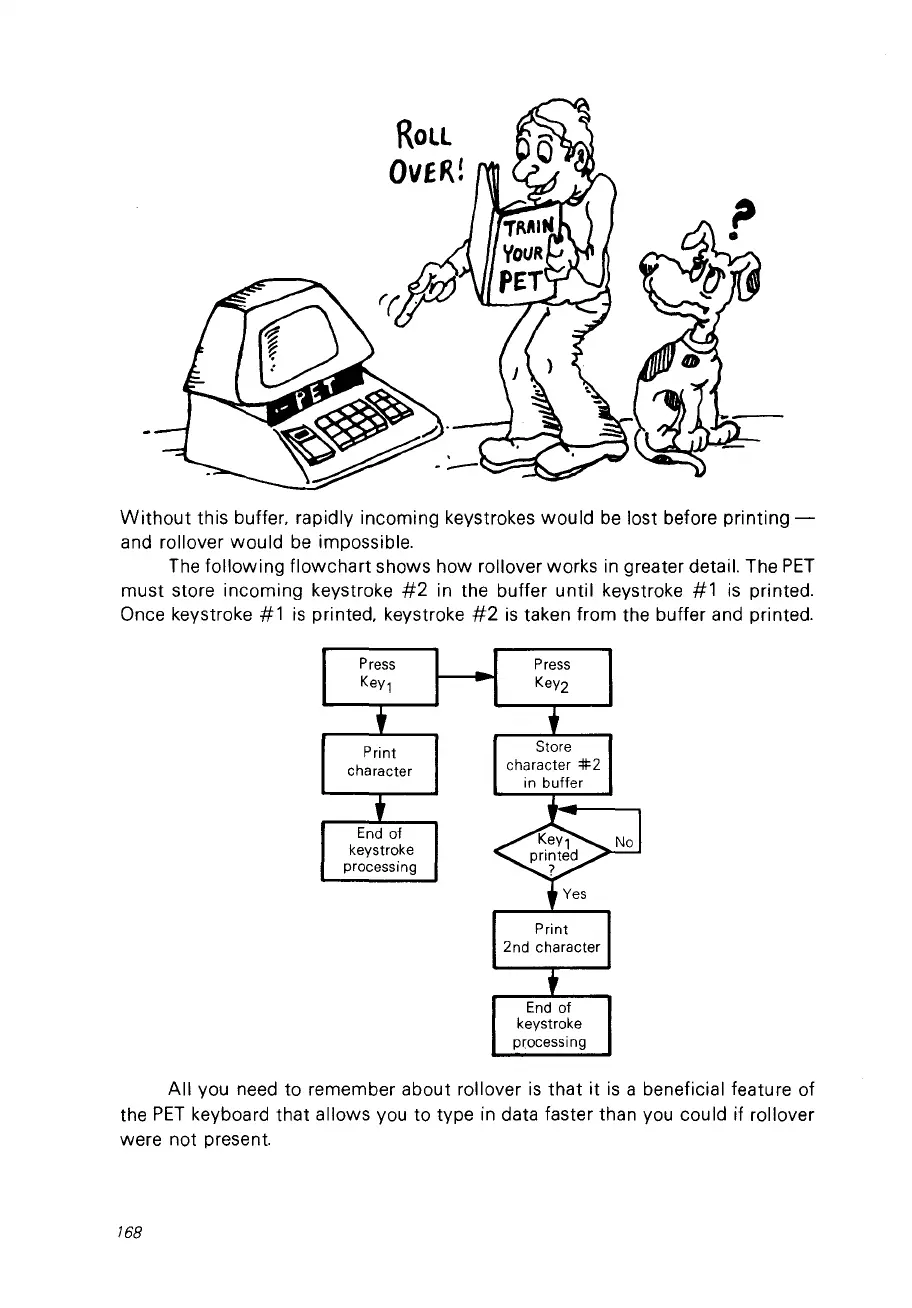
following flowchart shows how rollover works in greater detail. The
PET
must store incoming keystroke
#2
in the buffer until keystroke
#1
is
printed.
Once keystroke
#1
is
printed. keystroke
#2
is
taken from the buffer and printed.
Press
KeY1
Print
character
End
of
keystroke
processing
Store
character
=lf2
in buffer
Print
2nd character
End
of
keystroke
processing
Ail VOU need to remember about roi lover
is
that
it
is
a beneficial feature of
the
PET
keyboard that allows vou to type in data faster than vou could if roi lover
were not present.
768



 To Next Page