Enlarging the Square
Lefs
take the small square we
just
animated and en large it so that
it
forms a
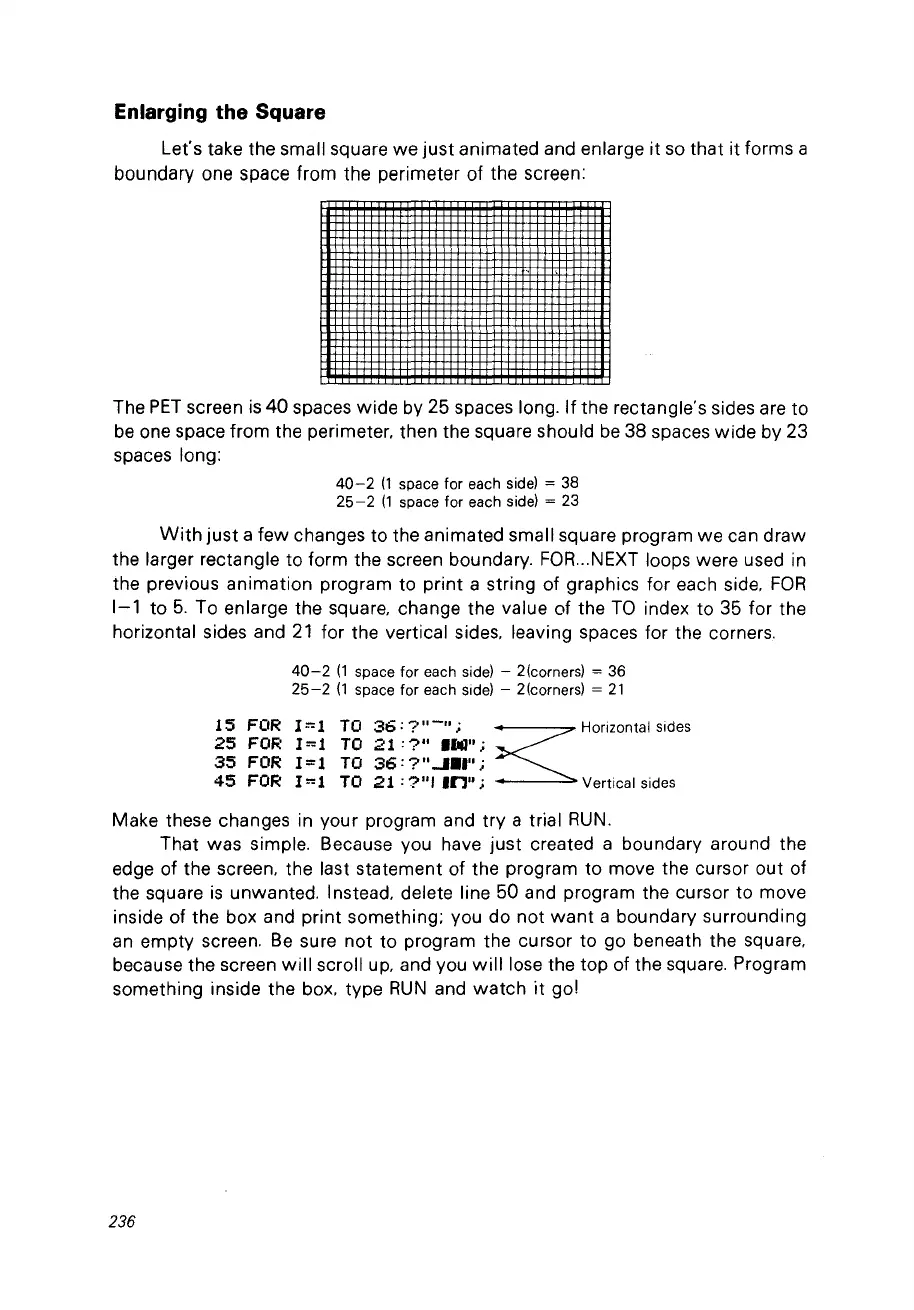
boundary one space from the perimeter of the screen:
The
PET
screen
is
40
spaces
wide
by 25 spaces long.
If
the rectangle's sides are to
be
one space from the perimeter. then the square should
be
38 spaces
wide
by 23
spa
ces long:
40-2
(1
space for each
side)
= 38
25-2
(1
space for each side) = 23
With
just
a few changes to the animated small square program we can
draw
the larger rectangle to form the screen boundary.
FOR
...
NEXT loops were used in
the previous animation program to print a string of graphics for each side.
FOR
1-1 to
5.
To enlarge the square. change the value of the
TO
index to 35 for the
horizontal sides and
21
for the vertical sides. leaving spaces for the corners.
40-2
(1
spa
ce
for each side) - 2(corners) = 36
25-2
(1
space for each side) - 2(corners) =
21
15
FOR
l
=-=
1 TO
36;?
11-11
;
~
Horizontal sides
25
FOR
I=-=l
TO
21
;?"
100";
35
FOR
I=l
TO
36:
?""".,";
45
FOR
I=-=l
TO
21:
?"1
In";
Verticalsides
Make these changes in your program and
try
a trial
RUN.
That was simple. Because
Vou
have
just
created a boundary around the
edge of the screen. the last statement of the program to move the cursor out of
the square
is
unwanted. Instead. delete line 50 and program the cursor to move
inside of the box and print something; vou do
not
want
a boundary surrounding
an
empty
screen.
Be
sure
not
to program the cursor to go beneath the square.
because the screen
will
scroll
up.
and vou
will
lose the top of the square. Program
something inside the box. type
RUN
and
watch
it
go!
236



 To Next Page