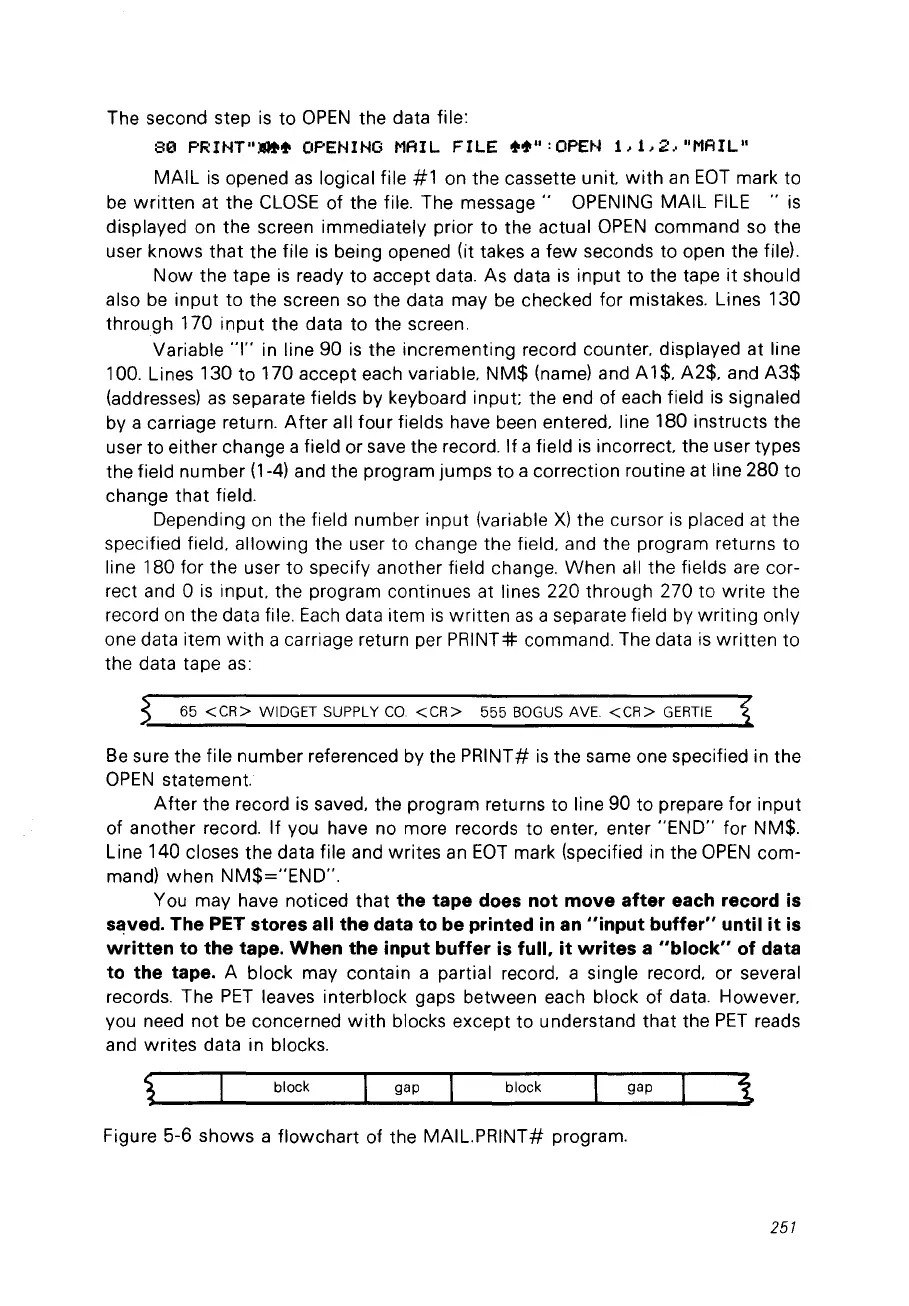
The second step
is
to
OPEN
the data file:
80
PRINT".~
OPENING MAIL
FILE
~~":
OPEN
1,
L
2,
"MAIL"
MAIL
is
opened
as
logical file
#1
on the cassette unit.
with
an
EOT
mark to
be
written
at the
CLOSE
of the file. The
message"
OPENING
MAIL
FILE
"is
displayed on the screen immediately prior to the actual
OPEN
command so the
user knows
that
the file
is
being opened
Ut
takes a few seconds to open the file).
Now
the tape
is
ready to accept data. As data
is
input
to the tape
it
should
also
be
input to the screen so the data may
be
checked for mistakes. Lines 130
through 170
input
the data to the screen.
Variable
"1" in line 90
is
the incrementing record counter. displayed at line
100. Lines 130 to 170 accept each variable.
NM$
(name) and
Al
$.
A2$. and
A3$
(addresses)
as
separate fields by keyboard input; the end of each field
is
signaled
bya
carriage return.
After
ail four fields have been entered. line 180 instructs the
user to either change a field or save the record.
If
a field
is
incorrect. the user types
the field number (1-4) and the program jumps to a correction routine at line 280 to
change
that
field.
Depending
on
the field number input (variable
X)
the cursor
is
placed at the
specified field. allowing the user to change the field. and the program returns to
line 180 for the user to specify another field change. When ail the fields are cor-
rect and 0
is
input. the program continues at lines 220 through 270 to
write
the
record
on
the data file.
Each
data item
is
written
as
a separate field by
writing
only
one data item
with
a carriage return per
PRINT:#:
commando The data
is
written
to
the data tape
as:
65
<CR>
WIDGETSUPPLYCO
<CR>
555
BOGUS
AVE.
<CR>
GERTIE
Be
sure the file number referenced by the PRINT#
is
the
sa
me one specified in the
OPEN
statement.
After
the record
is
saved. the program returns to line 90 to prepare for input
of another record. If you have no more records to enter. enter
"END"
for NM$.
Line 140 closes the data file and writes
an
EOT
mark (specified in the
OPEN
com-
mand) when
NM$="END".
You may have noticed that the tape does not move after each record
is
saved. The PET stores ail the data to be printed
in
an
"input buffer" until
it
is
written
to the tape. When the input buffer
is
full.
it
writes a "block" of data
to the tape.
A block may contain a partial record. a single record. or several
records. The
PET
leaves interblock gaps between each block of data. However.
vou need
not
be concerned
with
blocks except to understand that the
PET
reads
and writes data in blocks.
black gap black
gap
Figure 5-6 shows a flowchart of
theMAIL.PRINT#
program.
251



 To Next Page