••
RE
AD
NUMWORD
DATA
FILE
••
••
MOUNT
TAPE;
PRESS
<RETURN>
WHEN
READY
••
OPENING
DATA
FILE
••
PRESS
PLAY
ON
TAPE
#1
OK
ONE
TloJO
THREE
FOUR
FIVE
SI
;:.~
SE··
...
EN
EIGHT
t'~INE
TEN
••
CLOSING
DATA
FILE
••
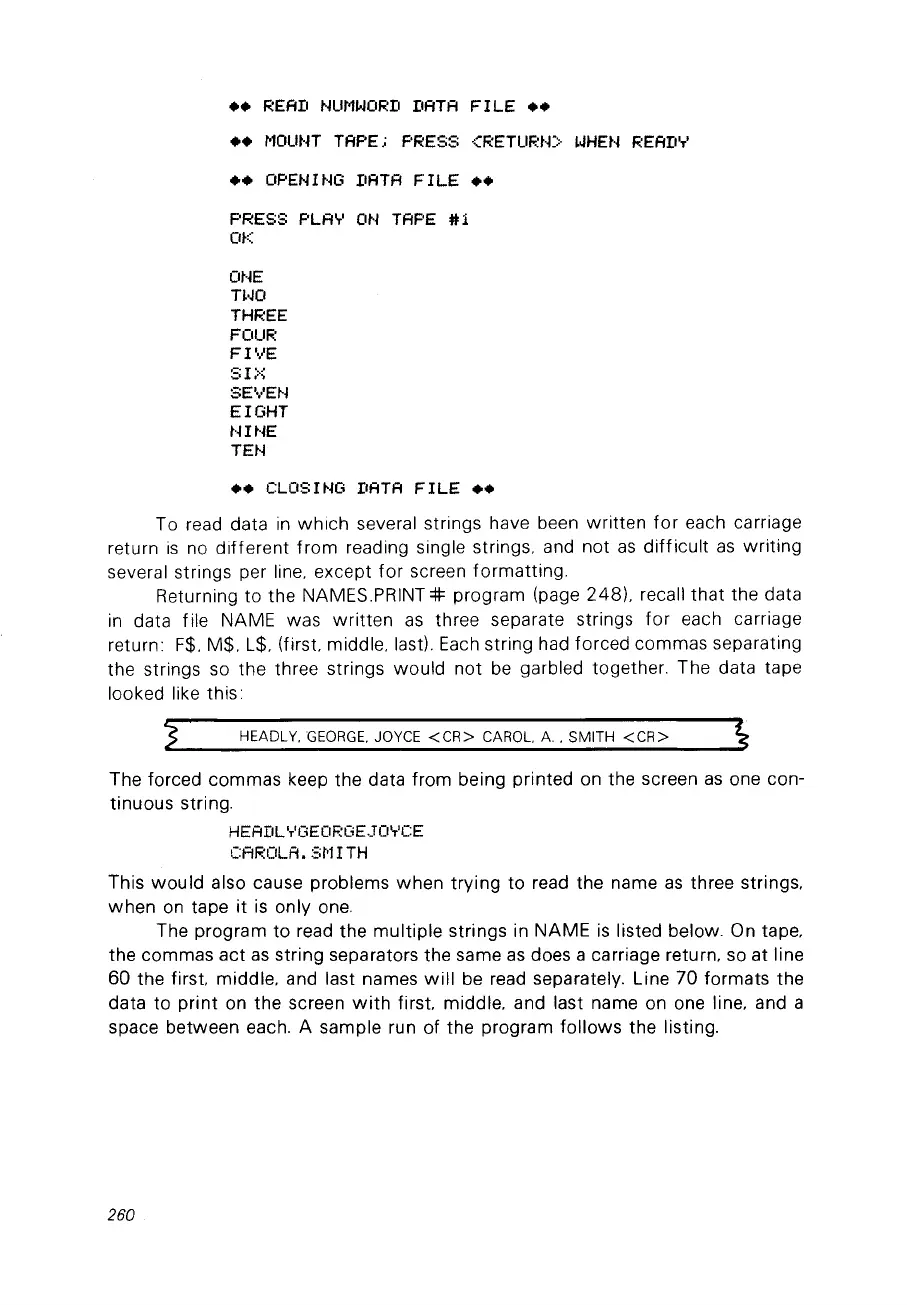
To read data
in
which
several strings have been written
for
each carriage
return
is
no
different
fram
reading single strings, and not
as
difficult
as
writing
several strings per line, except
for
screen formatting.
Returning to the
NAMES.PRINT:#: program (page 248), recall
that
the data
in
data file NAME was
written
as
three separate strings
for
each carriage
return:
F$,
M$, L$, (first, middle, last).
Each
string had forced commas separating
the strings so the three strings would not
be
garbled together. The data tape
looked like this:
HEADLY,
GEORGE.
JOYCE
<CR>
CAROL.
A,
SMITH
<CR>
The forced commas keep the data from being printed on the screen
as
one con-
tinuous string.
HEADLYGEORGEJOYCE
CAROLA.
St'll
TH
This
would
also cause problems
when
trying
to read the name
as
three strings,
when
on
tape
it
is
only
one.
The program
to
read the
multiple
strings in NAME
is
listed below. On tape,
the commas
act
as
string separators the same
as
does a carriage return,
so
at line
60 the
first
middle, and last names
will
be
read separately. Line
70
formats the
data to
print
on the screen
with
first
middle. and last name on one line, and a
space between each. A sample run of the program follows the listing.
260



 To Next Page