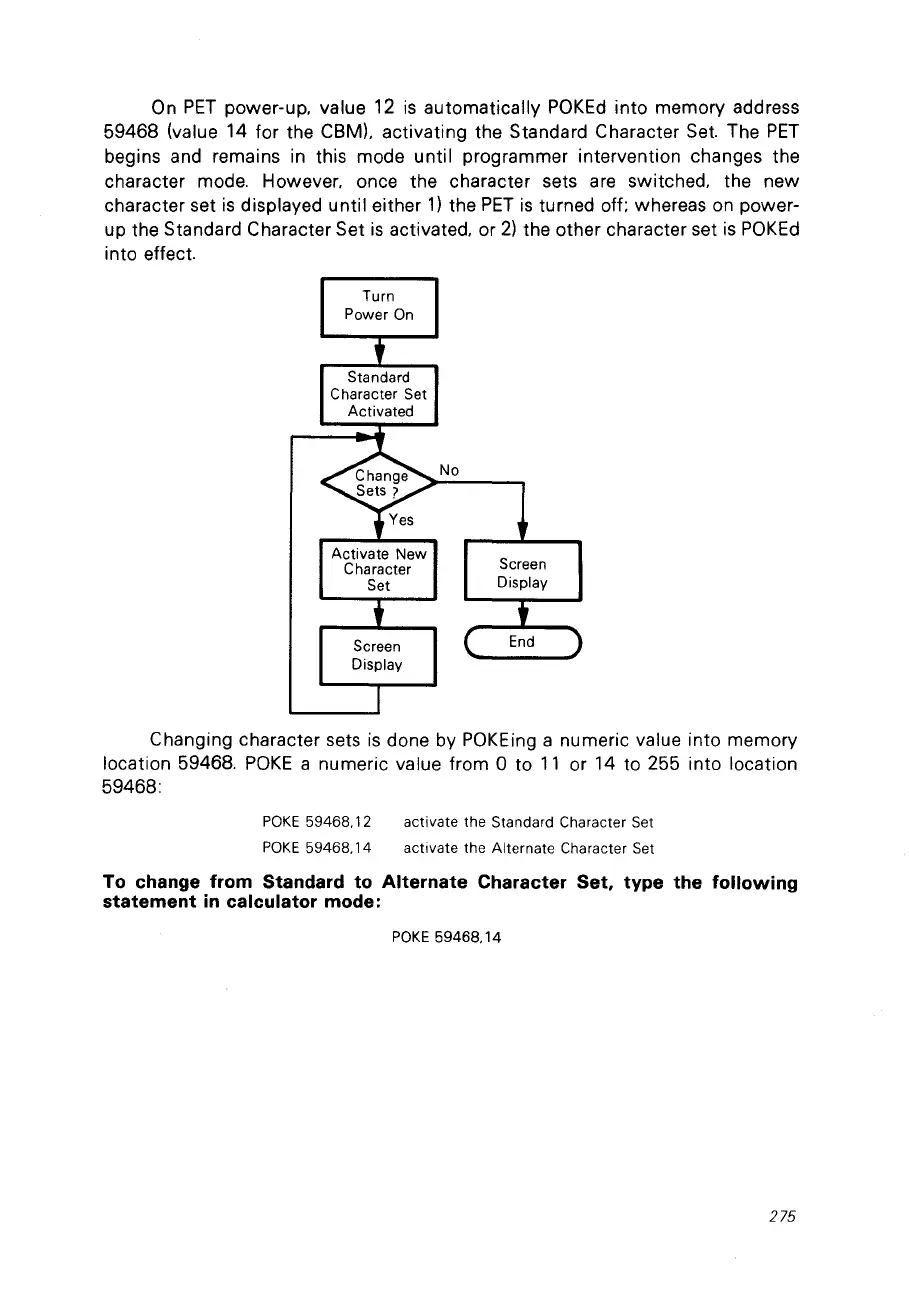
On
PET
power-up. value
12
is
automatically
POKEd
into memory address
59468 (value 14 for the CBMl. activating the Standard Character
Set.
The
PET
begins and remains
in
this mode until programmer intervention changes the
character mode. However, once the character sets
are
switched, the new
character set
is
displayed until either
1)
the
PET
is
turned off; whereas
on
power-
up the Standard Character Set
is
activated, or
2)
the other character set
is
POKEd
into effect.
Turn
Power
On
Standard
Character Set
Activated
Activate New
Character
Set
No
Screen
Display
Screen
Display
Changing character sets
is
done by
POKEing
a numeric value into memory
location 59468.
POKE
a numeric value from a to
11
or 14 to 255 into location
59468:
POKE
59468.12
POKE
59468.14
activate the Standard Character Set
activate the Alternate Character Set
To change from Standard to Alternate Character Set. type the following
statement
in
calculator mode:
POKE
59468,14
275



 To Next Page