To perform its "Ioad & go" function. RUN must be pressed when the
PET
is
READY;
if it
is
pressed while another program
is
executing.
it
acts like
a STOP.
Using the
RUN
key
is
a quick
way
of running the next program stored on
the cassette vou have in the
PET
cassette drive.
Cursor Control Keys
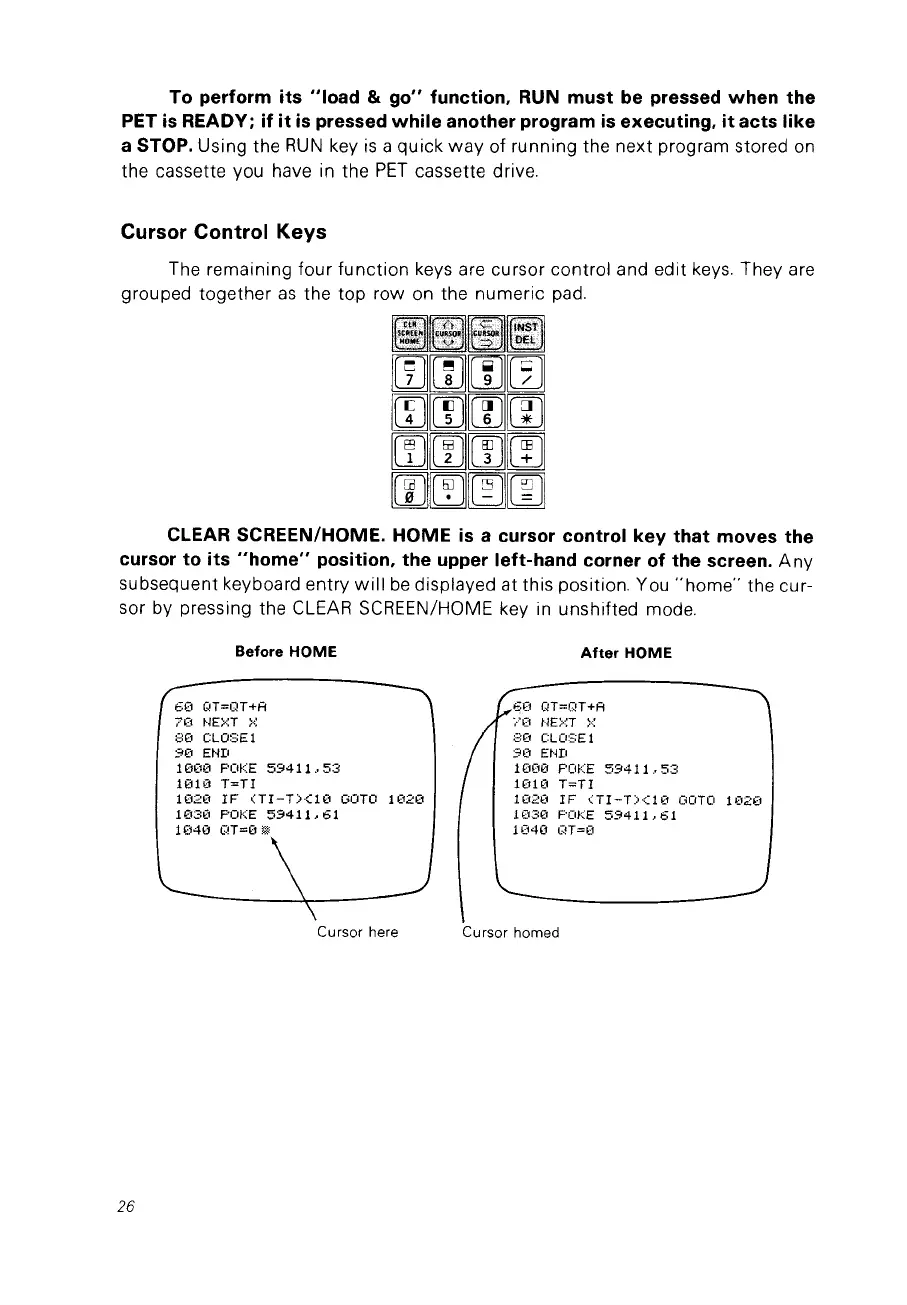
The remaining four function keys are cursor control and edit keys. They are
grouped together
as
the top row on the numeric pad.
CLEAR SCREEN/HOME.
HOME
is
a cursor control key
that
moves the
cursor to its
"home"
position. the upper left-hand corner of the screen.
Any
subsequent keyboard entry
will
be
displayed at this position. You
"home"
the cur-
sor by pressing the CLEAR SCREEN/HOME key
in
unshifted mode.
26
Before
HOME
60
QT=QT+Ff
70
t·~E>~T
}::
BO
CLOSEI
90
ENI!
1000
POKE
59411.53
1010
T=TI
1020
IF
(TI-T><10
GOTO
1020
1030
POKE
59411.61
1040
G!T=O
m
Cursor here
After HOME
60
QT=QT+Ff
~."(1
t'~E>~T
>.;:
:=:0
CLO'=El
90
Hm
1000
POKE
59411.53
lOlO
T=TI
1020
IF
(TI-T><10
GOTO
1020
1030
POKE
59411.61
1040
G!T=O
Cursor homed



 To Next Page