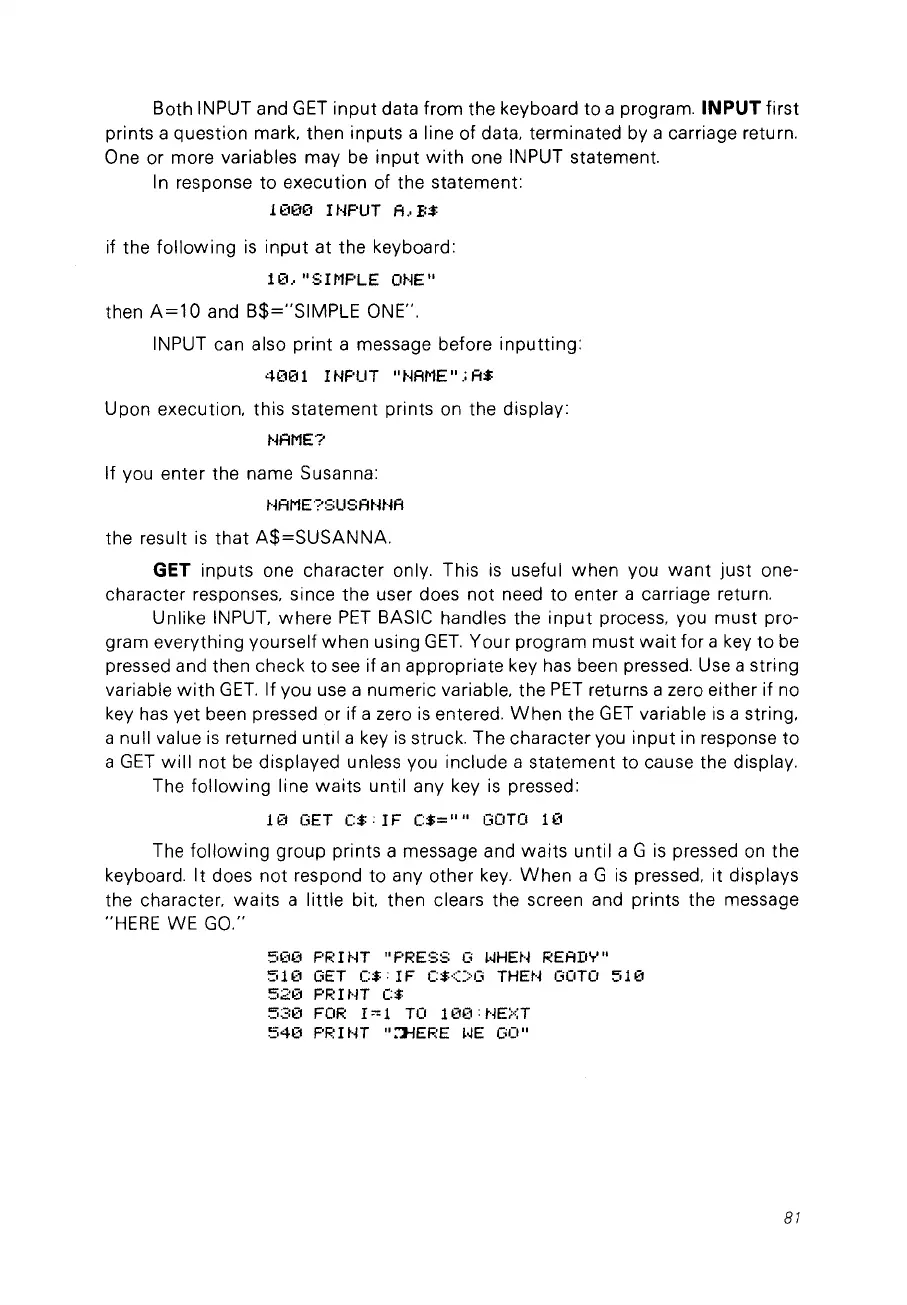
Both INPUT and
GET
input
data from the keyboard to a program. INPUT first
prints a question mark, then inputs a line of data, terminated by a carriage return.
One or more variables may
be
input
with
one INPUT statement.
1n response
to
execution of the statement:
10ÜO
l HF'UT A
..
B$
if the
following
is
input
at the keyboard:
1
€1
.•
Il
S I/'1F'LE
ONE
Il
then
A=10
and B$="SIMPLE ONE".
INPUT can also print a message before inputting:
4üO
1 l HF'UT
Il
l'lAME
Il
.;
A$
Upon execution. this statement prints on the display:
l'lAME?
If vou enter the name Susanna:
t·jAME?:=;USAHHA
the result
is
that
A$=SUSANNA.
GET inputs one character only. This
is
usefu 1 when vou
want
just
one-
character responses, since the user does not need to enter a carriage return.
Unlike INPUT, where
PET
BASIC handles the
input
process, vou
must
pro-
gram everything yourself
when
using
GET.
Your program must
wait
for a key
to
be
pressed and then check to
see
if
an
appropriate key has been pressed. Use a string
variable
with
GET.
If vou use a numeric variable, the
PET
returns a zero either if no
key
has
yet been pressed or if a zero
is
entered.
When
the
GET
variable
is
a string.
a null value
is
returned until a key
is
struck. The character vou input in response
to
a
GET
will
not
be
displayed unless vou include a statement to cause the display.
The
following
line
waits
until any key
is
pressed:
10 GET
(:$:
IF
(:$=
Il Il
GOTO
10
The
following
group prints a message and
waits
until
aGis
pressed
on
the
keyboard.
It
does
not
respond
to
any other
key.
When
aGis
pressed. it displays
the character.
waits
a little bit. then clears the screen and prints the message
"HERE WE GO."
5~30
F'F:
l
HT
Il
PRESS
G
~.jHEN
REAII'T'
Il
510
GET
(:$:IF
(:$<>G
THEH GOTO
510
520
F'RIHT
(:$
530
FOR
I~1
TO
100:HEXT
540
PR
ItH
Il
::J-fEF:E
~.jE
GO
Il
81



 To Next Page