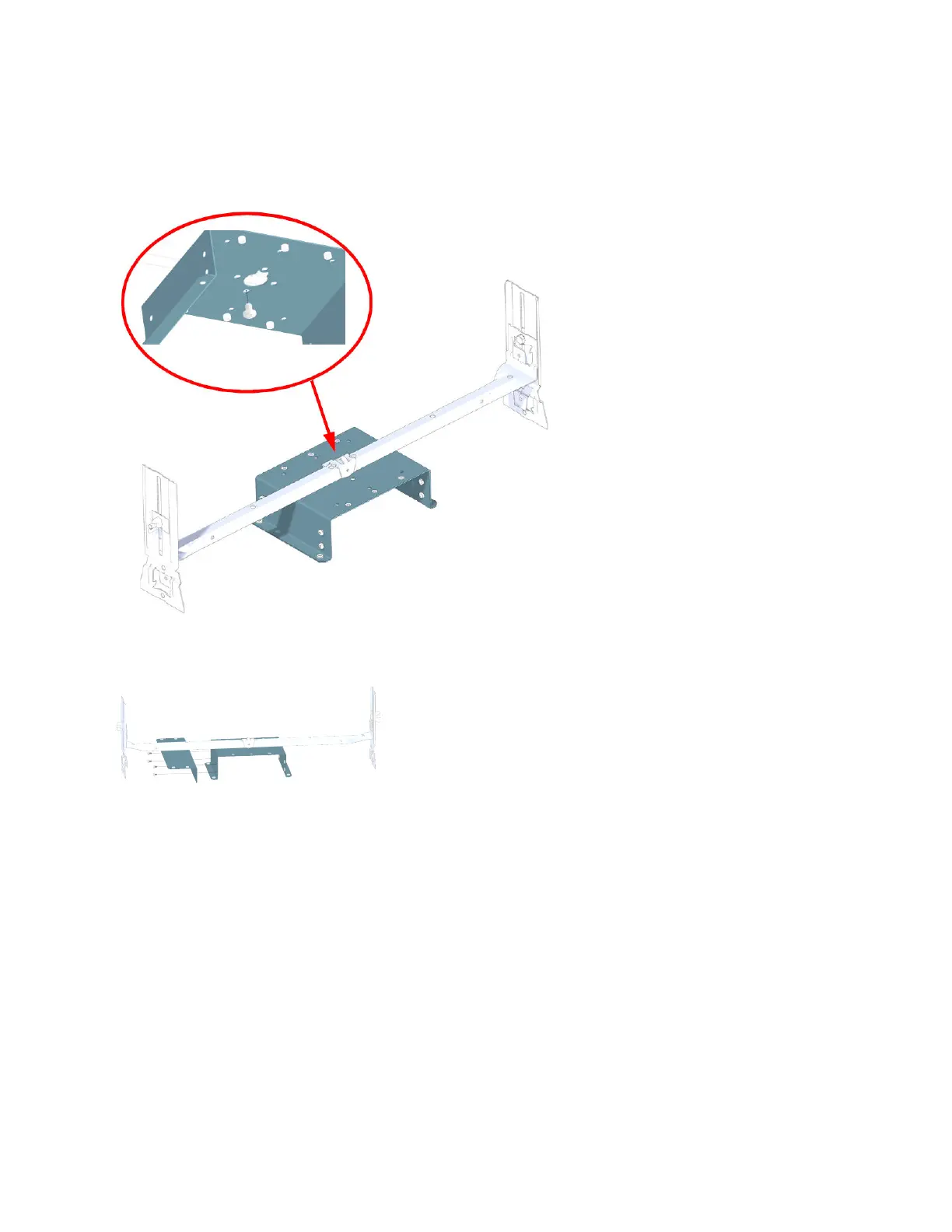
a. Slide the tab on the clamp into the U-bracket hole.
b. Align the hole on the clamp with the hole on the U-bracket.
c. Tighten the screws (torque 14 nm).
8. For AC power conguraons only, aach the Power Supply L-bracket to the U-bracket with the four
screws provided in the UAP2 kit.
9. Slide the Power Supply onto the L-bracket and secure with the four screws provided in the Power Supply
Kit.
DRAFT: CONFIDENTIAL
Chapter 4: Mount the Fiber UAP2
CommScope ERA
®
UAP2 with Fiber Interface Installaon Guide , Release
P/N M0203AB, DRAFT Rev D 30










 To Next Page