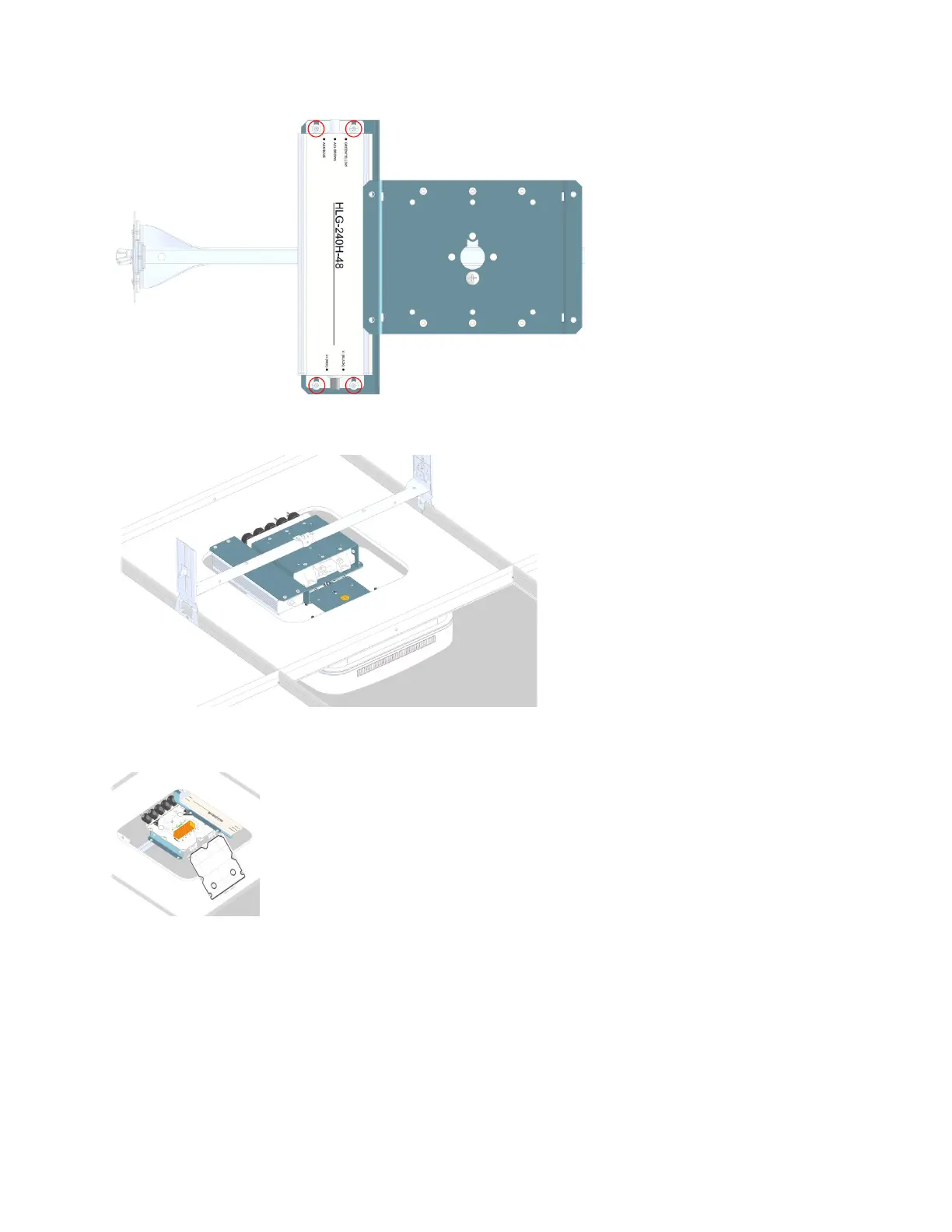
10. Insert the drop rail on the ceiling le rails over the cut out le.
11. Loosen the six screws and open splice box cover and connect the wires to the wire block. For
informaon on the splice box wiring, see Mounng a UAP2 with a Hybrid Splice Kit.
12. Close splice box cover and ghten screws.
13. Remove the angle brackets from the splice box plate.
DRAFT: CONFIDENTIAL
Chapter 4: Mount the Fiber UAP2
CommScope ERA
®
UAP2 with Fiber Interface Installaon Guide , Release
P/N M0203AB, DRAFT Rev D 31










 To Next Page