ComNav Marine 1420 Autopilot System
Fill And Bleed
After you have installed your Pump, fill it with hydraulic fluid, and then bleed it. The first
part if this procedure can be done right away – but for the rest, the Autopilot must be
installed and powered up, so you will be referred back here during Autopilot Setup.
1. Bleed your manual steering system
according to the manufacturer's
instructions. When you have
completed the bleeding, leave the
equipment for the bleeding procedure
attached to your hydraulic steering
system.
4. If you started this bleeding procedure
right after Step 8 in the Autopilot
Setup Procedure (see page 42), the
hydraulic cylinder rod will be fully
extended in one direction. To bleed
the Reversing Pump, you will be
extending the cylinder rod in the other
direction. Open one and close the
other bleeding screw just as you did
when bleeding the manual part of
your system and you were extending
the cylinder arm in this direction.
Generally, you close the bleeding
screw or nipple closest to the rod
which is now retracted. Open the
bleeding screw closest to the now
extended rod. See the diagrams on
the next page.
2. Fill your highest reservoir completely.
Turn the steering wheel just past the
stop to press as much oil as is
possible into the system.
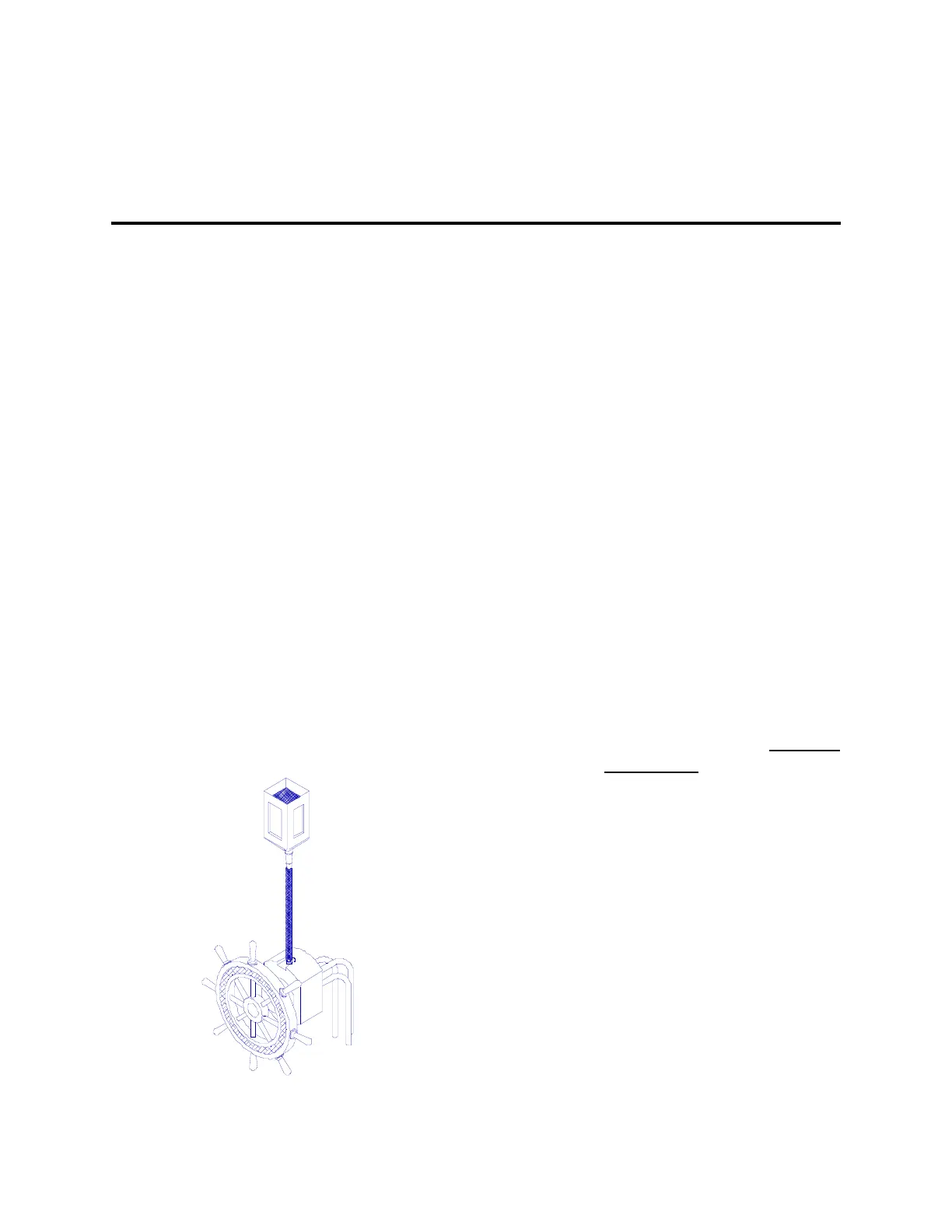
3. If you can, use a bottle of
recommended hydraulic oil and a
piece of plastic tubing to add extra
capacity to your highest reservoir.
⇒ The manufacturer of your system
may provide these items when you
purchase a bleeding kit for your
system.
5. Position yourself so that you can see
your hydraulic steering cylinder while
operating the Control Head.
If you have a helper, have them
watch the oil level in the highest
reservoir and refill it when
necessary.
6. You will be able to move the steering
cylinder rod by pressing the Red Key
or the Green Key on the Control
Head. When you press the key, the
lights will stop blinking and the red or
green light will turn on. Extend the
rod as far as it will travel in the other
direction.
7. If you are using a Reversing Pump,
let the Autopilot drive the Reversing
Pump until it nearly stops after the
rod reaches the end of its travel. This
will press as much oil as possible into
the system. It will not damage the
pump.
Adding Capacity
Document PN 29010012 V1.3
30



 To Next Page