13
K-series OEM Board User Guide
3.2 Status checking
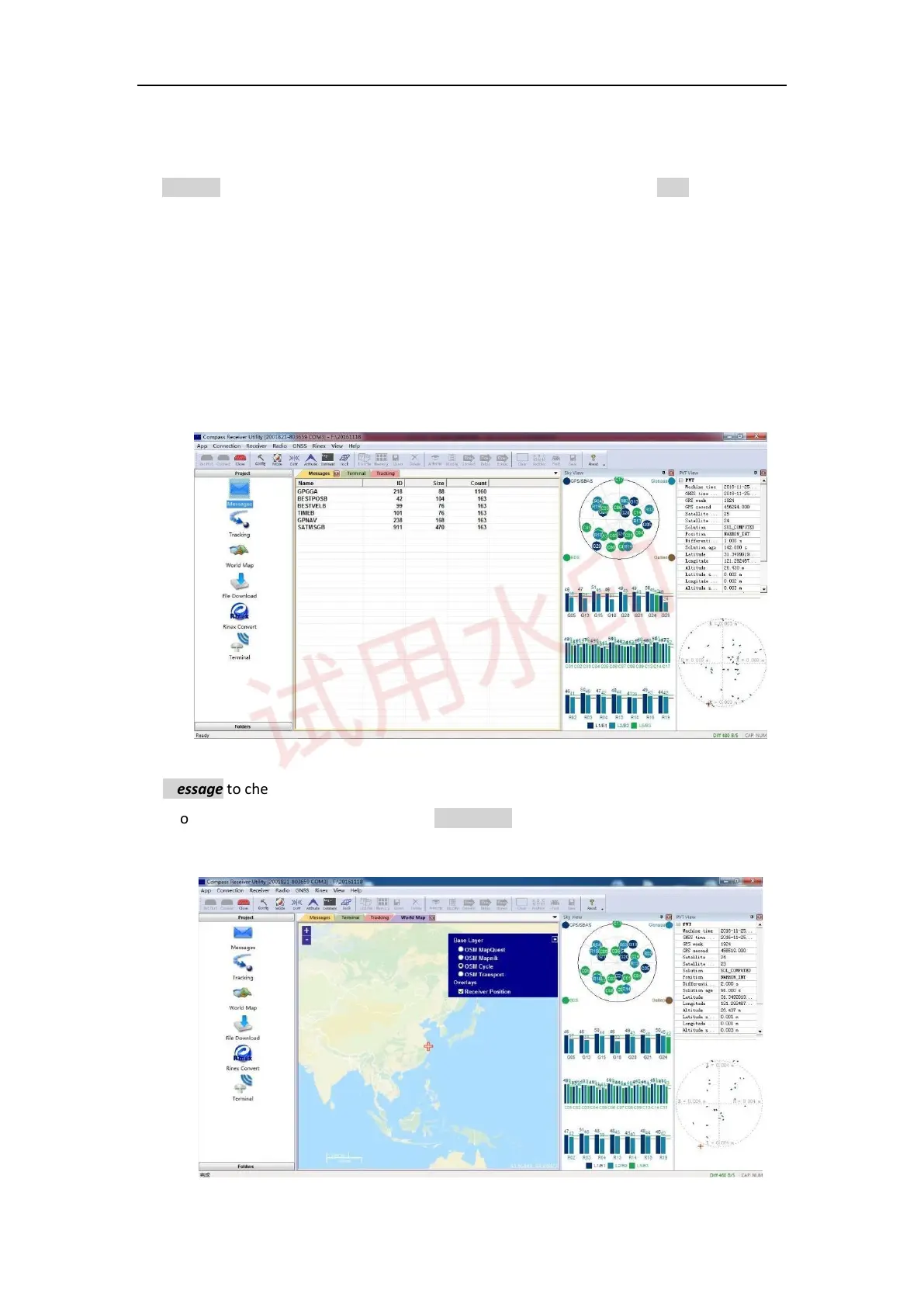
Go to Tracking to check satellite information such as SNR and elevation, and click view to display the sky view
shown below. Normally the SNR should reach the following values:
⚫ GPS(G): max value for L1: 48-50; max value for L2: 40-42
⚫ Glonass(R): max value for L1: 48-50; max value for L2: 45-48
⚫ BeiDou(C): max value for B1: 45-47; max value for B2: 45-47
⚫ Galileo(E):max value for E1:48-50l max value for E5b: 48-50
Go to Message to check the output message of receiver.
Ensure your pc internet connected, and go to World Map -> select proper base layer to check the current
position on global map.



 To Next Page