24
K-series OEM Board User Guide
For the Rover
log comX gpgga ontime 1
rtkobsmode 3
Interfacemode comX auto auto on
Saveconfig
//ComX output GPGGA data
//Set the observation mode of rover receiver
//Config comX to detect RTCM corrections
// Save configuration
Tip: If comX is the serial port used for configuration currently, please replace command saveconfig with
interfacemode saveconfig.
Output GPGGA message to check if OEM board is in RTD mode, the solution status should be “E,2”.
$GPGGA,015101.00,3121.0000551,N,12117.5483125,E,2,23,1.1,37.2598,M,0.000,M, 02,0004*58
4.5 Moving base mode
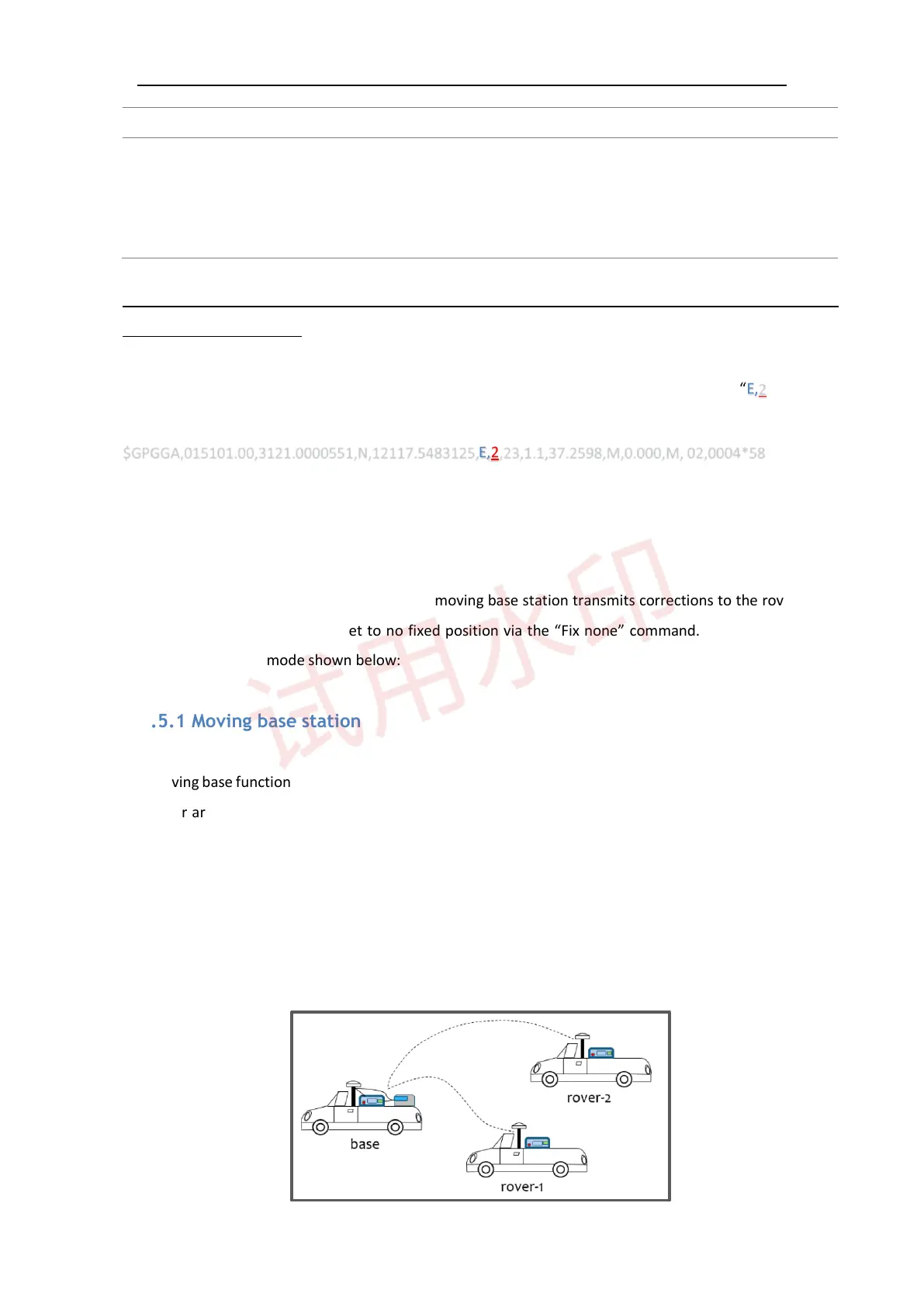
Different from the stationary base station, the moving base station transmits corrections to the rover when
it’s moving. Therefore, it should set to no fixed position via the “Fix none” command. There are two main
types of moving base mode shown below:
4.5.1 Moving base station
The moving base function allows you to obtain a centimeter-level xyz baseline estimate when the base station
and rover are moving, which means the rover can only get accurate relative position based on the base. In
this mode, the rover should be set as synchronous mode due to the latency of the reference station position
message. Moreover, the moving base can accept the external high accuracy NMEA input, for example from
another GNSS station with absolute high precision; then transmit to the rover, refer to chapter 6.4 in ComNav
OEM Board Reference Manual_V1.8 for detailed information.



 To Next Page