20
K-series OEM Board User Guide
4. Work mode configuration
This chapter describes the commands for frequently used work mode, which can help you to quick start to
use ComNav Technology OEM board and module.
ComNav Technology OEM board set single point positioning as default work mode. However, it also supports
various work modes that meet your requirements, including smooth mode, SBAS mode, RTK mode, RTD mode
and Moving baseline mode.
Note: comX shown in the following commands, X is the serial port number
4.1 Smooth mode
In single-point positioning, ComNav Technology have adopted an advanced smoothing filter to enhance pass-
to-pass accuracy, which need send commands as:
Set smoothedpvt on
Saveconfig
// activate the smooth mode
// Save configuration
With the 20cm pass-to-pass accuracy, positioning with smooth mode is ideal for precision agriculture, fleet
management and more.
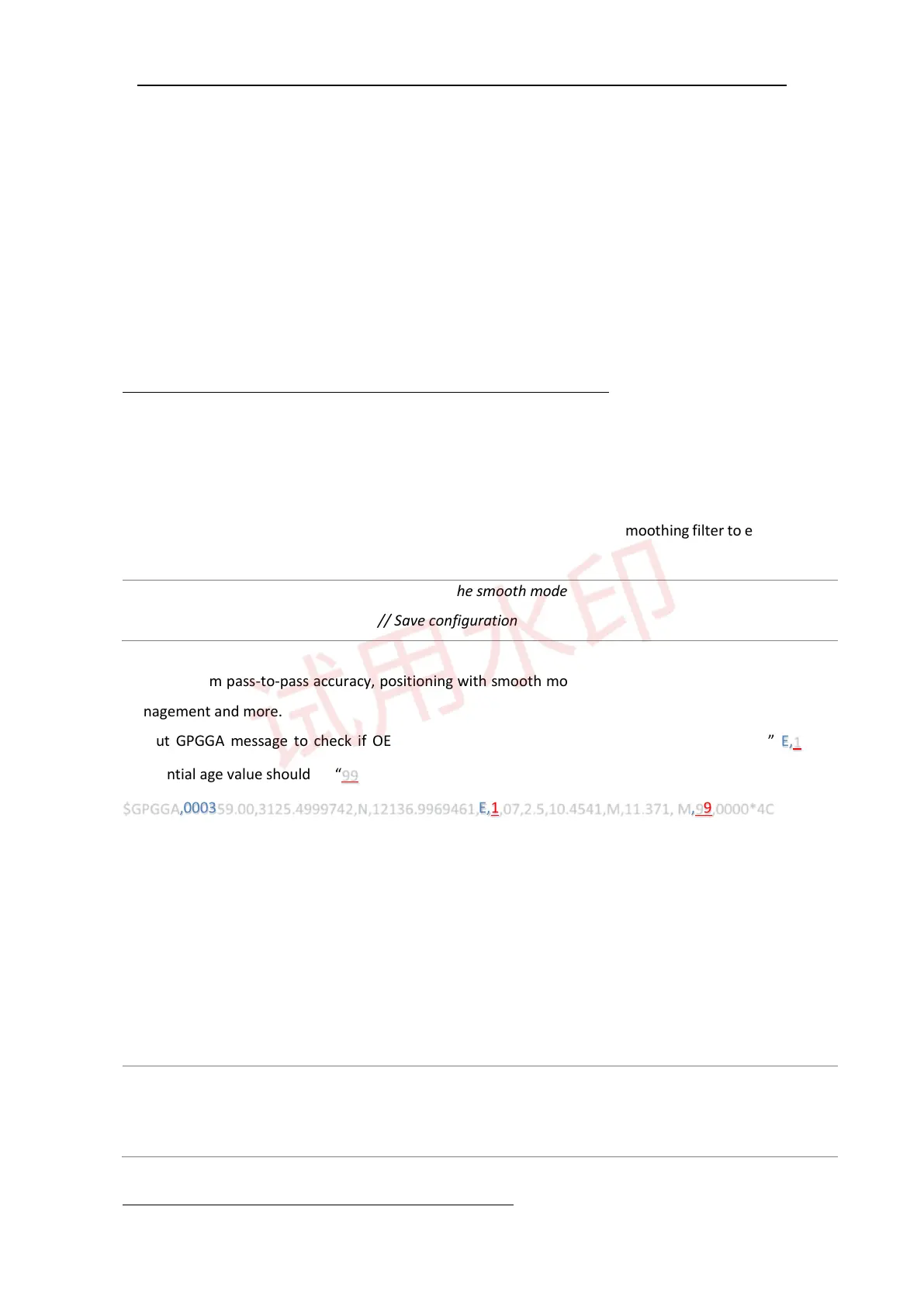
Output GPGGA message to check if OEM board is in smooth mode, solution status should be” E,1” and
differential age value should be “99“, shown below.
$GPGGA,000359.00,3125.4999742,N,12136.9969461,E,1,07,2.5,10.4541,M,11.371, M,99,0000*4C
4.2 SBAS mode
For ComNav Technology OEM boards, the default setting for SBAS is disabled. You can enable this mode to
improve positioning accuracy if receivers in the area covered by certain SBAS satellites. Make sure GNSS
antenna is able to track satellites, and send following commands to activate this mode:
// activate the SBAS satellite, take MSAS as an example.
// Set sbas satellite based on
Set pvtobsmode sbas
set sbassys
msas/waas/egnos/gagan service coverage
Tip: To disable SBAS, send command “sbascontrol disable”.



 To Next Page