21
K-series OEM Board User Guide
Output GPGGA message to check if OEM board is in SBAS mode, solution status should be “E,2” (SBAS mode)
and base ID should be SBAS satellite’s PRN, such as “0129”.
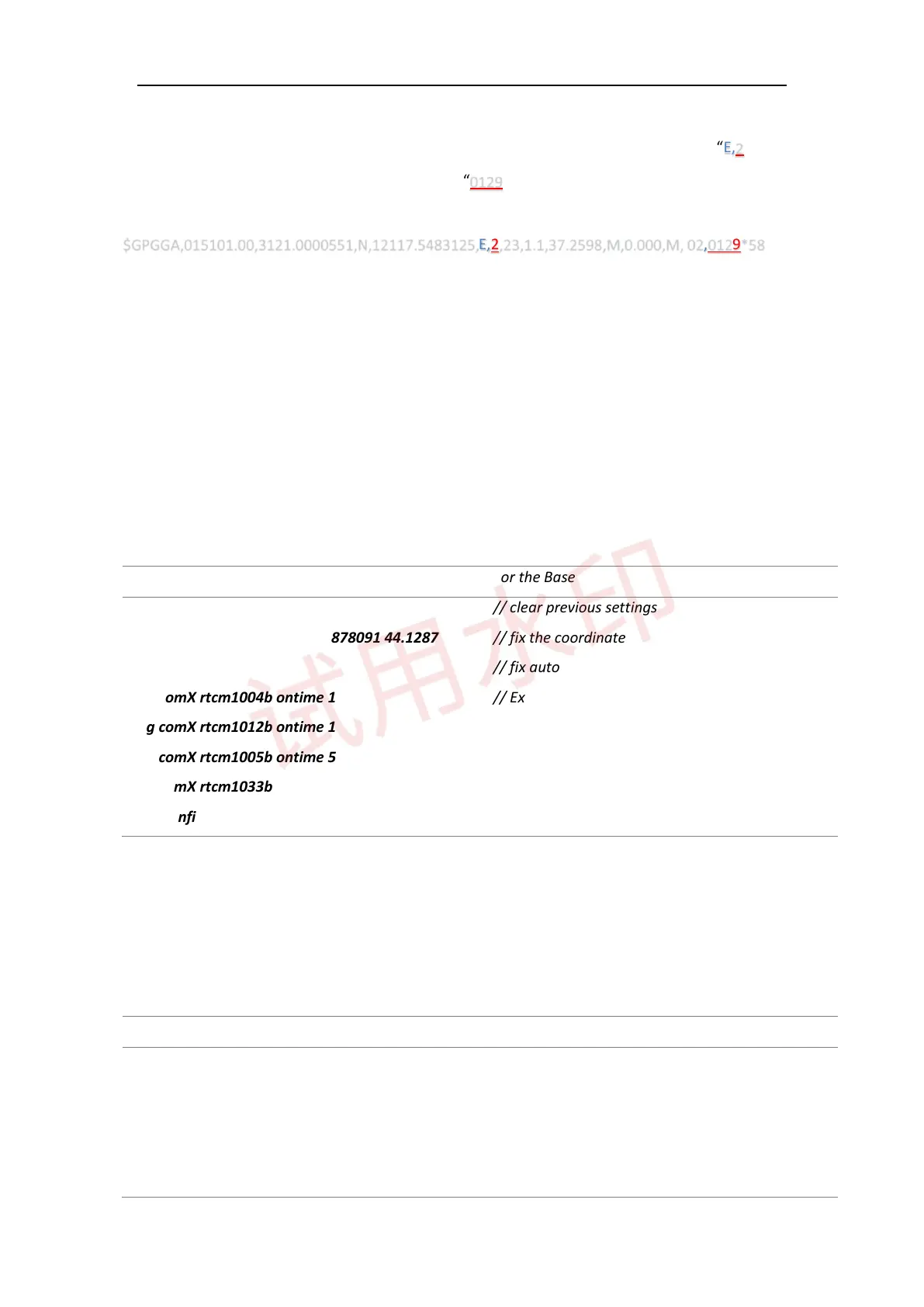
$GPGGA,015101.00,3121.0000551,N,12117.5483125,E,2,23,1.1,37.2598,M,0.000,M, 02,0129*58
4.3 RTK mode
Generally, RTK mode is a commonly used work mode, which can provide centimeter real-time positioning
accuracy. We recommend using RTCM3.0/3.2 as correction data, please refer to following configuration to
start RTK mode.
For the Base
RTCM3.0 For the Base
Unlogall
Fix position 31.1744880 121.3878091 44.1287
(Fix auto)
Log comX rtcm1004b ontime 1
Log comX rtcm1012b ontime 1
Log comX rtcm1005b ontime 5
Log comX rtcm1033b ontime 10
Saveconfig
// clear previous settings
// fix the coordinate
// fix auto
// Extended L1, L2 GPS RTK Observables
// Extended L1, L2 GLONASS RTK Observables
// Base station coordinate
// Base station type
// Save configuration
With 9600 baud rate for air link, the limited number of data can be sent out per second in radio mode.
Therefore, it’s better to set latency time for different constellations if you start base station in radio mode.
The following commands show RTCM3.0 as an example, which may be incompatible with rover receiver of
other brands.
RTCM3.0 (Radio mode) For the Base
Unlogall
Fix position 31.1744880 121.3878091 44.1287
(Fix auto)
Log comX rtcm1004b ontime 2
Log comX rtcm1012b ontime 2 1
// clear previous settings
// fix the entered coordinate
// fix the coordinate automatically
// Extended L1, L2 GPS RTK Observables
// Extended L1, L2 GLONASS RTK Observables



 To Next Page