12
K-series OEM Board User Guide
3. OEM board configuration with CRU software
This chapter describes OEM board configuration with ComNav Compass Receiver Utility (CRU) software. With
CRU software, you are able to communicate and configure your OEM boards via serial port or Ethernet
connection. Download at: http://www.comnavtech.com/companyfile/4/
3.1 Connect with OEM boards
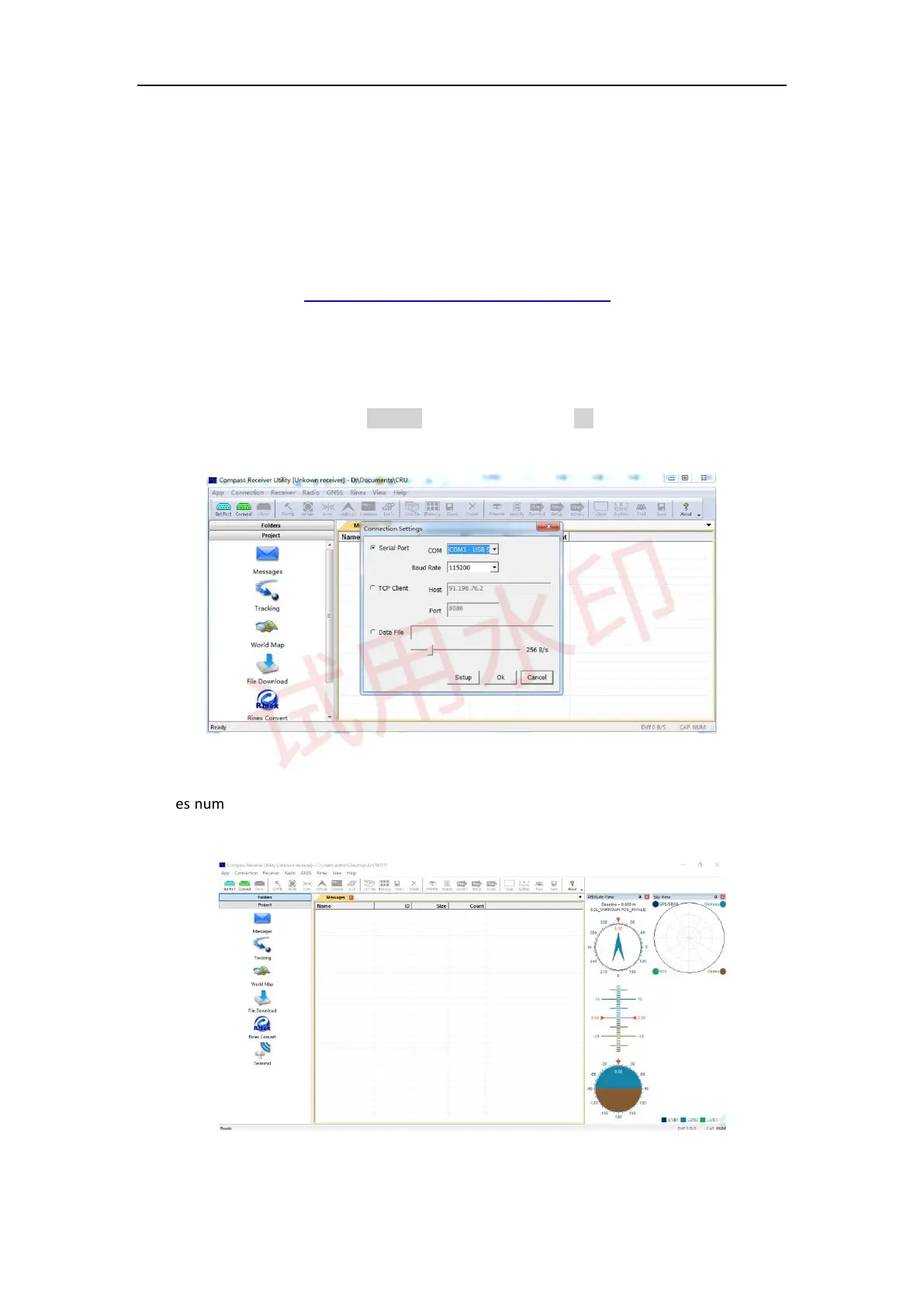
For serial port communication, Click Set Port -> select COM port -> OK to connect (the default baud rate of
OEM board is 115200).
The series number of OEM board will be shown on the title bar if connected successfully, otherwise please
check power supply and connections of every components.



 To Next Page