23
K-series OEM Board User Guide
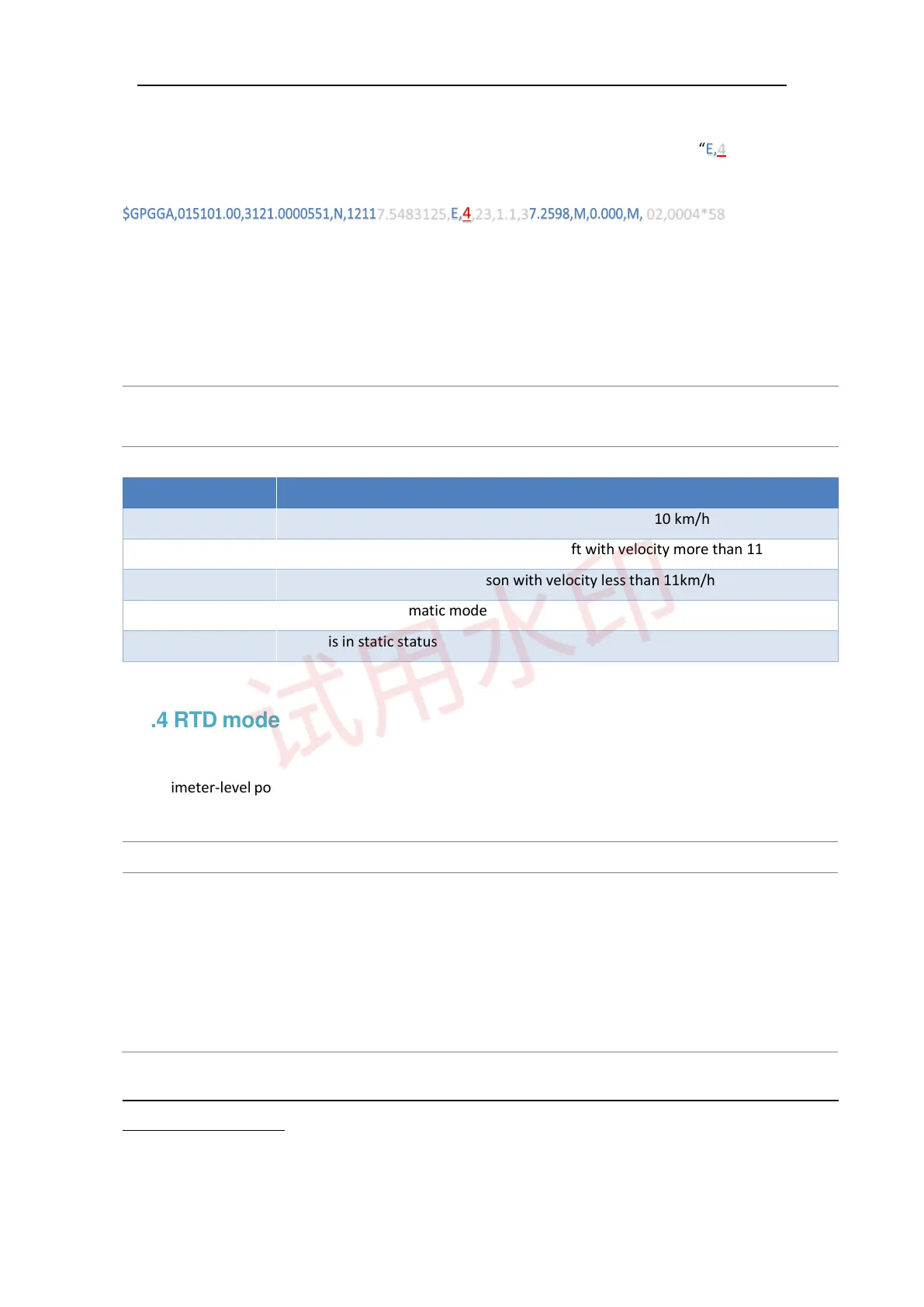
Output GPGGA message to check if OEM board in RTK mode, solution status should be “E,4”.
7.5483125,E,4,23,1.1,3 02,0004*58
Moreover, the default setting is foot mode, and you also can adjust different dynamic mode in the RTK mode
based on your requirements including foot, land, air, auto and static. In different mode, RTK engine treats the
observation data in different style to promote the performance of RTK engine. The command is as below:
Rtkdynamics <mode>
Saveconfig
//can be set as land/air/foot/auto/static
//save configuration
Mode Description
LAND Board is in a stable land vehicle with velocity less than 110 km/h
AIR Board is in a stable land vehicle or an aircraft with velocity more than 110km/h
FOOT Board is being carried by a person with velocity less than 11km/h
AUTO Board is in an automatic mode
STATIC Board is in static status
4.4 RTD mode
For decimeter-level positioning application, our board can provide DGPS mode. The configuration is as below:
For the Base:
For the Base
Fix position 31.1744880 121.3878091 44.1287
(Fix Auto)
Log rtcm1b ontime 1
Log rtcm31b ontime 1
Log rtcm59bdsprcb ontime 1
Saveconfig
// fix the entered coordinate
// fix the coordinate automatically
//Differential GPS Corrections
//Differential GLONASS Corrections
/Differential Beidou Corrections
// Save configuration
Tip: RTCM59bdsprcb message is defined by ComNav Technology, which may be incompatible with rover
receiver of other brands.
For the Rover



 To Next Page