. . . . . . . . . . . . . . . . . . . . . . . . . . . . . . . . . . . . .
6-8
Armada MiniStation Removal and Replacement Procedures
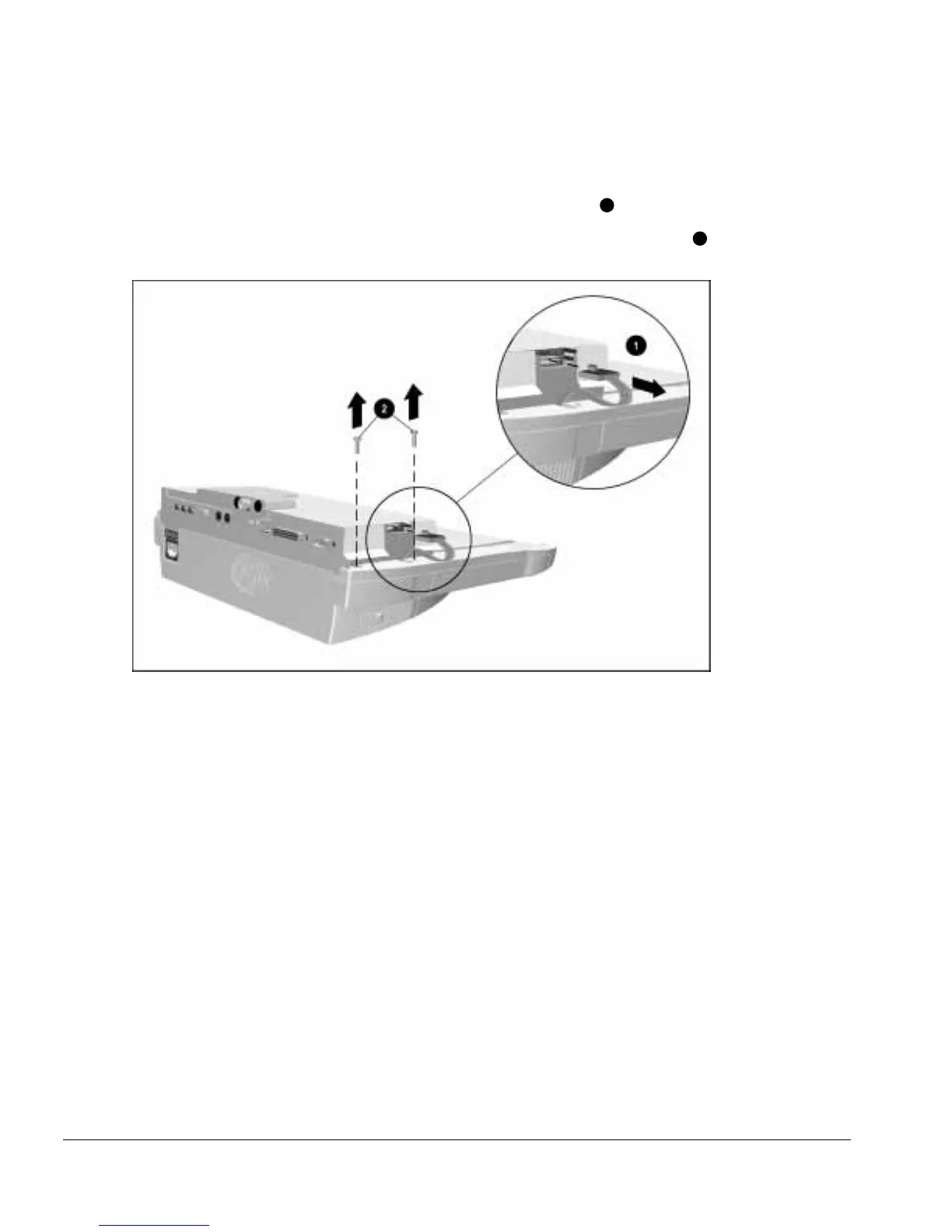
5. Position the Armada MiniStation so the left side is facing forward.
6. Disconnect the power supply cable from the module assembly
2
(Figure 6-8).
7. Remove the two screws securing the module assembly to the base assembly
2
.
Figure 6-8.
Removing the Module Assembly Screws and Disconnecting the Power Supply Cable



 To Next Page