. . . . . . . . . . . . . . . . . . . . . . . . . . . . . . . . . . . . .
ArmadaStation Removal and Replacement Procedures
5-11
5.6 Upper Case Assembly
The upper case assembly is spared as a unit and consists of the:
■ Top cover
■ PC Card door
■ Speaker grills
■ Monitor support cover slot buttons
■ Label
To remove the upper case assembly, follow these steps:
1. Prepare the ArmadaStation for disassembly (Section 5.3).
2. Position the ArmadaStation so the front is facing forward.
3. Remove the alignment tray assembly (Section 5.4).
4. Remove the rear panel assembly (Section 5.5).
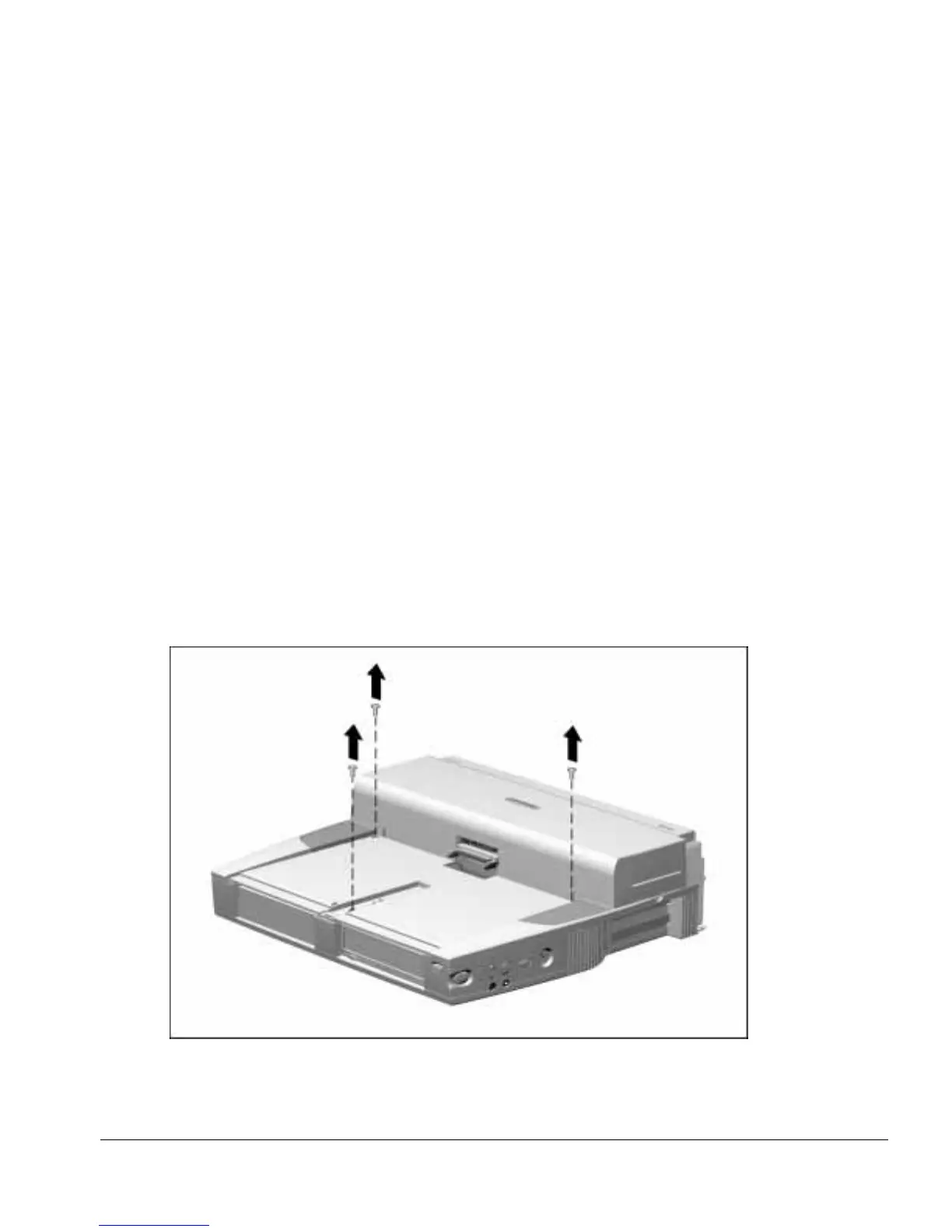
5. Remove the three screws securing the upper case assembly to the base assembly
(Figure 5-11).
Figure 5-11.
Removing the Upper Case Assembly Screws



 To Next Page