. . . . . . . . . . . . . . . . . . . . . . . . . . . . . . . . . . . . .
5-10
ArmadaStation Removal and Replacement Procedures
Before installing the rear panel assembly, make sure the manual release lever is
positioned as far to the left as it will go.
To install the rear panel assembly, follow these steps:
1. Slide the rear panel release latch to the left.
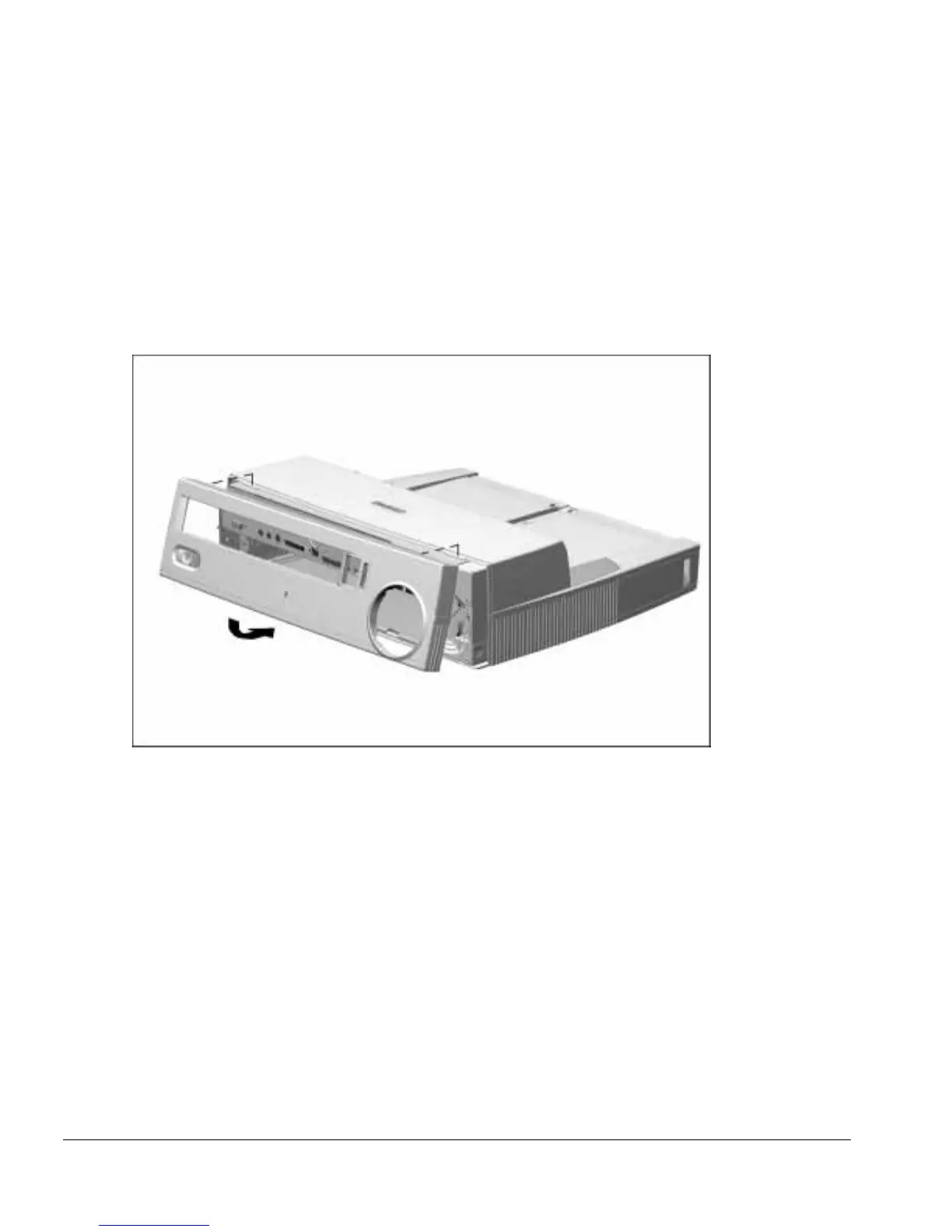
2. Align the tabs on the top edge of the rear panel assembly with the slots on the back
edge of the upper case assembly (Figure 5-10).
Figure 5-10.
Installing the Rear Panel Assembly
3. Swing down the bottom edge of the rear panel assembly until it latches onto the
base assembly.
NOTE: When installing the rear panel assembly, make sure the BNC Ethernet
connector (if present) does not interfere with the assembly.
4. Slide the rear panel release latch to the right.



 To Next Page