. . . . . . . . . . . . . . . . . . . . . . . . . . . . . . . . . . . . .
ArmadaStation Removal and Replacement Procedures
5-3
5.3 Preparing the ArmadaStation
for Disassembly
Before beginning removal and replacement procedures, follow these steps:
1. Turn the ArmadaStation keylock clockwise to unlock it.
2. Undock the computer from the ArmadaStation.
3. Turn off the ArmadaStation.
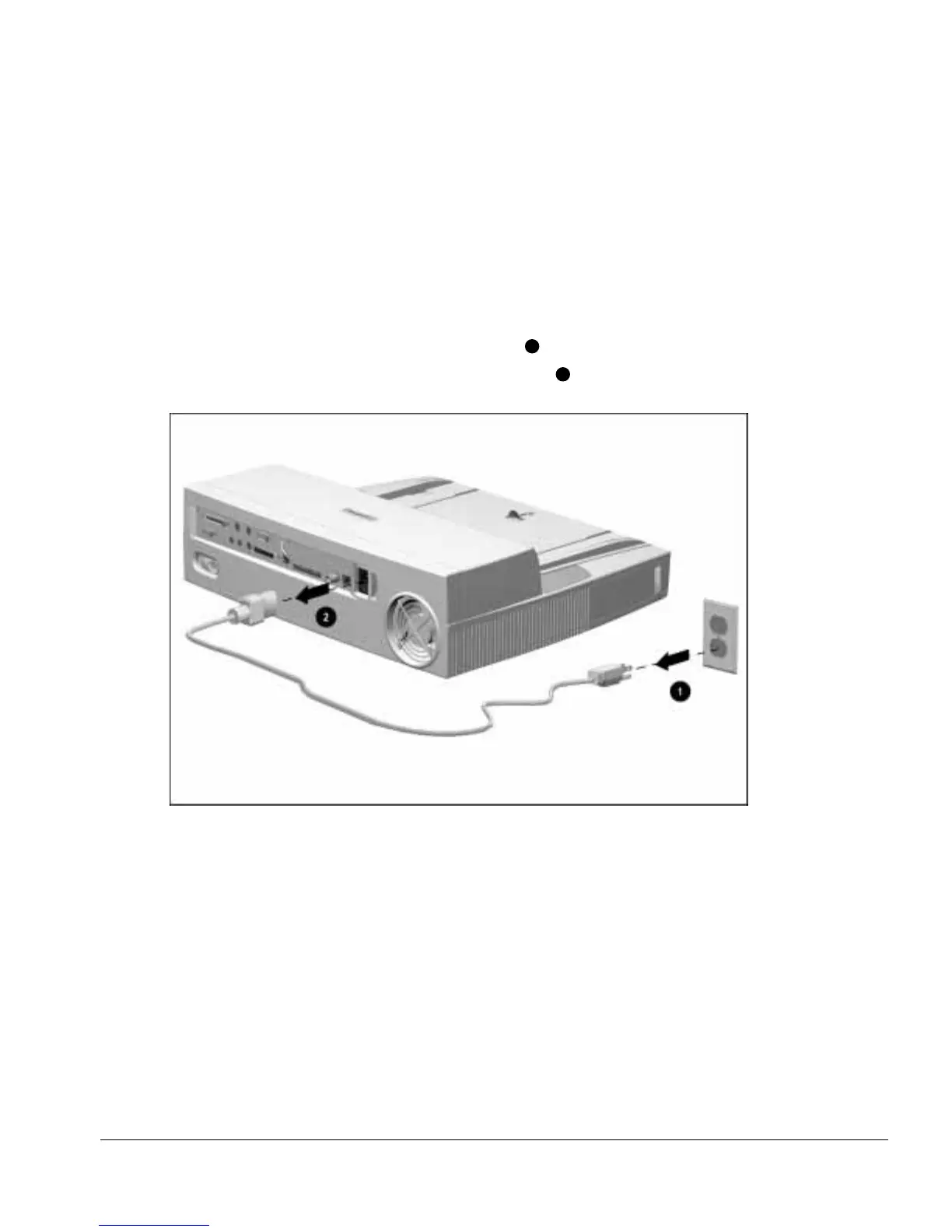
4. Disconnect the power cord from the wall outlet
1
(Figure 5-3).
5. Disconnect the power cord from the ArmadaStation
2
.
Figure 5-3.
Disconnecting the ArmadaStation
6. Disconnect any external devices.
7. If installed, remove any MultiBay devices from the ArmadaStation MultiBays.
8. If installed, remove any PC Cards from the ArmadaStation PC Card slots.



 To Next Page