. . . . . . . . . . . . . . . . . . . . . . . . . . . . . . . . . . . . .
Chapter 6
Armada MiniStation Removal and Replacement Procedures
6-1
Armada MiniStation Removal and
Replacement Procedures
This chapter presents the removal and replacement procedures for the Armada
MiniStation.
NOTE: This chapter contains instructions that refer to the Armada MiniStation in its two
optional models: the Armada MiniStation E (Ethernet capability) and the Armada
MiniStation EX (Ethernet, MultiBay, battery charging bay, and PC Card capabilities).
When a set of instructions refers to the “Armada MiniStation,” the instructions pertain
to both models. Otherwise, “E” or “EX” is used to indicate the specific model base.
6.1 Serial Number
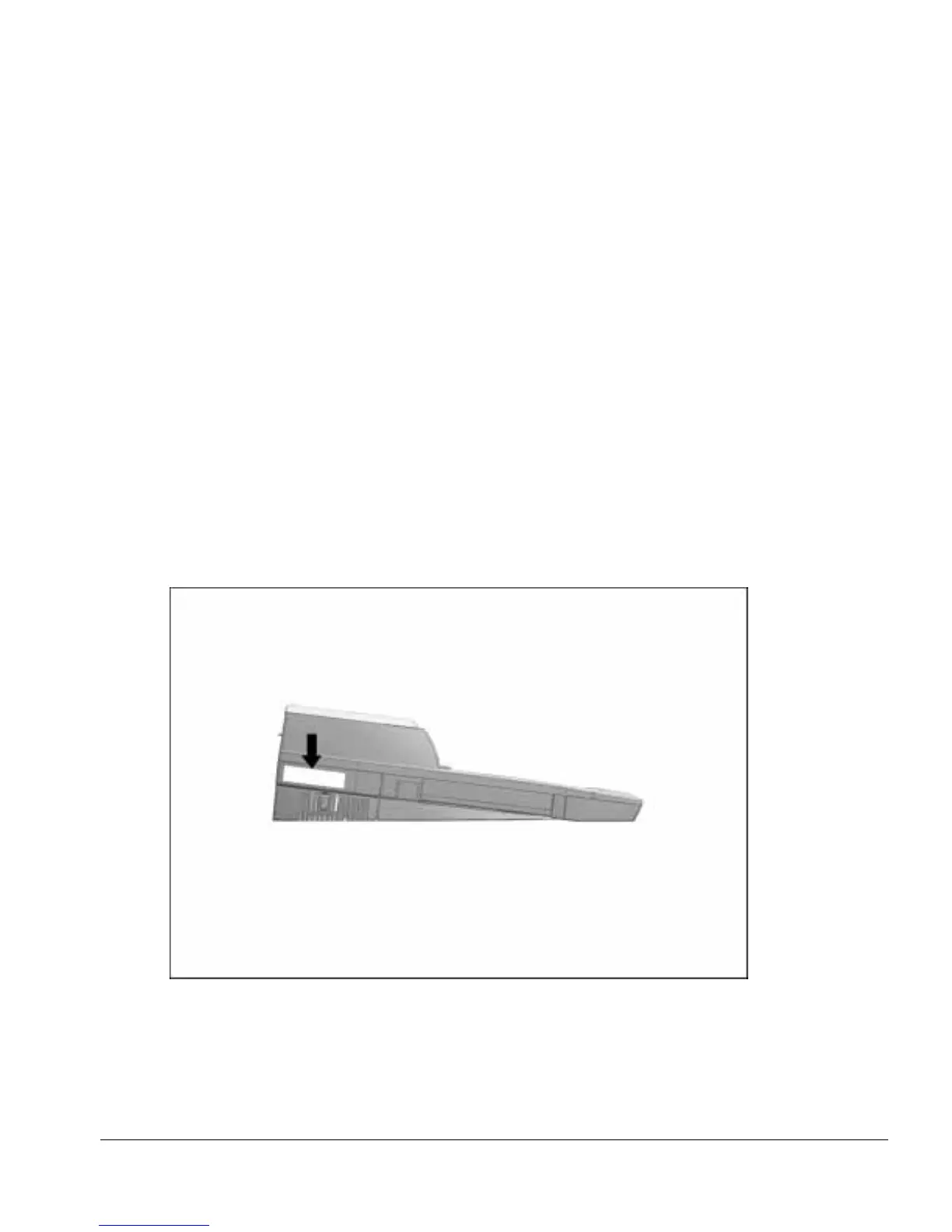
The Armada MiniStation serial number should be reported to Compaq when requesting
information or ordering spare parts. The serial number is displayed on the left side of
the Armada MiniStation (Figure 6-1).
Figure 6-1.
Armada MiniStation Serial Number Location



 To Next Page