. . . . . . . . . . . . . . . . . . . . . . . . . . . . . . . . . . . . .
Armada MiniStation Removal and Replacement Procedures
6-7
6.6 Module Assembly
The module assembly is located underneath the enclosure cover. To remove the module
assembly, follow these steps:
1. Prepare the Armada MiniStation for disassembly (Section 6.3).
2. Remove the enclosure cover (Section 6.5).
3. Position the Armada MiniStation so the right side is facing forward.
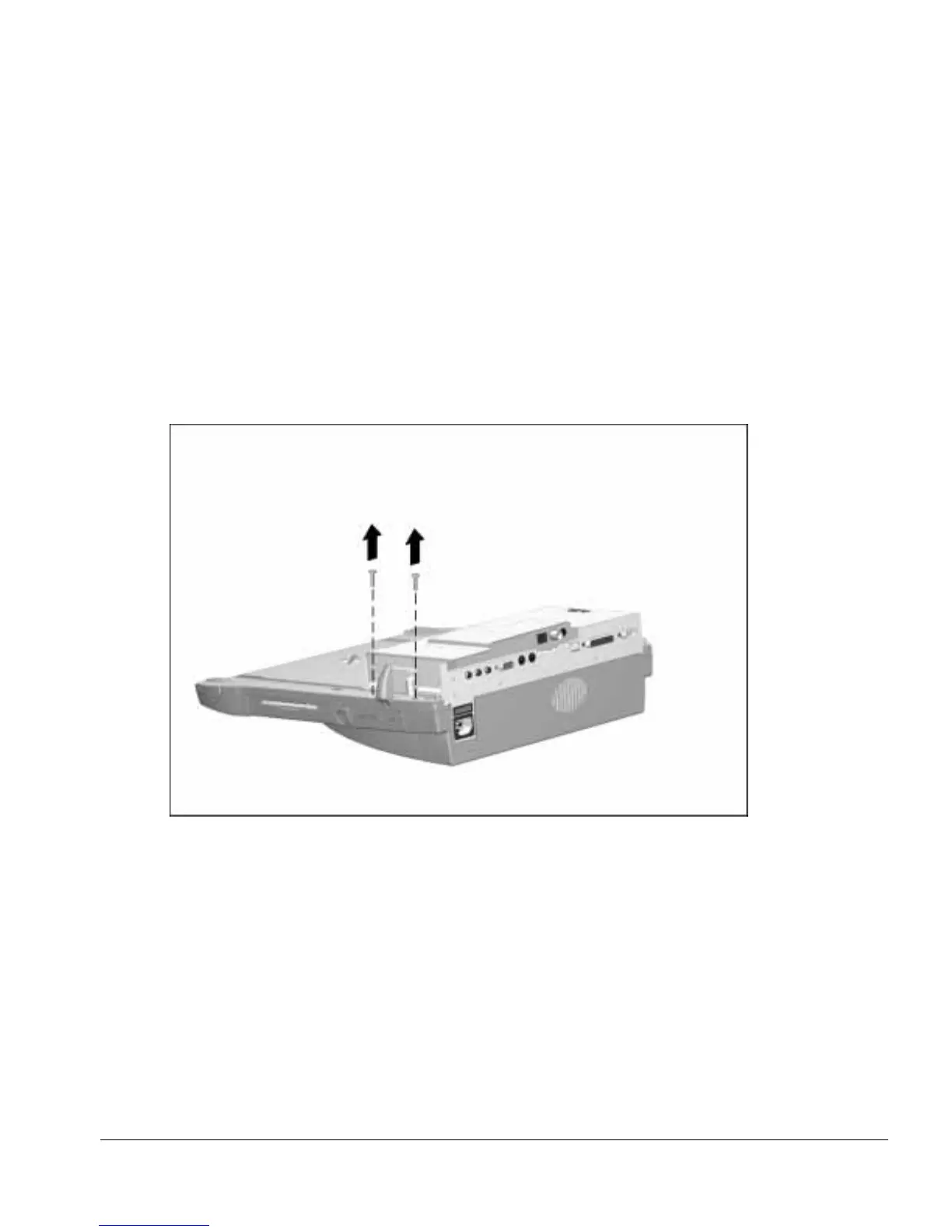
4. Remove the two screws securing the module assembly to the base assembly
(Figure 6-7).
Figure 6-7.
Removing the Module Assembly Screws



 To Next Page