. . . . . . . . . . . . . . . . . . . . . . . . . . . . . . . . . . . . .
5-4
ArmadaStation Removal and Replacement Procedures
5.4 External Components
This section describes the removal and replacement procedures that do not require
access to the internal components of the ArmadaStation. This includes:
■ Compaq logo
■ Feet
■ Alignment tray assembly
Compaq Logo
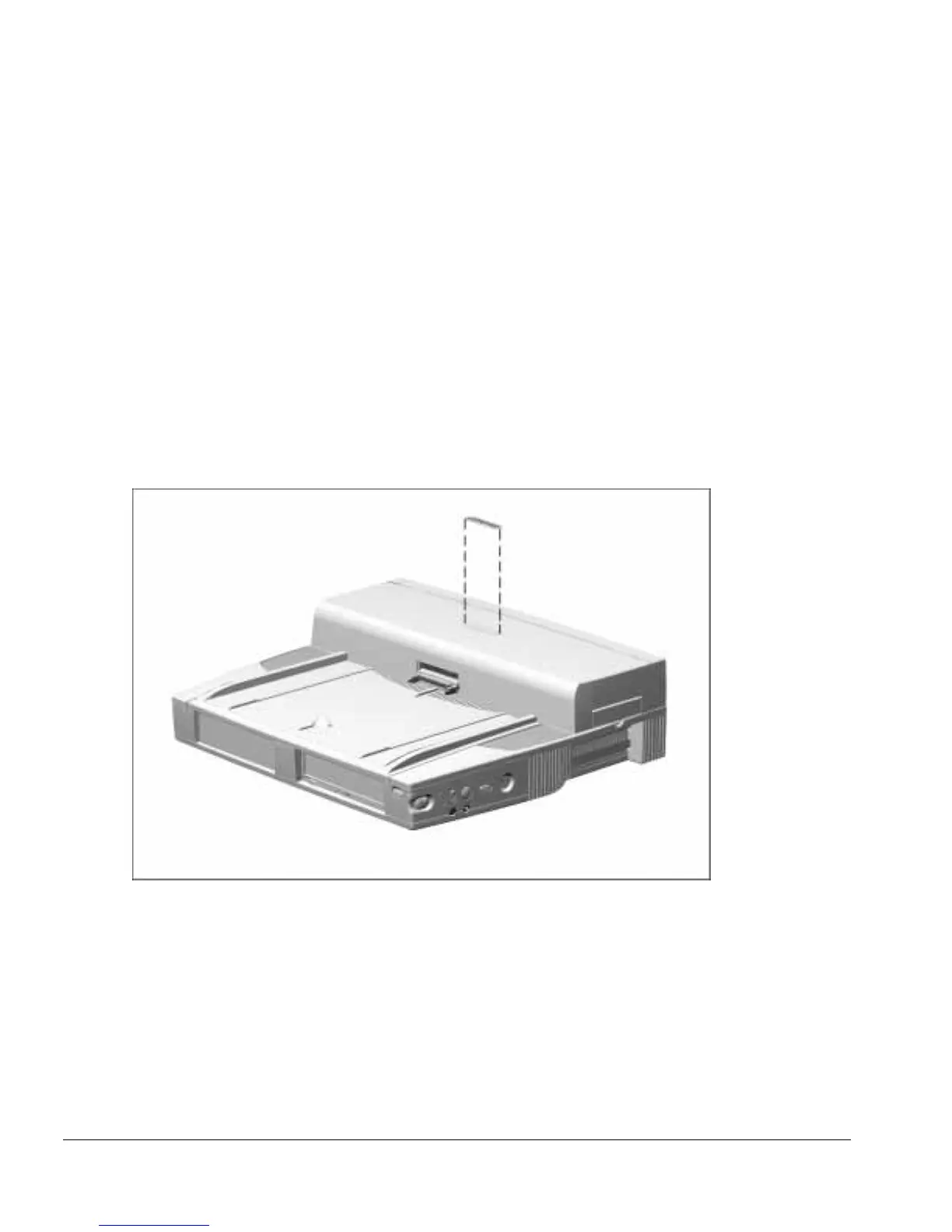
You need to install a Compaq logo on the ArmadaStation or monitor support cover only
if the old logo is damaged or removed. The logo is an adhesive-backed label. Remove
the protective covering from the adhesive back, and install the logo in its location on the
ArmadaStation (Figure 5-4) The logo reads from left to right when viewed from the
front of the unit.
Figure 5-4.
Installing a Compaq Logo



 To Next Page